8
9
7
⦁
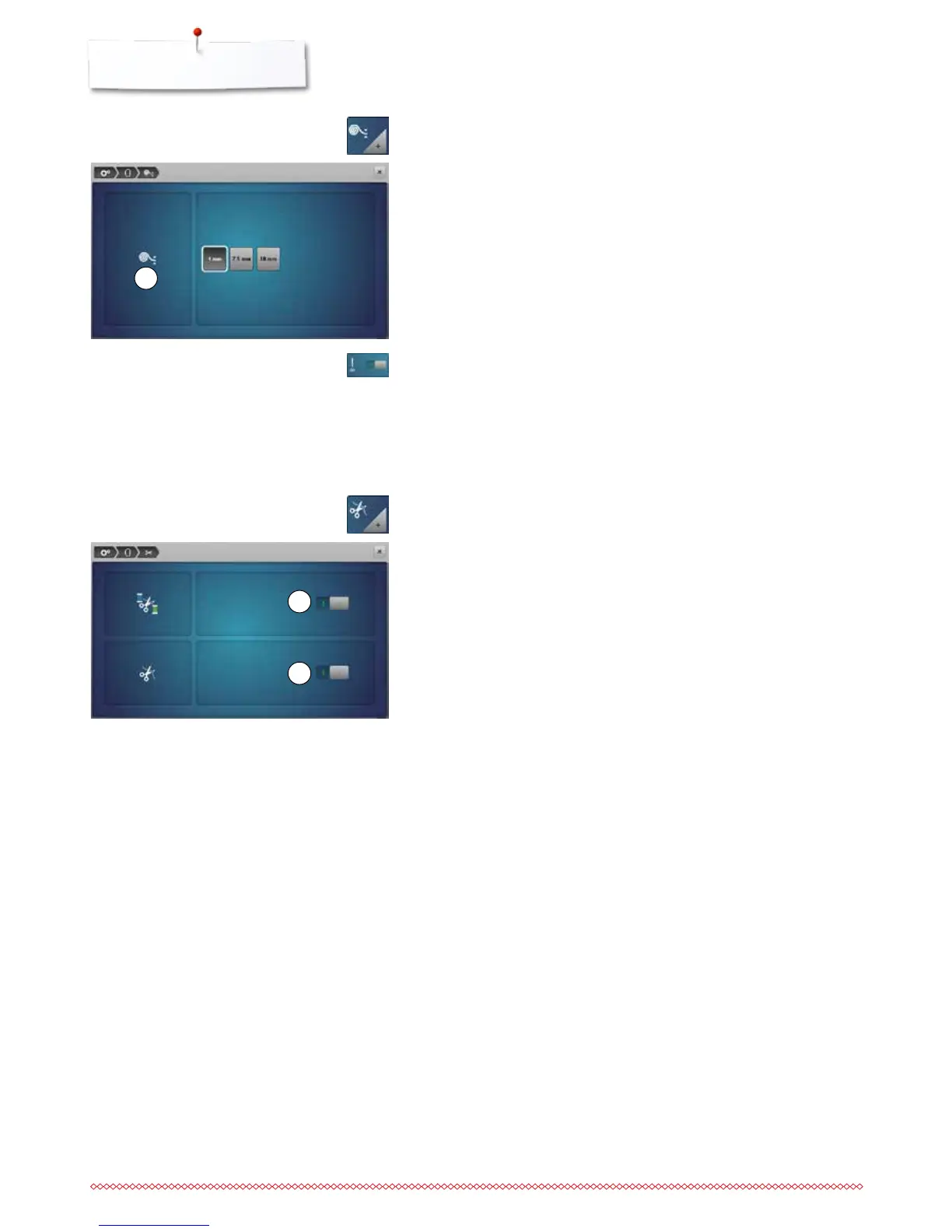
if the fabric 7 is ticker than 4 mm, e.g. toweling, select 7.5 mm-icon or
10 mm-icon
►
this ensures that the embroidery hoop is only moved when the needle is no
longer in the material
►
when the embroidery computer is switched off and then restarted again, the
setting is 4 mm
Activating or deactiving securing stitches
Standard = active.
►
i.e. After the selection of an embroidery motif or the automatic thread cut
four securing stitches will be triggered
⦁
touch gray icon
►
function is inactive = no securing stitches will be sewn, i.e. the lower thread
must be taken up manually (handwheel). The threads must be held when
starting to embroider
⦁
touch icon 8
►
when changing the thread color the automatic cut of the thread is activated
or deactivated
⦁
touch icon 9
►
to turn the automatic thread cutter on or off
Fabric Thickness
⦁
touch the «Fabric thickness»-icon
Automatic cut
⦁
touch the «Thread cut»-icon



 To Next Page