1
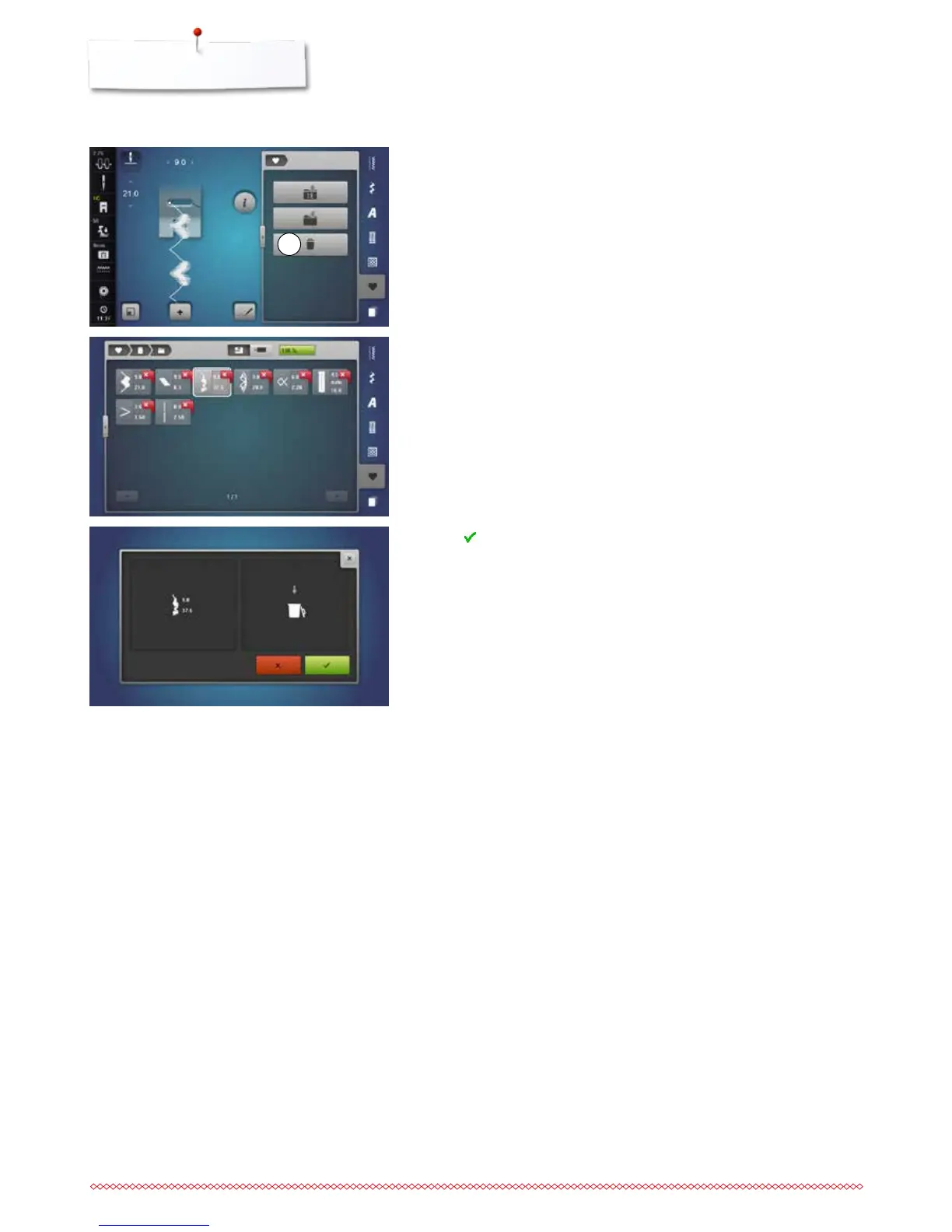
Deleting stitch patterns
Selecting stitch patterns
⦁
touch the «Personal program»-button
⦁
touch the «Delete»-icon 1
⦁
select the desired folder or
⦁
insert the USB stick
⦁
touch the «USB stick»-icon
⦁
select the stitch pattern to be deleted
⦁
touch to confirm
►
stitch pattern is deleted
►
the remaining stitch patterns are moved by one position



 To Next Page