►
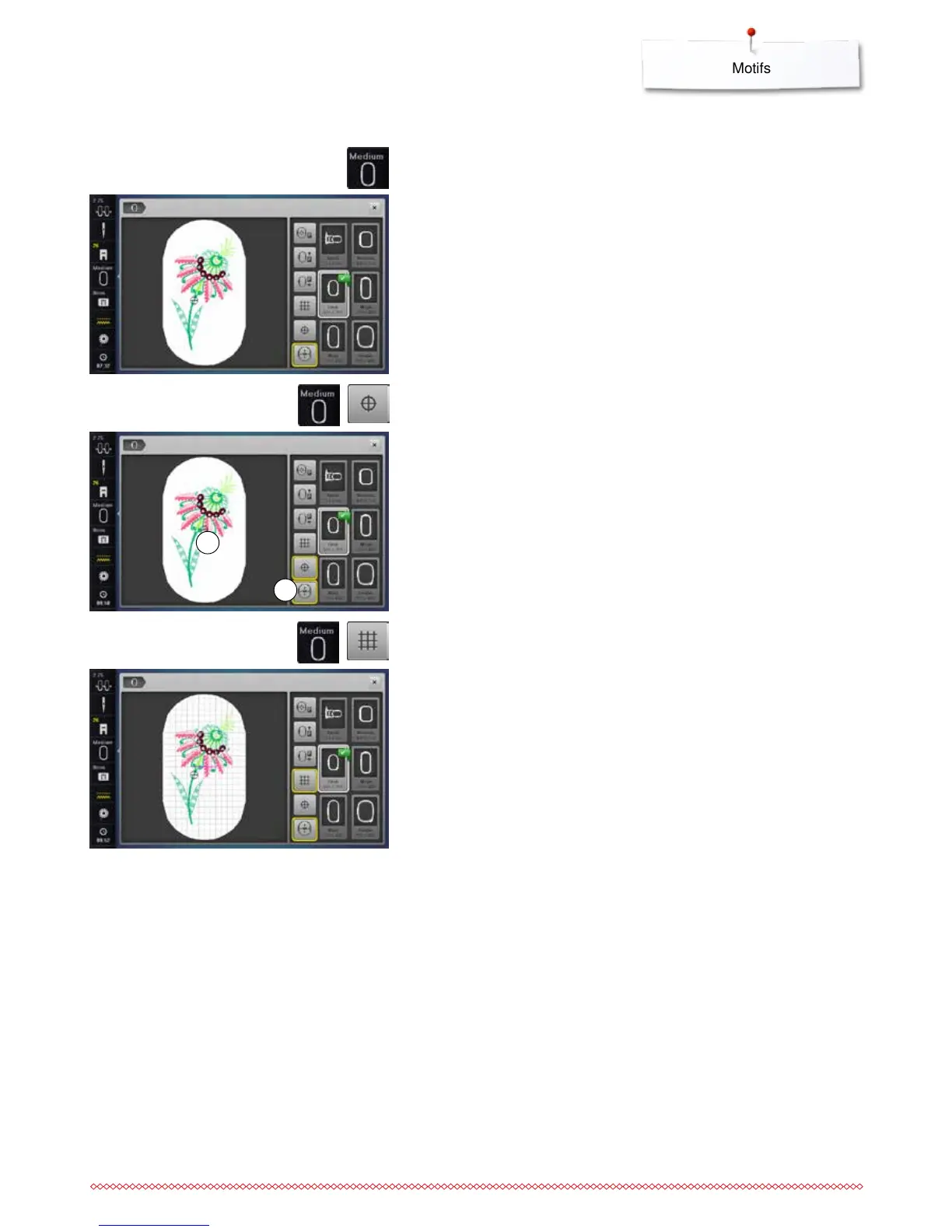
center of motif 1 is shown in the the Display
►
the hoop is moved until the needle is exactly in the center of the motif,
when the function «Virtual Positioning» 2 is activated
⦁
touch the «Motif center»-icon again
►
the first stitch of the motif will be marked again in the Display
Motif Center
⦁
touch the «Select hoop»-icon
⦁
touch the «Motif center»-icon
1
For best embroidery results always use the smallest hoop possible for the
motif.
⦁
select the desired hoop
►
the selected hoop is framed in white and marked in the corner top right
⦁
touch the «Select hoop» or the «close»-icon
►
the Display closes
►
the embroidery motif appears in the selected hoop
⦁
touch the «Select hoop»-icon
Select hoop
Grid
⦁
touch the «Select hoop»-icon
⦁
touch the «Grid»-icon
►
a big cursor indicates the center of the hoop
⦁
touch the «Grid»-icon again
►
due to the visual grid, which appears in the display, embroidery motifs can
be positioned easily
⦁
touch the «Grid»-icon again
►
the grid disappears
2



 To Next Page