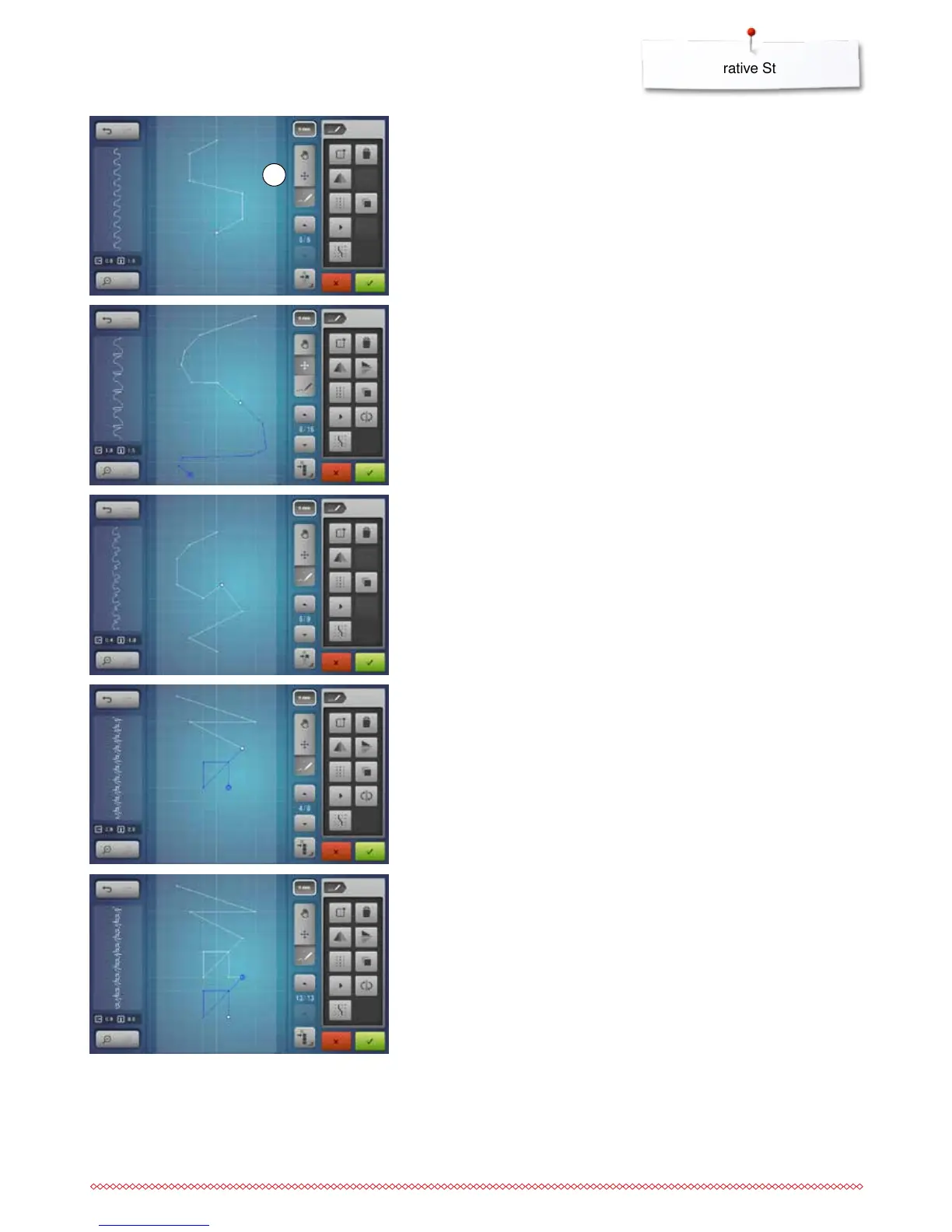
Selecting and moving a single point
⦁
touch the function «Moving points» 1 and select the desired point or
⦁
select the desired point via the «up»/«down»-arrows
►
the point can be moved via the two knobs
►
the function «Inserting stitch» is deactivated
Inserting a point
A new point is inserted after a current position indicated by a white dot.
⦁
select the desired point by scrolling
⦁
touch the desired position in the Display with the finger or the Touchscreen
pen
►
the new point is inserted after the selected point and can be moved to the
desired position with the knobs
Duplicating
⦁
to duplicate a stitch or a portion of the stitch design select the desired stitch
sequence by touching the function «Select from a defined point» and using
the up/down arrows to highlight the stitches
⦁
touch the «Duplicate»-icon
►
the activated stitch or stitch sequence is duplicated
►
the direction, the style and length of the activated part is transferred
Moving several stitches
⦁
touch the function «Selecting from a defined point»
⦁
scroll through the points until the desired stitches are selected
⦁
the marked stitch sequence can be moved via the knobs or, if the function
«Moving points» is activated, also with the finger or the Touchscreen pen
1



 To Next Page