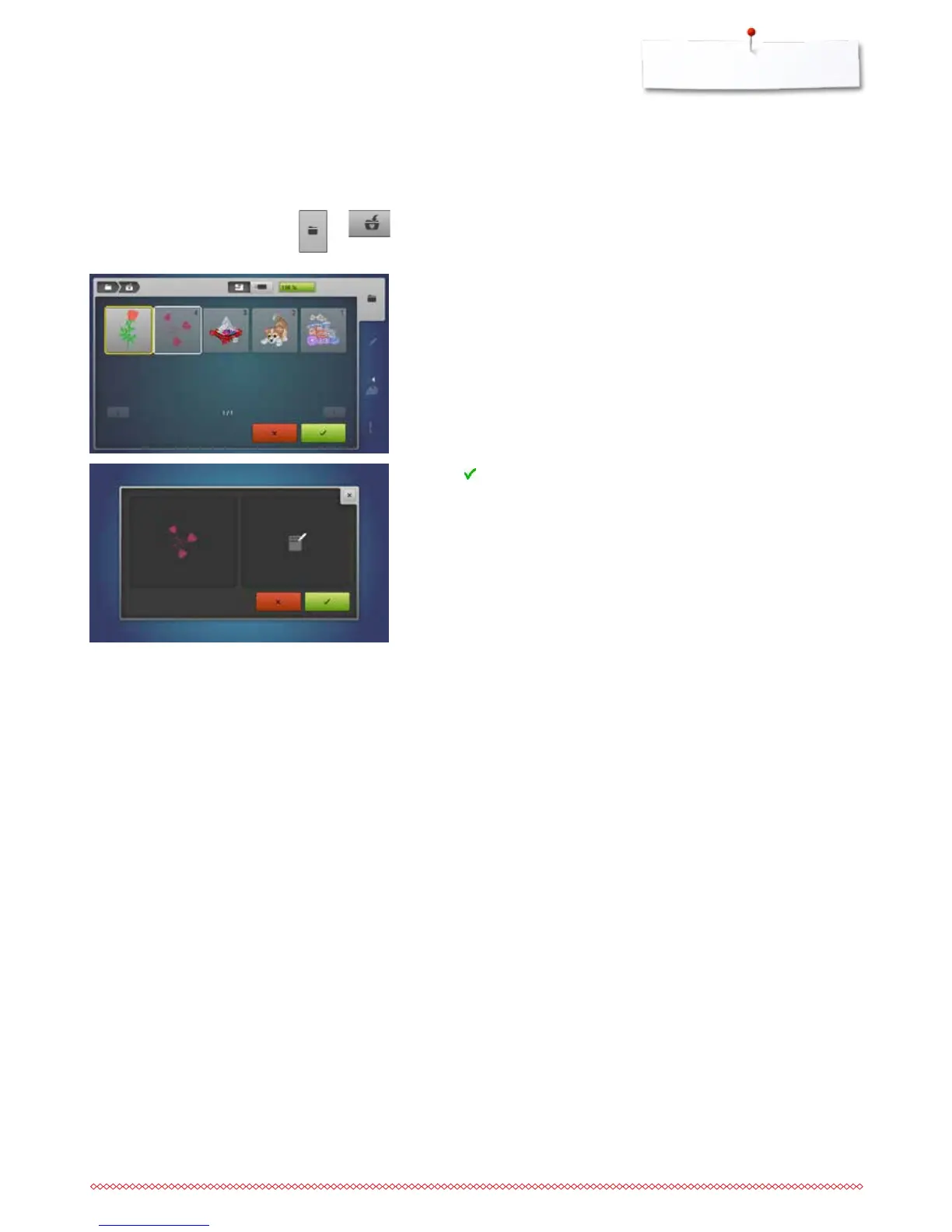
Overwriting motifs
Saved motifs in the memory or on an USB stick can be overwritten directly by
another motif.
⦁
select the desired motif
⦁
insert the BERNINA USB stick
⦁
press the «Selection»-button
⦁
touch the «Save»-icon
The motif to be saved is displayed in a yellow frame.
⦁
press the «Embroidery computer»-button or touch the «USB stick»-icon
⦁
select the motif to be overwritten
⦁
touch to confirm
►
the motif is now saved at the previously selected position



 To Next Page