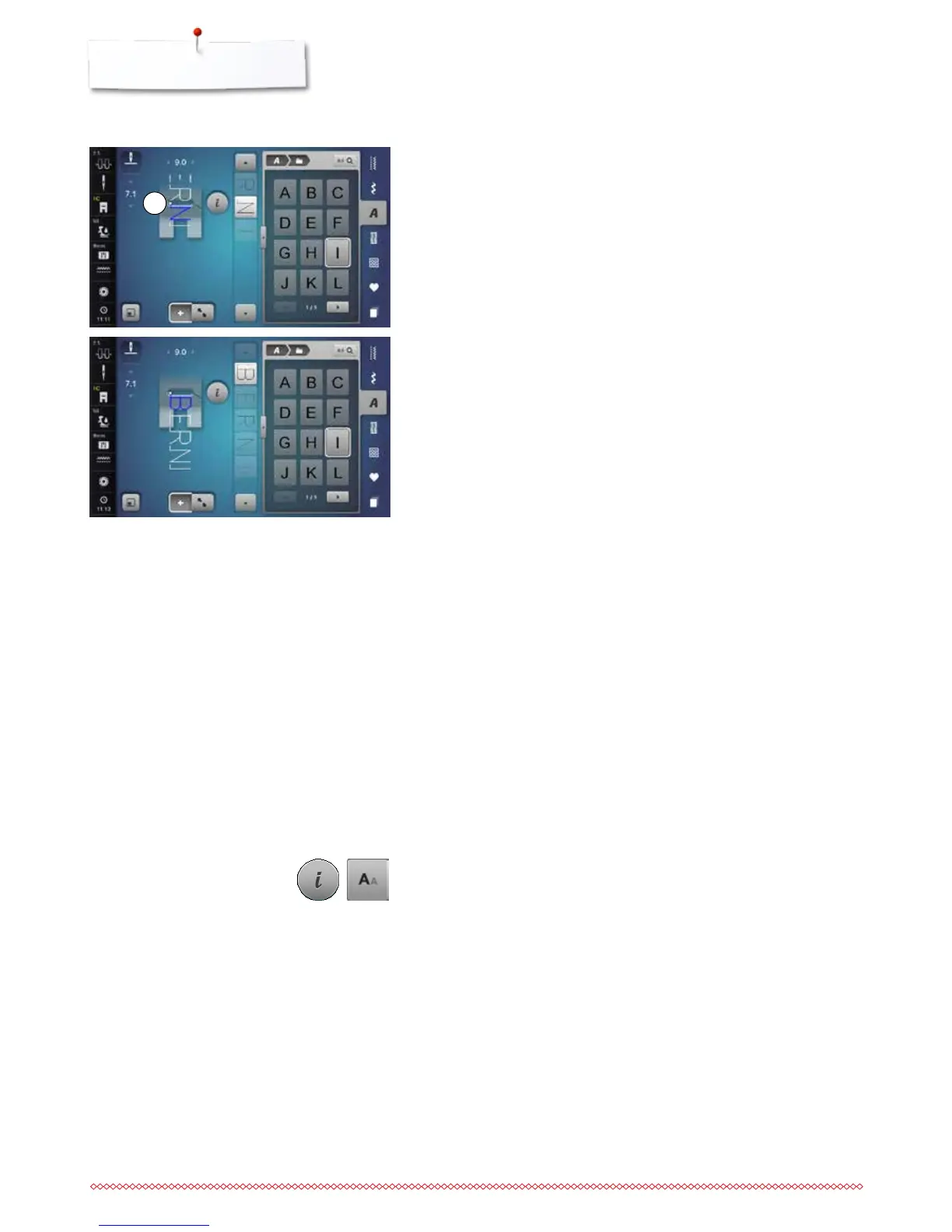
1
Correcting the combination
Inserting character
The letter is inserted below the cursor.
Activating desired place:
⦁
select or scroll to required letter in the Editing Area
►
the stitch pattern combination is moved to the starting position of the
desired stitch pattern in the stitch altering area
►
the starting point is indicated by a white dot 1 in the stitch hole of the virtual
presser foot
⦁
select new letter
►
the letter is inserted after the selected letter
Deleting Letters
A letter is deleted above the cursor.
Activating desired place:
⦁
select or scroll to required letter in the Editing Area
⦁
touch the «i»-icon
⦁
touch the «Delete»-icon or
⦁
select the desired letter with the finger, keep it pressed and move it to the
right
⦁
remove the finger from the Display
►
letter is deleted
Saving and deleting combinations see page 141, 147.
Inserting an additional letter at the beginning of a pattern combination:
⦁
move the cursor to the top by using the arrow icons
Alphabet in combination with functions
Selecting lower case letters
⦁
scroll through the alphabet using the scrolling icons until the lower case
letters appear
⦁
touch the «abc»-icon in the large view of the alphabet, see page 133
Altering font size
⦁
touch the «i»-icon
⦁
touch the «Font size»-icon
►
the small «A» turns dark and the icon is yellow-framed
►
the letter is reduced
⦁
touch the «Font size»-icon again
►
the big lettering is active again (big «A» is dark)



 To Next Page