Stitch pattern combination
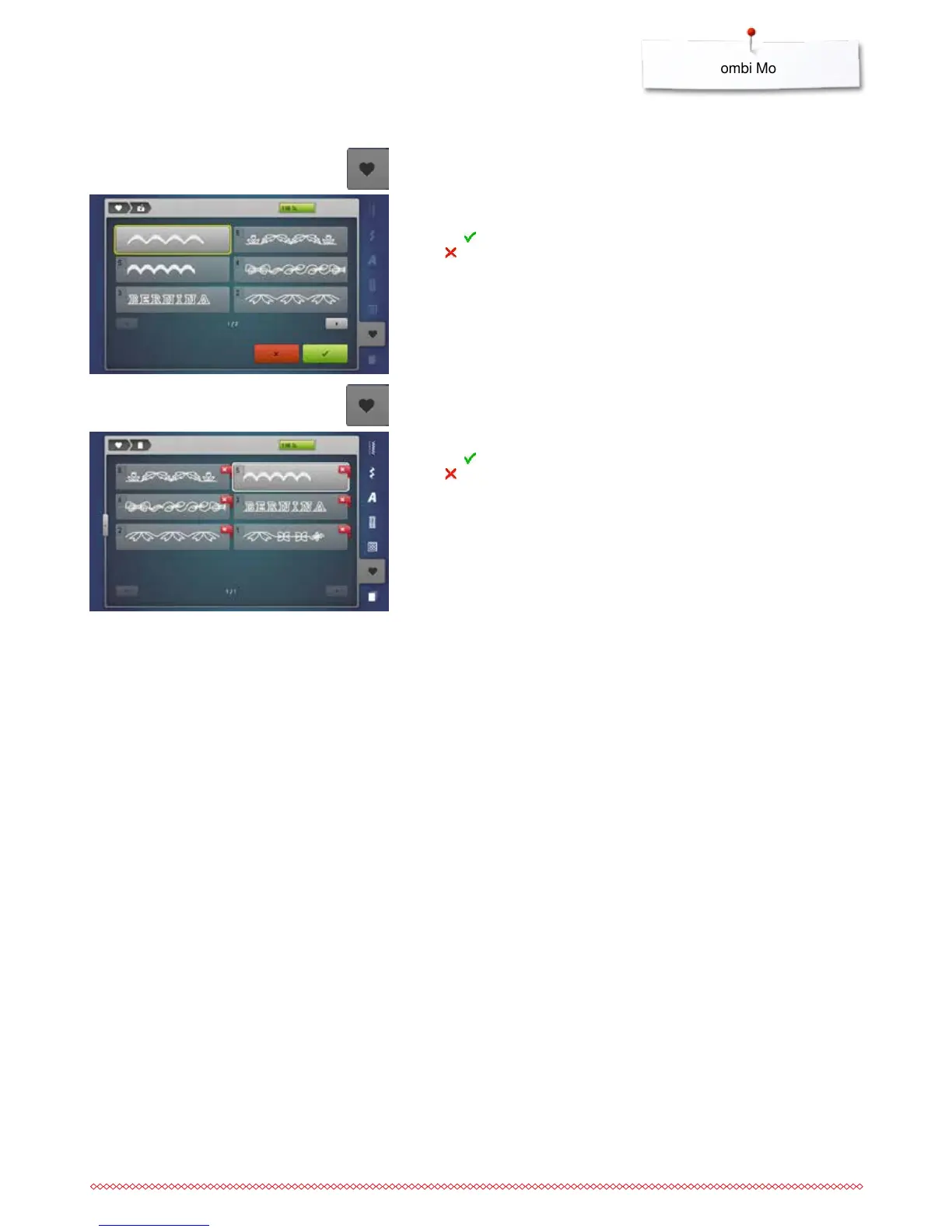
Overwriting
⦁
program a new stitch combination
⦁
touch the «Memory»-button
⦁
touch the «Save»-icon
⦁
select the drawer to be overwritten (e.g. 3)
⦁
touch to confirm
Touch to cancel the overwriting procedure.
Deleting
⦁
touch the «Memory»-button
⦁
touch the «Delete»-icon
⦁
select the drawer to be deleted (e.g. 5)
⦁
touch to confirm
Touch to cancel the deleting procedure.



 To Next Page