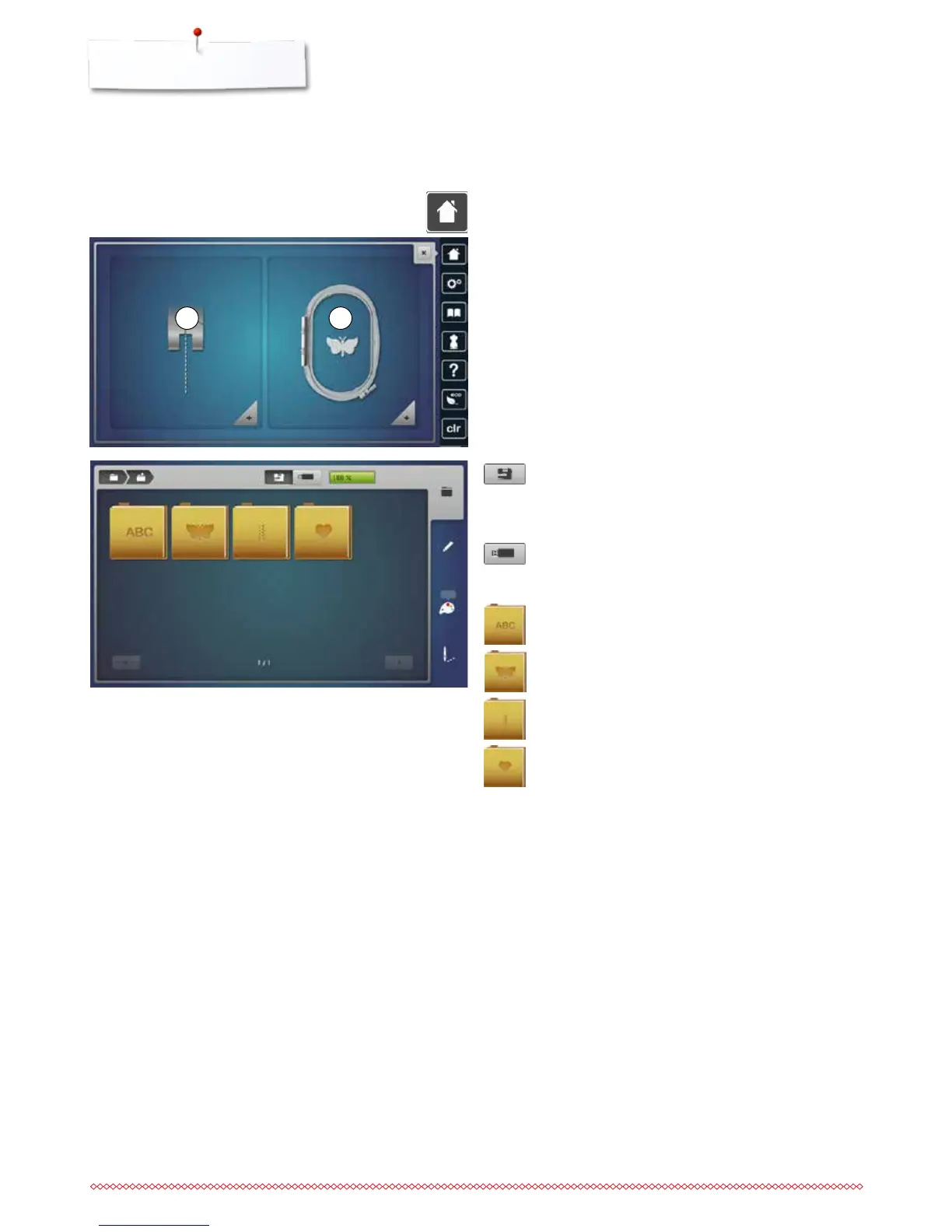
Overview Display
Entry to Embroidery mode
Embroidery computer
To select embroidery motifs from the folders
«Alphabets», «Motifs», «Stitch patterns» or «My
Designs».
USB stick
To select embroidery motifs which are stored on the
USB stick.
Alphabets
To select built-in alphabets.
Embroidery motifs
To select built-in embroidery motifs.
Stitch patterns
To select integrated stitch patterns.
My Designs
To select saved embroidery motifs.
⦁
press the «Home»-button
Embroidery mode
⦁
touch the «Embroidery mode»-icon 2
►
the «Embroidery»-Display appears
Sewing mode
⦁
touch the «Sewing mode»-icon 1
►
the «Sewing»-Display appears
1 2



 To Next Page