⦁
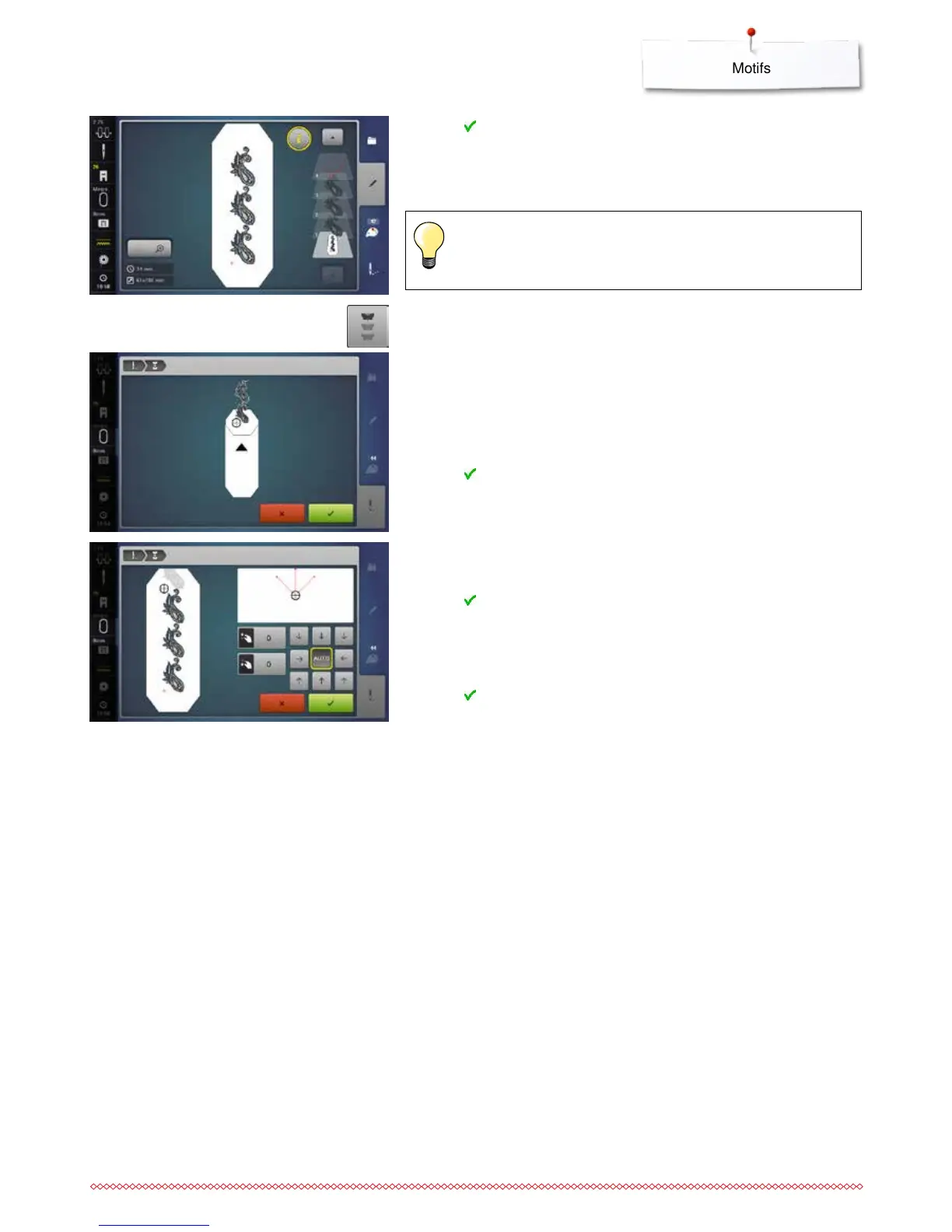
touch to confirm
►
the «Edit»-Display appears
⦁
touch the «i»-icon
►
the function overview closes
⦁
change to the Embroidery Display and embroider the border
In the embroidery menu it‘s possible to change the embroidery
speed.
⦁
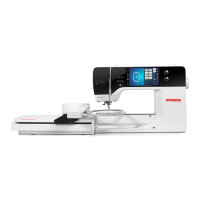
after the reference points are stitched, touch the «Endless embroidery»-
icon
►
an animation shows how to rehoop the material
⦁
rehoop the material so that the embroidered reference points are in the
upper part of the embroidery area in the hoop
⦁
when rehooping, make sure that the reference points do not lie too near the
edge of the hoop, or they will be out of the stitching area (at least 3 cm
from the top edge of the hoop)
⦁
attach the hoop
⦁
touch
►
the hoop is moved near the last stitch
⦁
using the stitch width and/or the stitch length knob, move the hoop until the
needle is over the last stitch
⦁
touch to change to the Embroidery Display and resume embroidering
⦁
repeat these steps until the border is the desired length
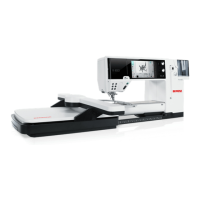
►
«Auto» is active, the hoop moves automatically to the last reference point
⦁
the arrow buttons can be used to specify on which side of the embroidered
section the next one is to be joined
⦁
hoop the material accordingly
⦁
touch to change to the Embroidery Display and resume embroidering


 To Next Page