!
106 ATOMLAB 500 DOSE CALIBRATOR
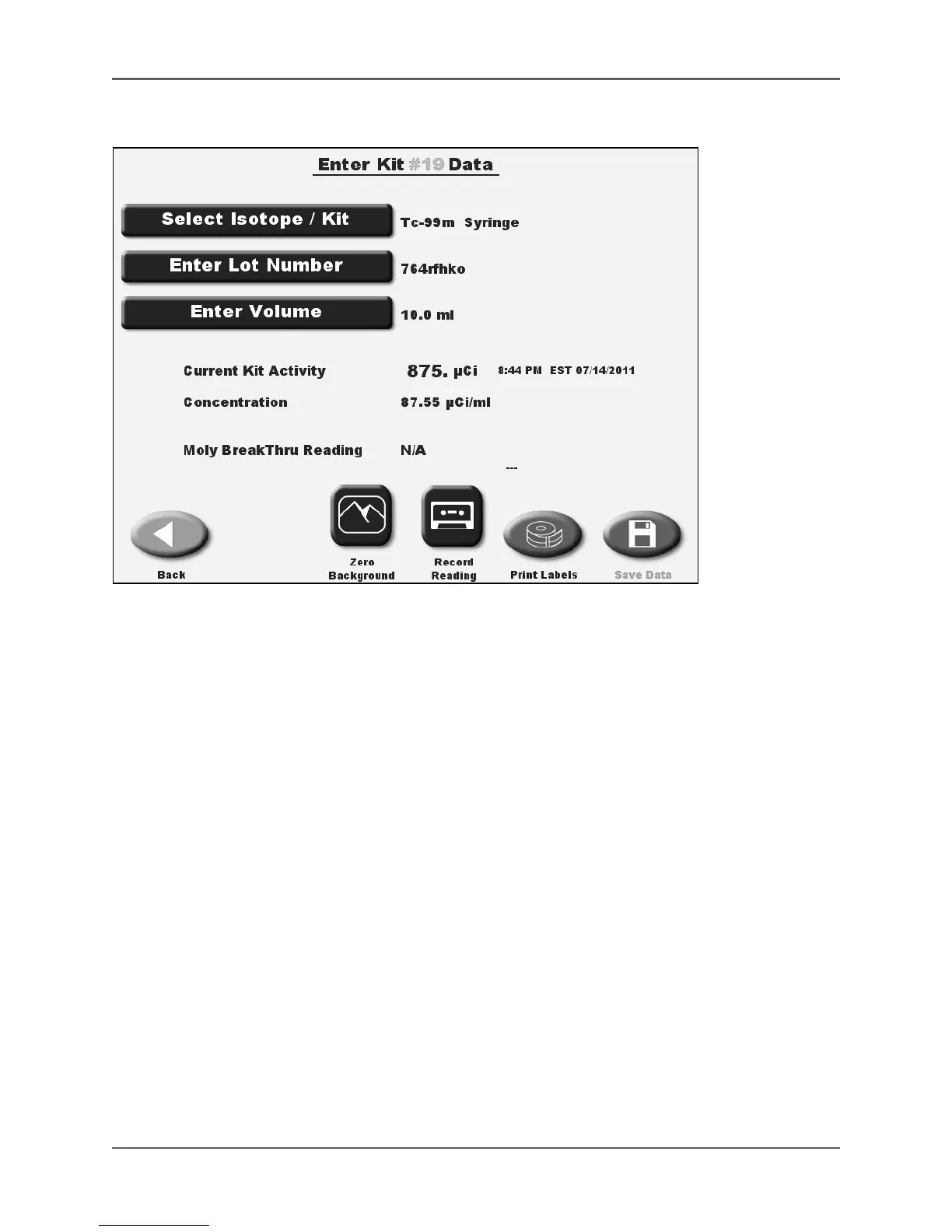
Figure 5.29. The Enter Kit # Data screen results without Moly.
11. To save the data, touch <Save Data> and then <OK> to confirm. If you have printed a label
already, the system returns to the Nuclear Pharmacy screen.
12. If you have not yet printed a label, a screen is displayed at this point allowing you to print a
label or skip printing. Touch <Print Label> if a label is desired or <Skip Printing> if you do
not want to print a label. After printing or skipping the label, the system returns to the
Nuclear Pharmacy screen.



 To Next Page