!
70 ATOMLAB 500 DOSE CALIBRATOR
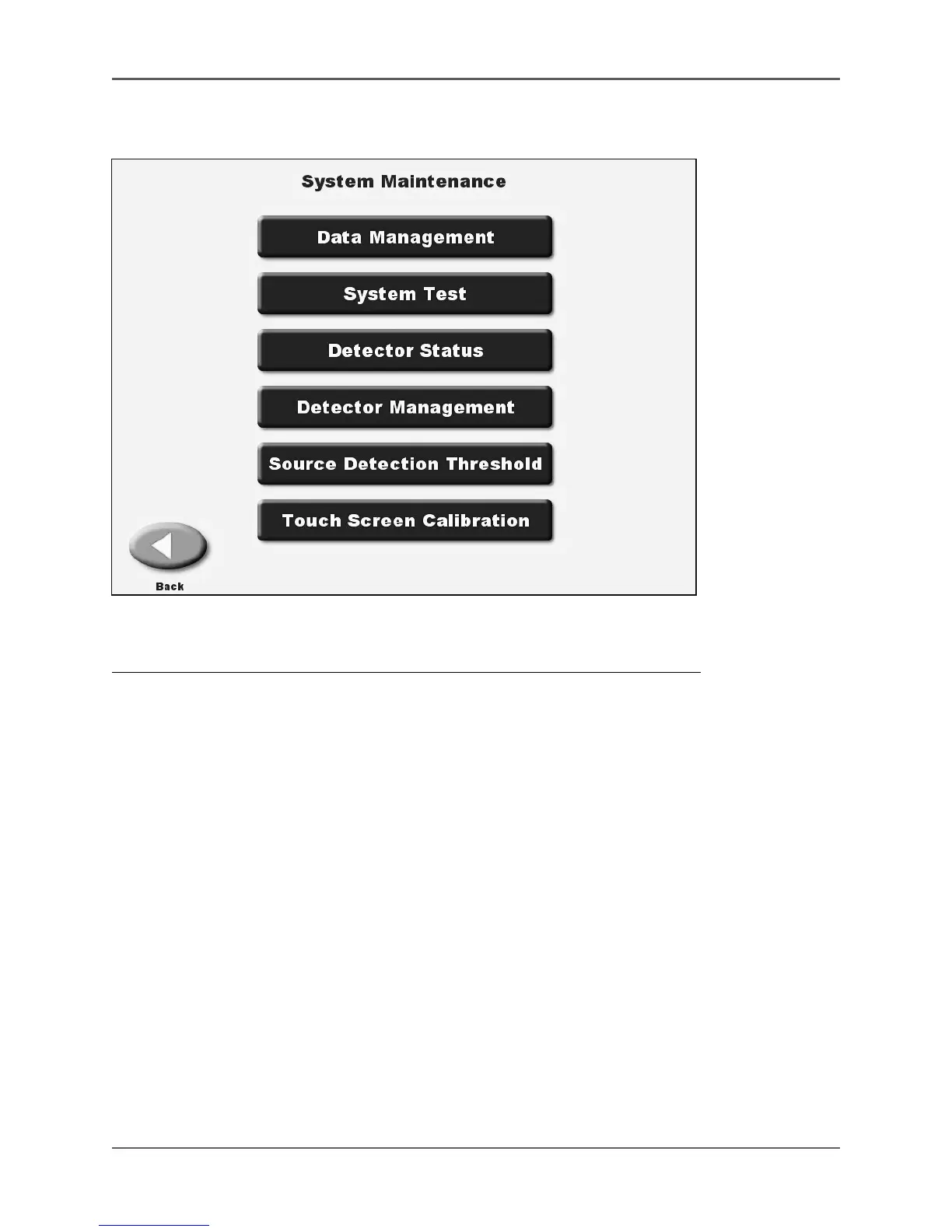
System Maintenance
(See Figure 4.28.)
Figure 4.28. The System Maintenance screen.
This option is used to address various system maintenance functions including:
• Data Management
• System Test
• Detector Status
• Detector Management
• Source Detection Threshold
• Touch Screen Calibration
• Updating The System Firmware
To access the System Maintenance screen, from the Dose Calibrator Utilities screen, touch
<System Maintenance>.



 To Next Page