!
44 ATOMLAB 500 DOSE CALIBRATOR
Set Date/Time
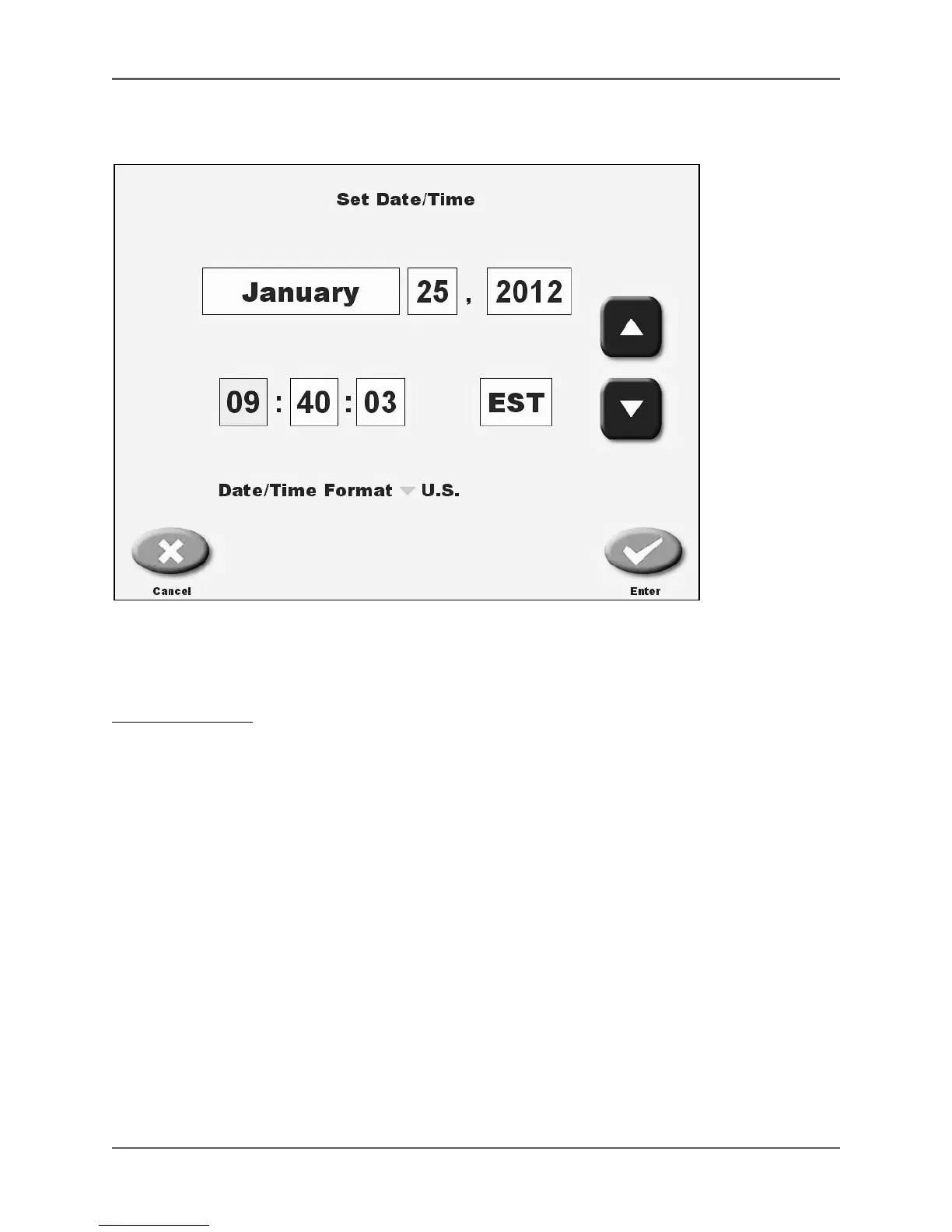
(See Figure 4.6.)
Figure 4.6. The Set Date/Time screen.
This option allows the user to enter or change the system clock and calendar, select the desired
time format and, if in the USA region, select standard or daylight savings time.
To Set Date/Time:
1. Touch <Date/Time>. The Enter Password screen is displayed.
2. Enter your password and touch <Enter>. The Set Date/Time screen is displayed.
3. Touch to highlight the time or date component to change and then use the <▲> or <▼> keys
to scroll to the desired setting. For time Zone, choose from EST, EDT, CST, CDT, MST,
MDT, PST, PDT or blank.
4. If you need to change the date/time format, touch the current country to access the country
list. Touch the desired country to select. Not all countries are listed. Select a country with the
same time format you require.
5. Touch <Enter> to return to System Configuration screen with the new time/date, or <Cancel>
to exit without updating the date/time entry.



 To Next Page