!
48 ATOMLAB 500 DOSE CALIBRATOR
To Select A Staff Member From The Staff Members List:
1. Touch to highlight the desired person on the Staff Members List. If necessary, use the
<▲> and <▼> arrows to scroll up and down the Staff List until the desired
person is displayed.
2. Touch <Enter> to record your selection and return to the System Configuration screen, or
<Cancel> to return to the System Configuration screen without changing the selected
staff member.
To Add A Staff Member To The Staff Members List:
1. Touch <Add Staff Member> and then enter the staff’s name in the Staff Member field.
The person’s name entered now appears at the bottom of the Staff Members List.
2. Touch <Enter> to record your selection and return to the System Configuration screen, or
<Cancel> to return to the System Configuration screen without adding a new name to the
Staff Members List.
To Remove A Person From The Staff Members List:
1. Touch to highlight the person to remove from the Staff Members List. If necessary, use
the <▲> and <▼> arrows to scroll up and down the Staff Members List until the desired
person is displayed.
2. Touch <Remove Staff Member>. The highlighted staff name is removed from the
Staff Members List.
3. Touch <Enter> to record your selection and return to the System Configuration screen, or
<Cancel> to return to the System Configuration screen without deleting the highlighted
staff name.
To Print The Staff Members List:
1. At the Staff Members List, touch <Print>. The Staff Members List will print to the currently
selected printer.
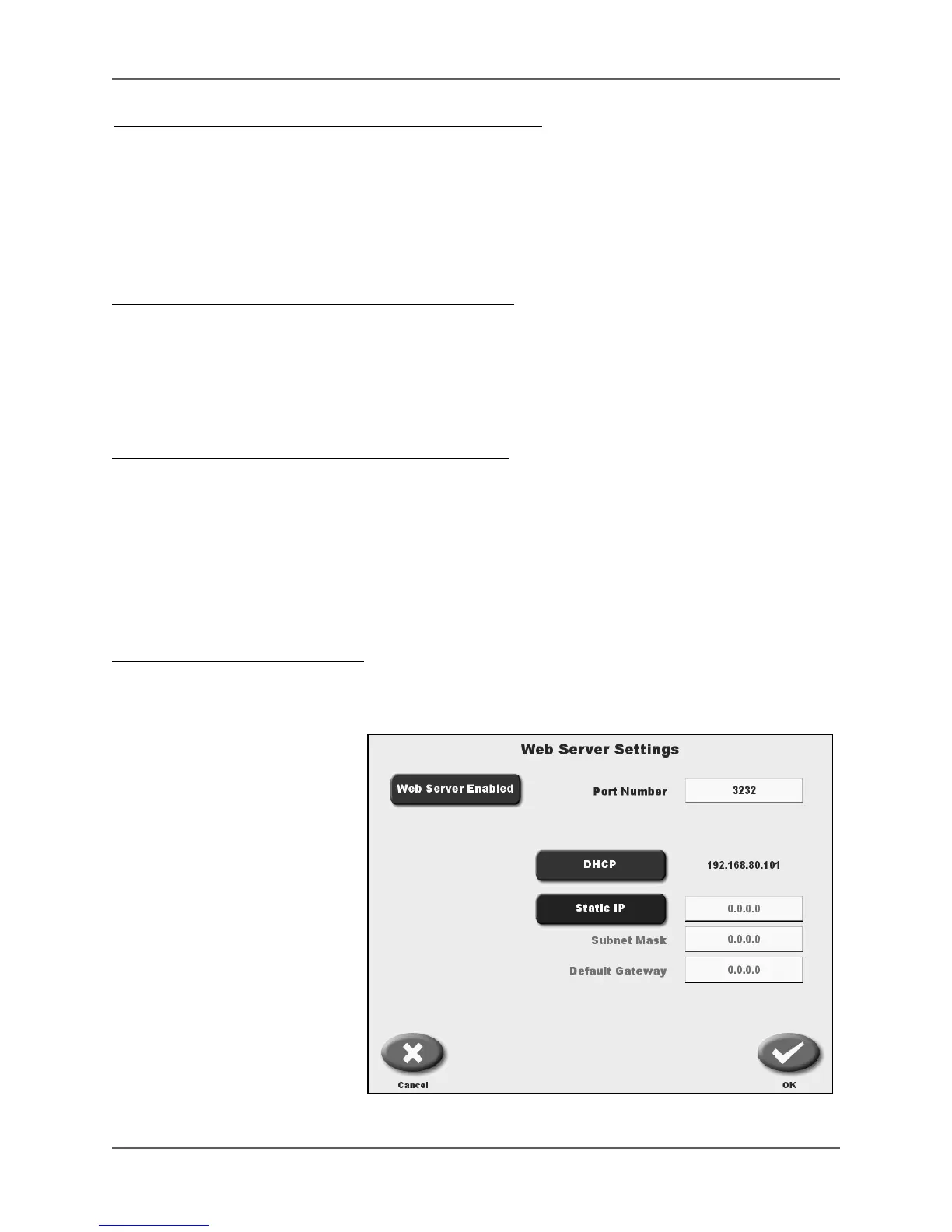
Web Server Settings
(See Figure 4.9.)
NOTE: For JSON programming
interface only.
Select <Web Server Settings>
from the System Configuration
screen.
Figure 4.9. Web Server Settings for JSON programming interface only.



 To Next Page