!
78 ATOMLAB 500 DOSE CALIBRATOR
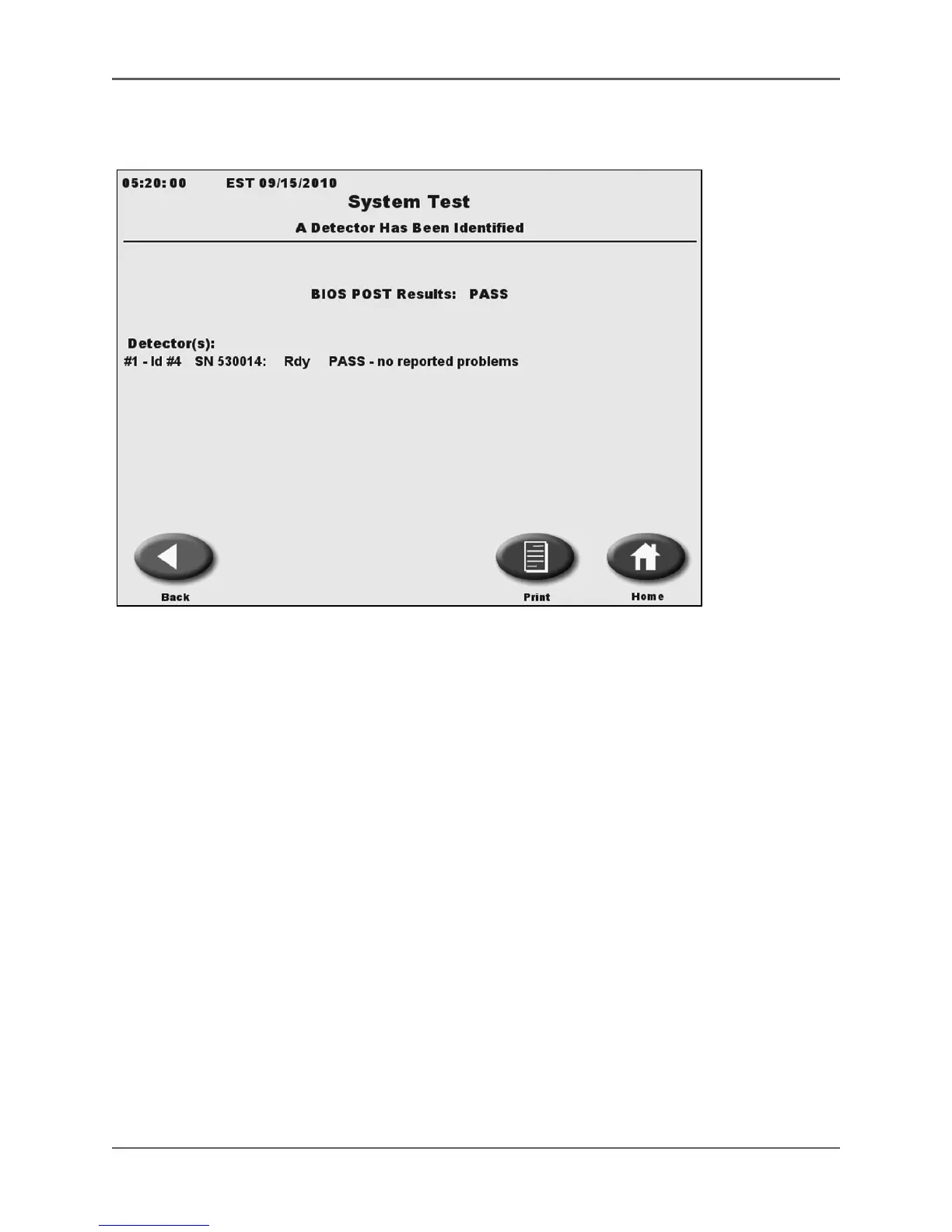
System Test
(See Figure 4.37.)
Figure 4.37.
The System Test screen.
Touch <System Test> to display a system-wide diagnostics test, performed at power-up, which
covers the following, although not all tests are displayed on the screen following power-up.
• BIOS POST
• Detector(s): (Detector status information is continually monitored.)
During the Power ON test, the display will show a “Detector Warm-Up Initialization In Progress,”
message. If all tests are completed without errors, the system will note that there are no
reported problems. If a problem is discovered, the system will note the failure with an error
message and, depending on the problem, possible solutions.
• If a printed System Test Report is required, touch <Print> to print the System Test screen
following the test.
• Touch <Home> to return to the System Home page.
• Touch <Back> to return to the System Maintenance screen.



 To Next Page