!
56 ATOMLAB 500 DOSE CALIBRATOR
Remove Isotope
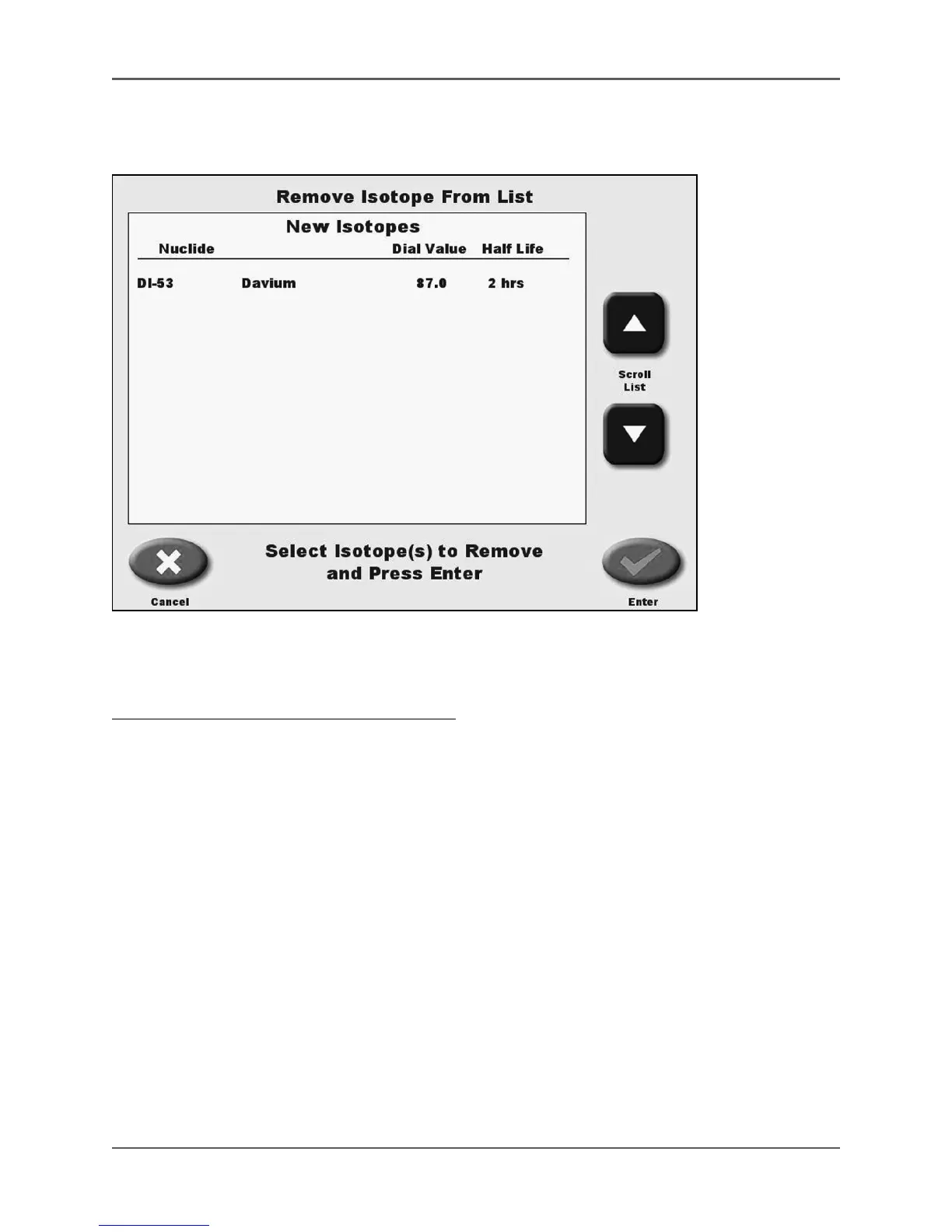
(See Figure 4.16.)
Figure 4.16. The Remove Isotope From List screen.
Remove Isotope allows the user to remove a selected isotope from the Isotope List.
To Remove An Isotope From The Isotope List:
1. From the Isotope List screen, touch <Isotope List>.
2. Enter your password and touch <Enter>. The Isotope List screen is displayed.
3. Touch <remove isotope>. The Remove Isotope From List screen is displayed.
4. Use the <▲> or <▼> keys to scroll through the New Isotopes List until the isotope you want
to delete is shown. Touch to highlight the isotope you want to remove.
5. Touch <Enter> to remove the selected isotope. A prompt is displayed asking if you are sure
you want to remove the selected isotope. Touch <Yes> to remove the isotope or <Cancel> to
not remove the isotope and return to the Isotope List screen.
NOTE: Only new isotopes added to the system by the user can be removed.



 To Next Page