!
Biodex Medical Systems, Inc. © 2016 85
5. Nuclear Pharmacy
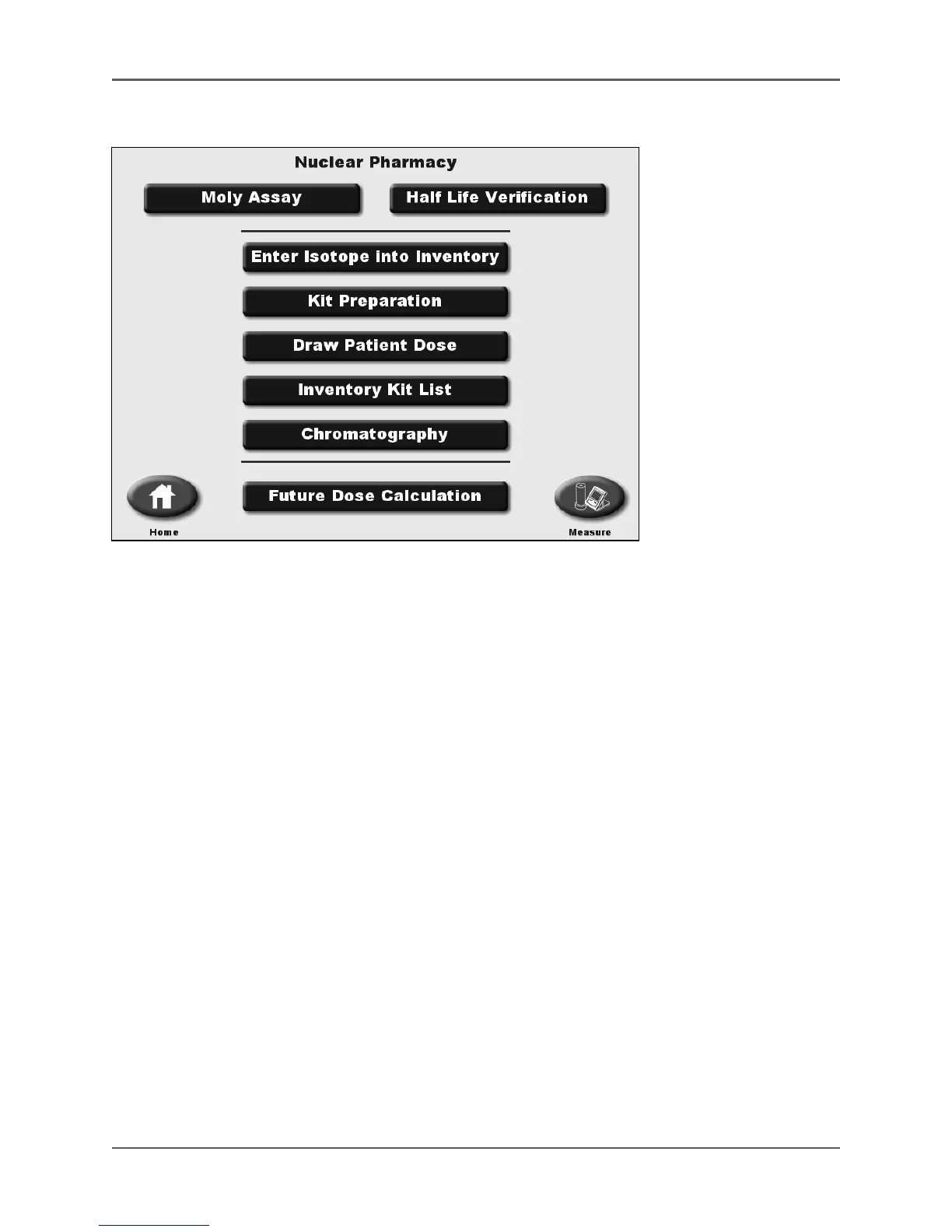
Figure 5.1. The Nuclear Pharmacy screen.
The Nuclear Pharmacy functions allow the system to perform inventory and chromatography
operations including:
• Moly Assay (also known as Moly Breakthru)
• Half-Life Verification
• Enter Isotope into Inventory
• Kit Preparation
• Draw Patient Dose
• Inventory Kit List
• Chromatography
• Future Dose Calculation
The Nuclear Pharmacy screen is accessed by touching <Nuclear Pharmacy> on the Home screen.
There is a separate Moly Assay program that calculates the Moly concentration without entering
any isotope into inventory. Before proceeding with the other Nuclear Pharmacy options
presented, select <Enter Isotope into Inventory> and use the keys at the bottom of the screen to
select the appropriate detector or Zero Background, if necessary.
NOTE: For some products, the next logical button function will flash on the display.
NOTE: Although Moly Assay appears as the first choice on the Nuclear Pharmacy screen, this is
not for isotopes put into inventory. The Enter Isotope into Inventory procedure has a function that
includes the Moly Assay procedure when putting Tc-99m into inventory. When entering an isotope
other than Tc-99m the Moly Assay selection is not provided.



 To Next Page