!
Biodex Medical Systems, Inc. © 2016 29
Counting An Isotope
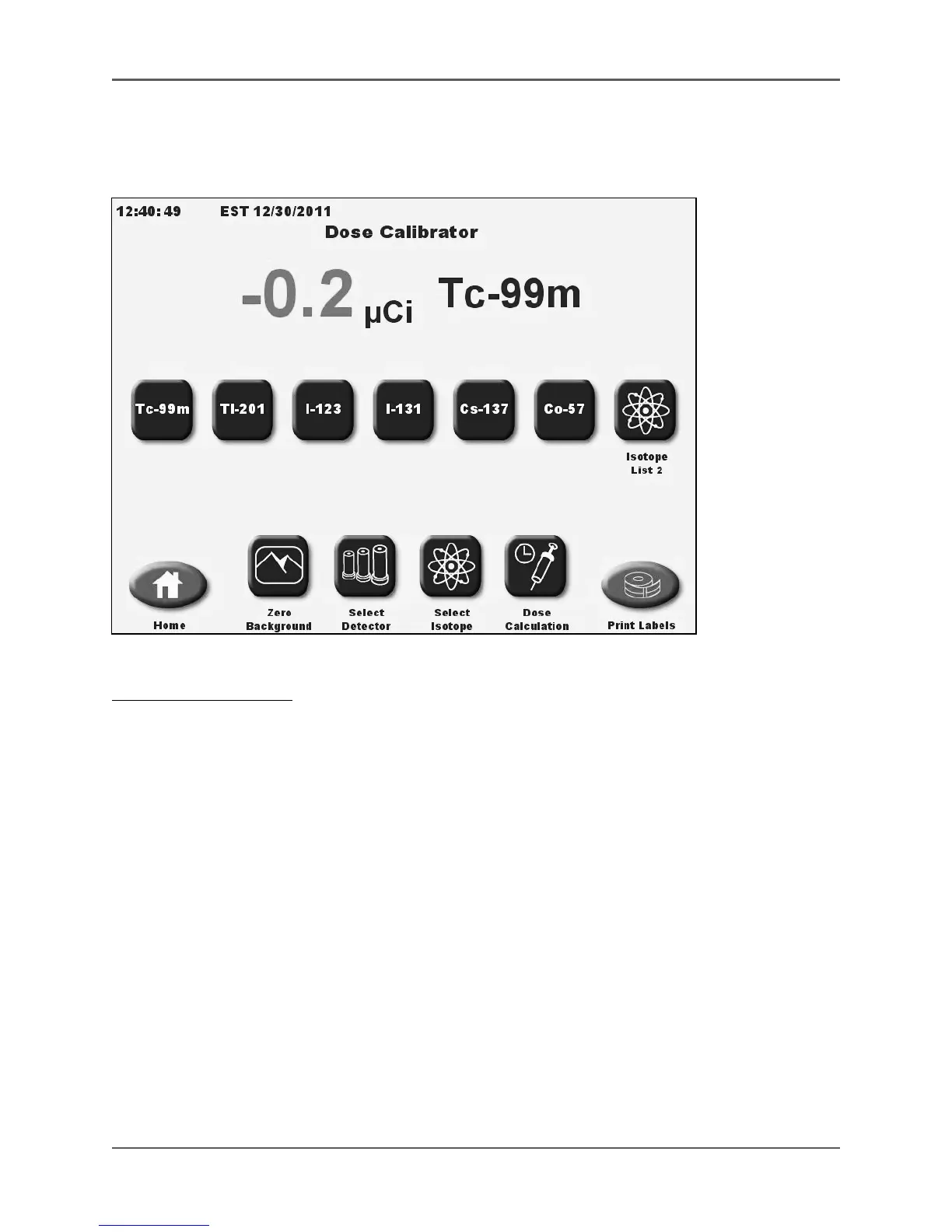
(See Figures 3.3 and 3.4.)
Figure 3.3. The Dose Calibrator screen with List 1 Button Isotopes displayed.
To Measure An Isotope:
1. Touch the appropriate <Isotope> key. This tells the detector which dial value to use in the
calculations.
2. Place the isotope in the detector. The activity level is immediately displayed.
3. Touch <Print Labels> to print out an activity label, or <Home> to return to the System Home
screen.



 To Next Page