!
Biodex Medical Systems, Inc. © 2016 63
Set Background Counting Time
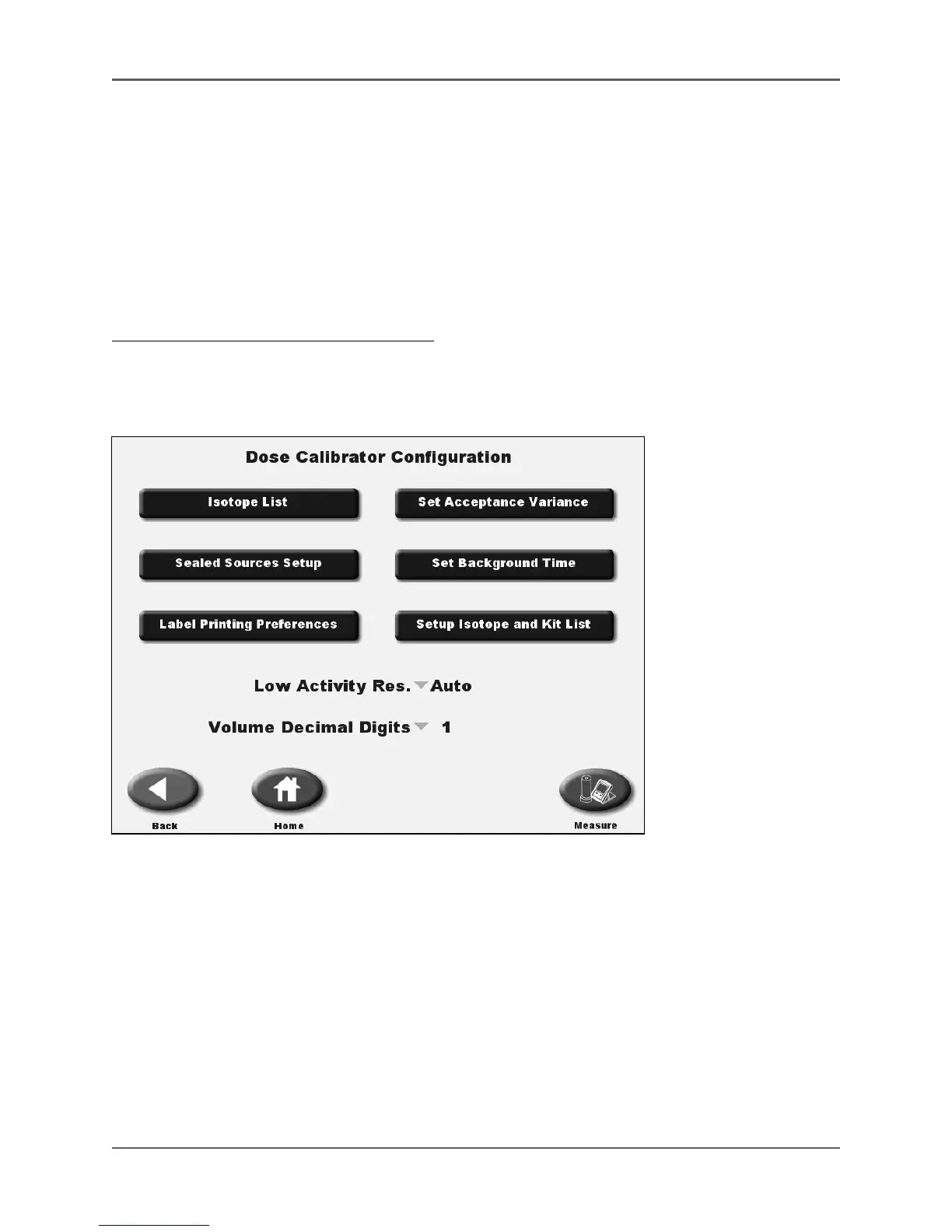
(See Figure 4.22 – 4.23.)
The background counting time used for the dose calibrator and Zero Background can be
set for 30, 60 or 100 seconds.
This background counting time is used for the dose calibrator Zero Background and
Moly Assay Background counting time.
Adjusting The Background Counting Time:
1. At the Home screen, select <Utilities>.
2. On the Utilities screen, select <Dose Calibrator Configuration>.
3. On the Dose Calibrator Configuration screen, select <Set Background Time>.
Figure 4.22. Dose Calibrator Configuration screen.



 To Next Page