!
Biodex Medical Systems, Inc. © 2016 31
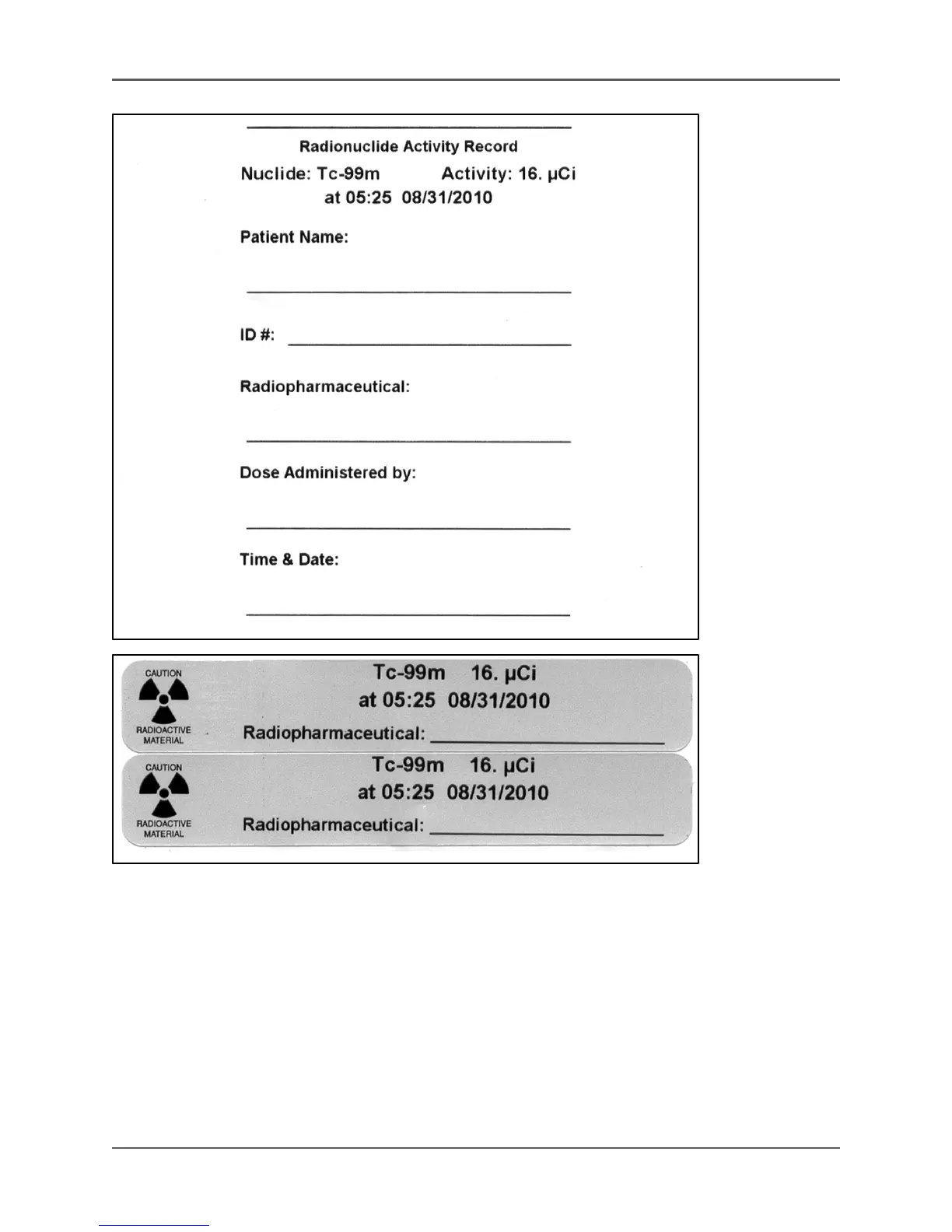
Figure 3.5. A Measure screen label.
Changing The Selected Isotope
The selected isotope can be changed at any time with the activity for the new isotope displayed
within one second. There are two button lists from which isotopes can be selected. These
buttons offer quick access to commonly used isotopes. Select <Isotope List #> to toggle between
buttons on List 1 and List 2. List 1 isotope buttons include: Tc-99m, TI-201, I-123, I-131, Cs-137
and Co-57. List 2 isotope buttons include: Xe-133, Ga-67, In-111, F-18, Y-90s and Ba-133.
The Routine Isotopes List, which displays up to 19 routine isotopes, is accessed by touching
<Select Isotope>. Scroll down the Routine Isotope List to access the Custom Isotopes List and
full Alphabetical Isotopes List.



 To Next Page