!
Biodex Medical Systems, Inc. © 2016 81
To Remove A Detector:
1. Touch to highlight the detector to remove.
2. Touch <Remove From Selection List>. A red “X” appears next to the detector to remove.
To Add A Detector:
1. Touch to highlight the detector to add.
NOTE: The detector must be currently shown on the list with a red X.
2. Touch <Add To Selection List>. The red “X” disappears from next to the detector to remove.
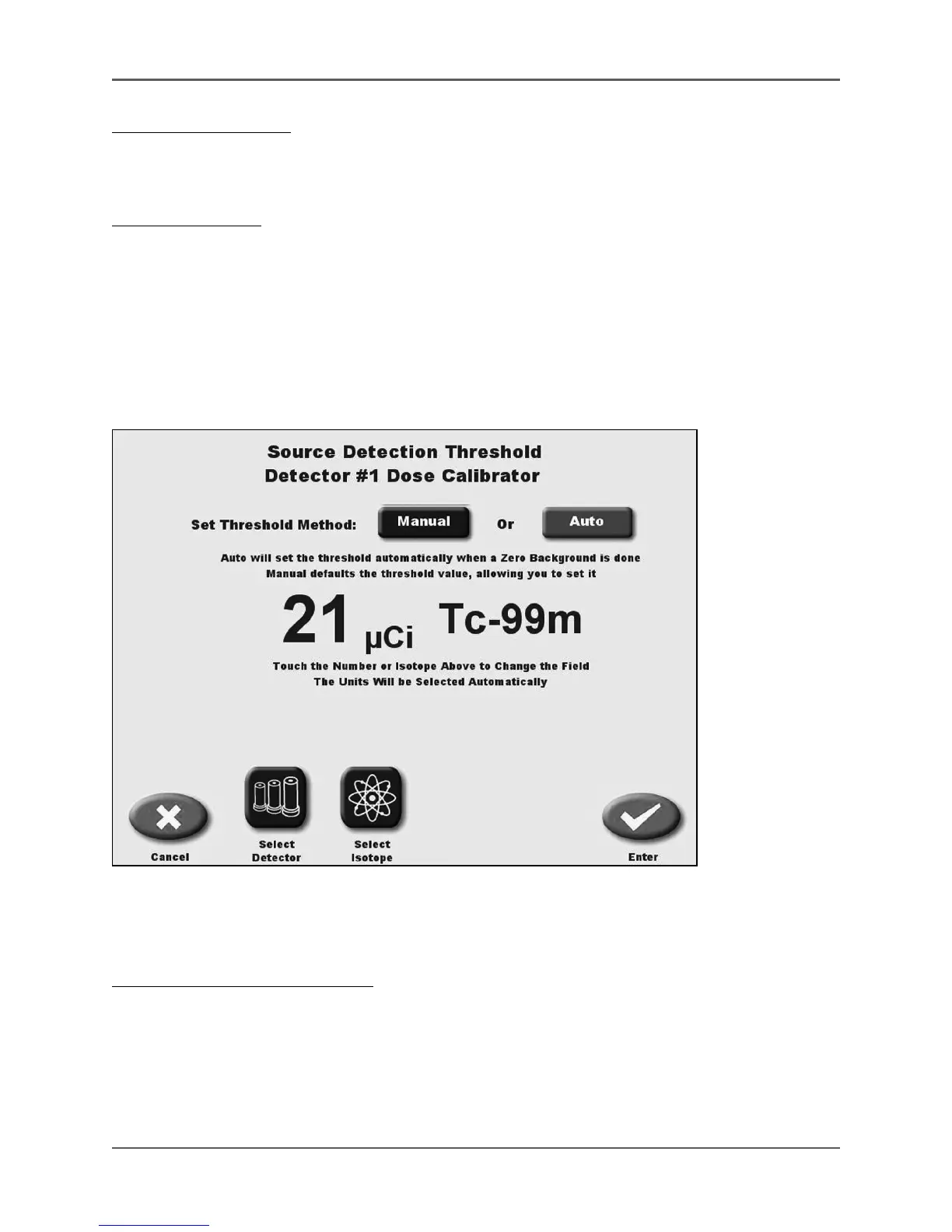
Source Detection Threshold
(See Figure 4.40.)
Figure 4.40. The Source Detection Threshold screen.
The Source Threshold value determines the system’s response time. Above the threshold,
response time is quick. Below the threshold, response time is significantly slower.
To Change The Source Threshold:
1. From the Utilities menu, touch <System Maintenance>. The System Maintenance screen is
displayed.
2. Touch <Source Detection Threshold>. The Source Detection Threshold screen is displayed.
At this screen you can choose to have the source detection threshold set automatically when
a Zero Background is performed, or set the threshold manually.



 To Next Page