!
76 ATOMLAB 500 DOSE CALIBRATOR
System Restore
(See Figure 4.35.)
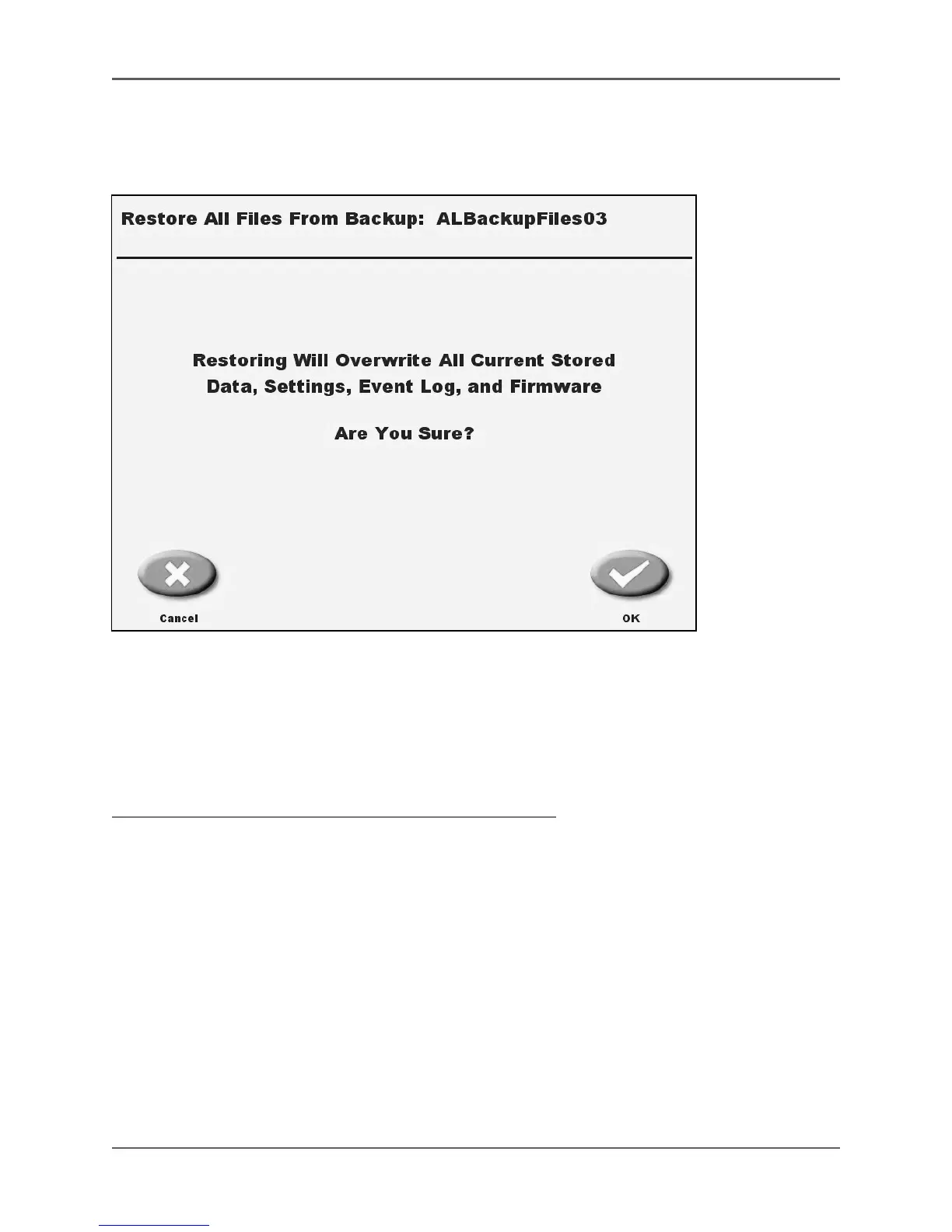
Figure 4.35. The System Restore operation will overwrite all current stored data, settings, event log and
firmware. They system will prompt you to confirm before proceeding with this function.
This function allows the user to restore all Atomlab 500 files from a thumb drive backup.
NOTE: Restoring the data will overwrite all current stored data, settings, event log and
firmware information.
To Restore All Atomlab Files From A Backup Thumb Drive:
1. Insert a thumb drive into one of the USB ports on the back panel of the display.
2. At the Data Management screen, touch <USB System Restore>. A message will display noting
that this procedure will overwrite all of the Atomlab 500's files.
3. If you are sure you want to restore all files, touch <OK> to proceed, or touch <Cancel> to
return to the Data Management screen without restoring files.
4. If restoring, a message will be displayed noting that the system files are being restored.
Touch <Reset> when a message appears stating "Restore Completed Successfully." The
system returns to the Data Management screen with the restored files now working.



 To Next Page