!
46 ATOMLAB 500 DOSE CALIBRATOR
Printer Settings
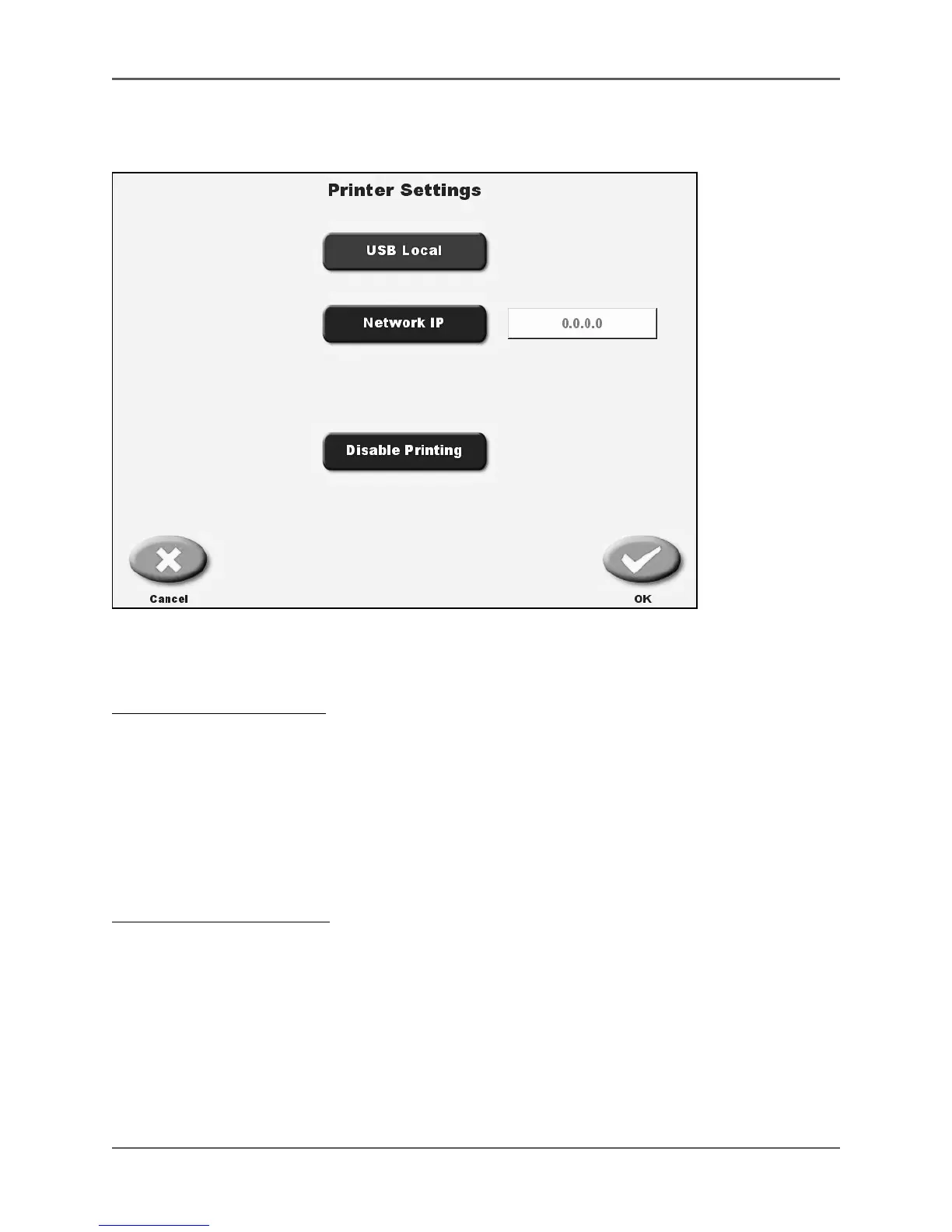
(See Figure 4.7.)
Figure 4.7. The Printer Settings screen.
Printer settings can be set to allow for a USB local printer, network IP address, or to disable printing.
To Select USB Local Printing:
1. From the <Home> screen, touch <Utilities>. The Utilities screen is now displayed.
2. Touch <System Configuration>. The System Configuration screen is now displayed.
3. Touch <Printer Settings>. The Printer Settings screen is now displayed.
4. Touch to highlight <USB local>.
5. Touch <OK> to select USB local printing and return to the System Configuration screen, or
<Cancel> to return to the System Configuration screen without changing the current
printer setting.
To Select Network IP Printing:
1. From the <Home> screen, touch <Utilities>. The Utilities screen is now displayed.
2. Touch <System Configuration>. The System Configuration screen is now displayed.
3. Touch <Printer Settings>. The Printer Settings screen is now displayed.
4. Touch to highlight <Network IP>.
5. Enter the IP address and touch <Done>. The IP address entered should now be displayed next
to the network IP button.
6. Touch <OK> to select the displayed IP address and return to the System Configuration
screen, or <Cancel> to return to System Configuration screen without changing printer setting. !



 To Next Page