!
Biodex Medical Systems, Inc. © 2016 75
USB System Backup
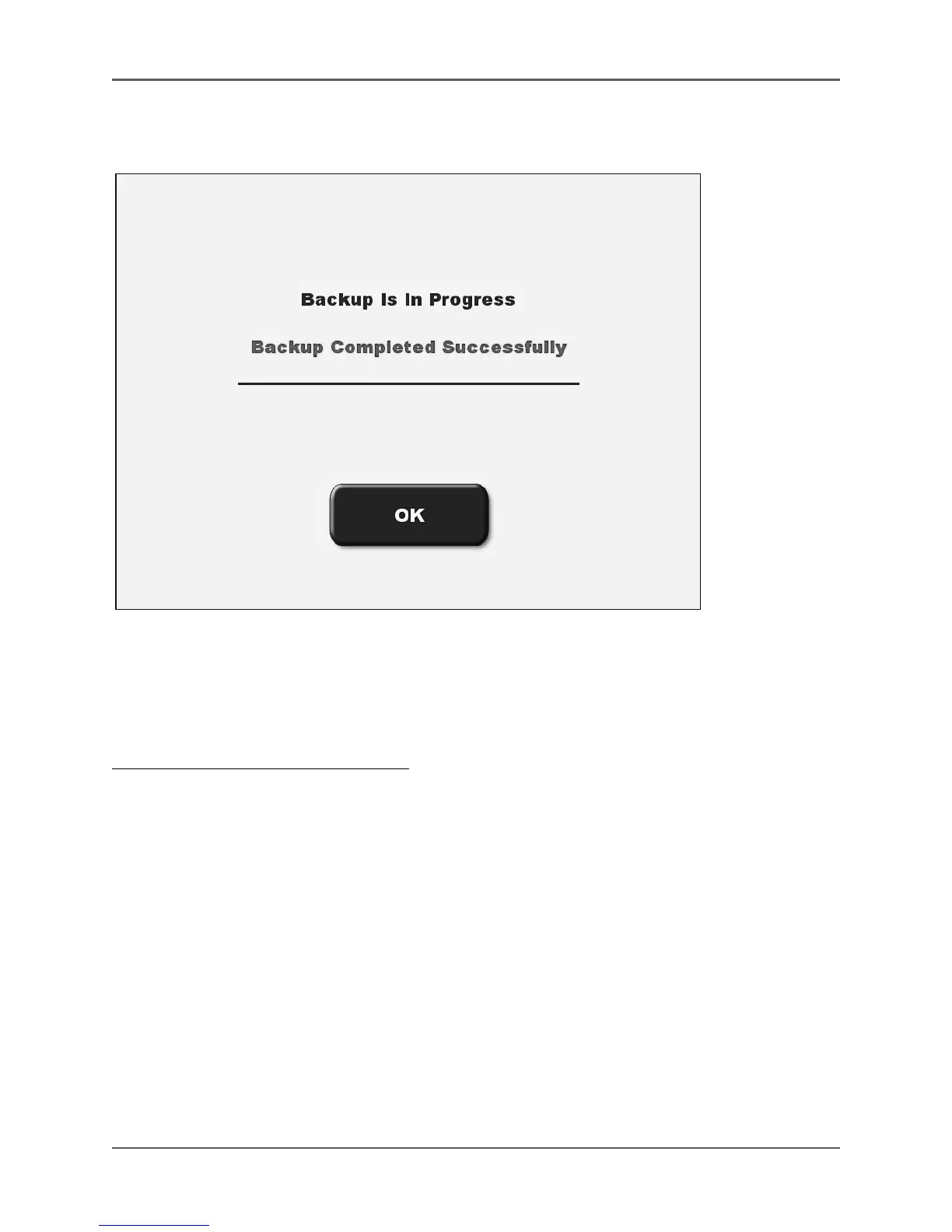
(See Figure 4.34.)
Figure 4.34. The System Backup screen with a "successful backup" message displayed.
This function allows the export of all Atomlab files and data to a thumb drive, providing a
means of backing-up the system when needed or desired.
To Backup The Atomlab 500 QA Data:
1. Insert a thumb drive into one of the USB ports on the back panel of the display.
2. At the Data Management screen, touch <USB System Backup>. A message will display noting
that the backup is in progress.
3. When a message showing that the backup has completed successfully is displayed, touch
<OK> to return to the Data Management screen. All data is now backed-up on the thumb
drive.



 To Next Page