!
74 ATOMLAB 500 DOSE CALIBRATOR
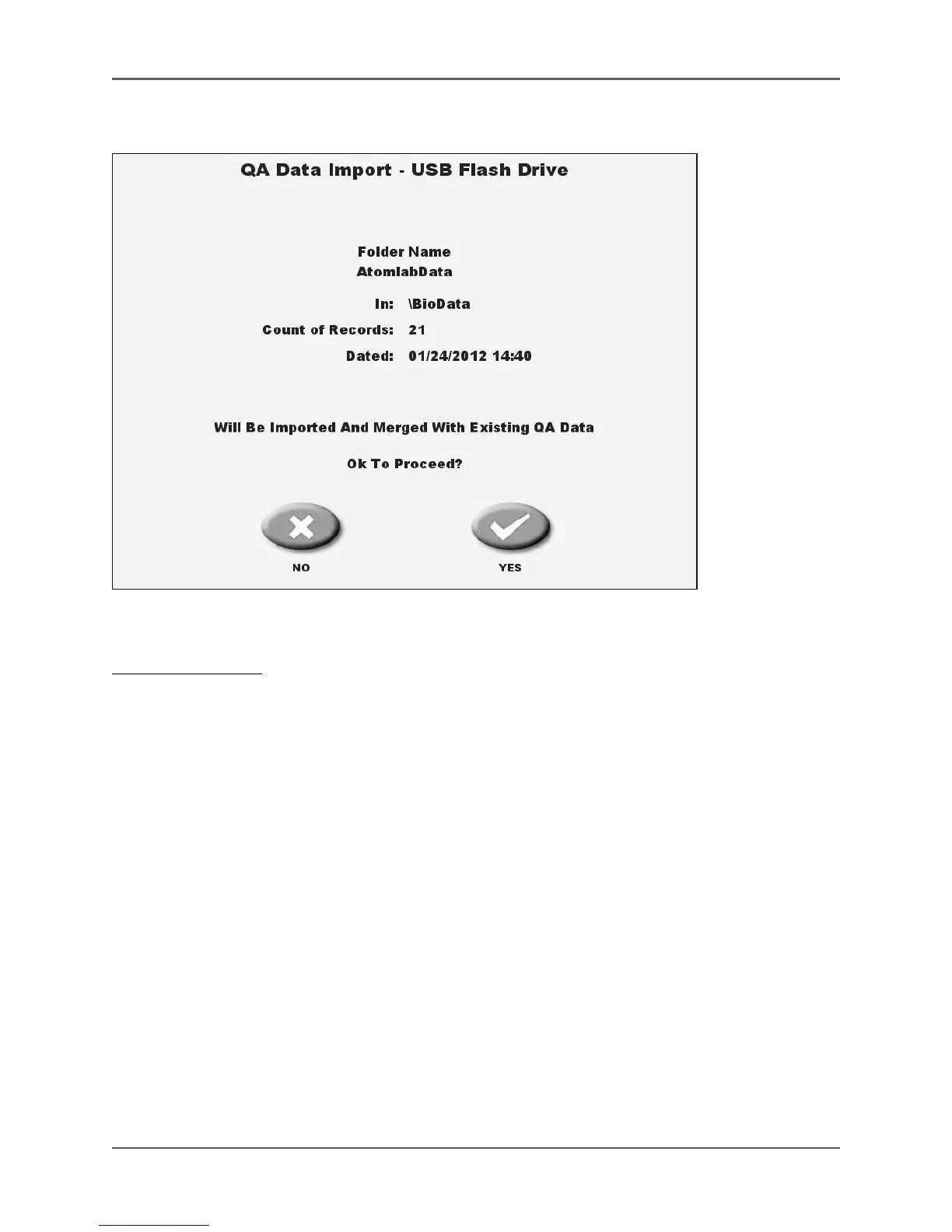
Figure 4-33. The QA Data Import Okay to Proceed screen.
To Delete QA Data:
1. On the System Maintenance screen, touch <Data Management> and enter your password. The
Data Management screen should now be displayed.
2. Touch <QA Data Management>. The summary view of Stored QA Data screen is now dis-
played with results for all tests on all detectors listed (or results for a specific detector, if
selected.)
3. Touch <Delete>. The QA Data Delete screen is displayed.
4. Touch <Option> to select the date range for the data to export. Choose from All, Prior To or
From/To by touching <Options> to advance through the choices.
5. For all choices other than all and only new, touch the date to change. The QA Data Delete
screen is displayed.
6. Touch the date segment to change and use <▲> or <▼> to scroll to the date desired.
7. Touch <Enter> to confirm the new date and return to the QA Data Delete screen.
8. Touch <QA Dataset> to view the dataset options. Choose from “All” datasets, or continue touch-
ing <QA Dataset> to scroll through the list of individual datasets.
9. Touch <Delete Now> to delete the selected dataset and return to the summary view of stored
QA Data screen.



 To Next Page