!
Biodex Medical Systems, Inc. © 2016 35
Select Isotope
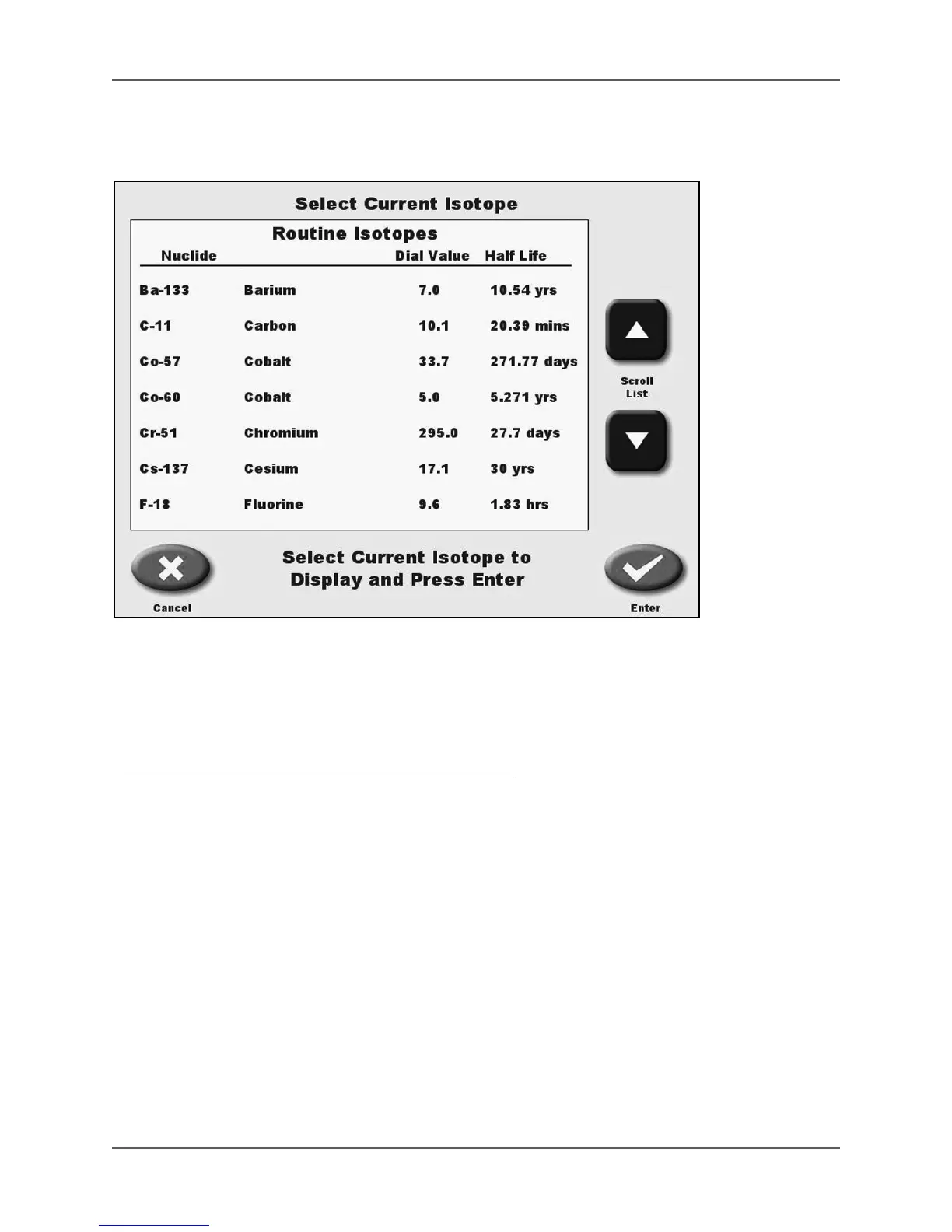
(See Figure 3.8.)
Figure 3.8. The Select Current Isotope screen with Routine List.
If the desired isotope is not displayed on List 1, List 2, choose <Select Isotope> to access the
Routine Isotope List, Custom Isotope List or a full Alphabetical list of isotopes. Scroll down the
list if necessary to find the desired isotope.
To Select Any Isotope From The Full Alphabetical List:
1. Touch <Select Isotope>. The select current isotope screen, with the routine list, followed by
the custom Isotope List, and then the full Alphabetical list of isotopes, will be displayed.
2. Use the <S> or <T> keys to scroll through the lists until the desired isotope is displayed.
3. Touch the desired isotope to highlight your selection.
4. Touch <Enter> to select the desired isotope and return to the Measure screen with the new
isotope selected, or touch <Cancel> to return to the Measure screen without making a new
selection.



 To Next Page