!
Biodex Medical Systems, Inc. © 2016 43
Facility
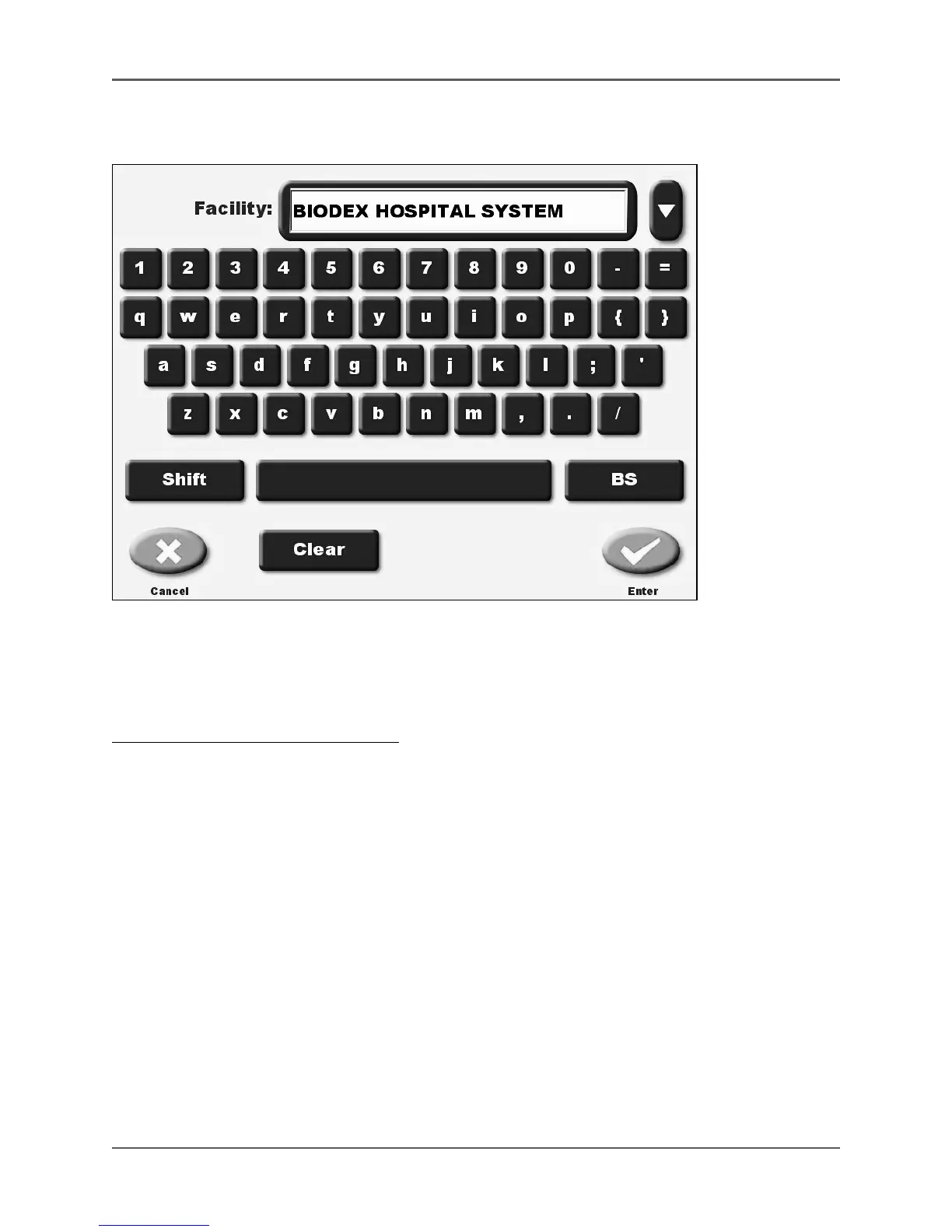
(See Figure 4.5.)
Figure 4.5. The Enter Facility screen.
This option allows the user to enter or change the facility name and address. You can enter up to
four lines of text for this parameter. The facility name and address entered will appear on some
printed reports.
To Enter Or Change The Facility Name:
1. Touch <Facility>. The Enter Password screen is displayed.
2. Enter your password and touch <Enter>. The Enter Facility screen is displayed.
3. Key in the new facility name and address, then touch <Enter> to return to the System Configuration
screen with the new name selected, or <Cancel> to exit without updating the facility name.
4. Use the <▼> at the top right of the screen to move to each line of the address. You can add
the phone number if desired as part of the address.
NOTE: There are a maximum of 4 lines to the address. You can enter your phone number as
part of the address.



 To Next Page