!
42 ATOMLAB 500 DOSE CALIBRATOR
Serial Numbers
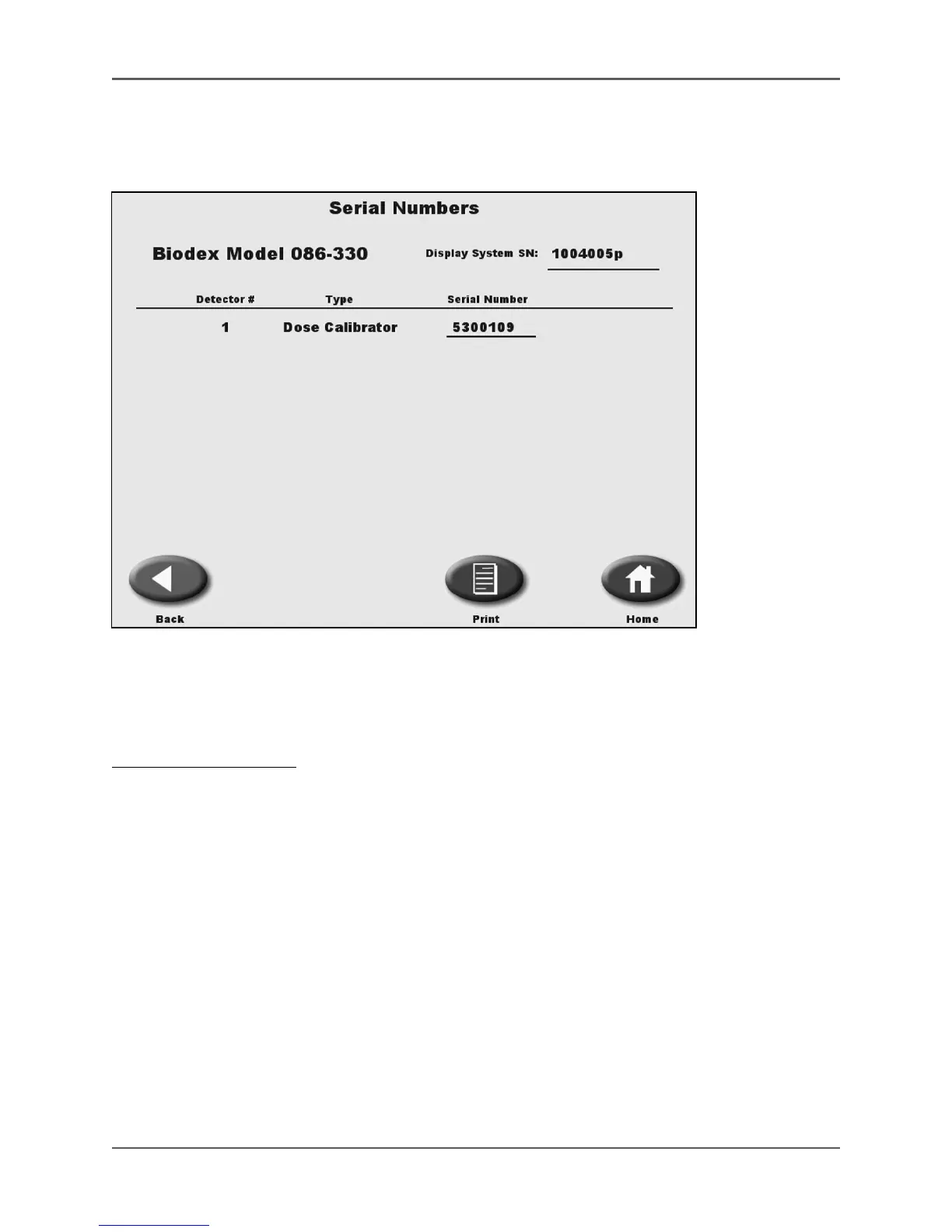
(See Figure 4.4.)
Figure 4.4. The Serial Numbers screen.
This option displays a list of all entered serial numbers for the display and detectors. The
detector serial numbers are recorded in the detector and automatically communicated to
the display.
To View Serial Numbers:
1. Touch <Serial Numbers>. The Enter Password screen is displayed.
2. Enter your password and touch <Enter>. The Serial Numbers screen is displayed with a listing
of all serial numbers recorded for the system.
3. Touch <◄> to return to the System Configuration screen.
NOTE: Serial numbers can only be viewed on this screen. You cannot change the serial number.



 To Next Page