!
82 ATOMLAB 500 DOSE CALIBRATOR
To Set Source Detection Automatically:
1. Touch <Auto>. The system automatically sets the source detection when a Zero Background
is performed.
To Set Source Detection Manually:
1. Touch <Manual>. You can now change the threshold value or the isotope selected.
2. To change the threshold value, touch the value displayed. Enter the new value and touch
<Enter> to record and return to the Source Detection Threshold screen with the new value
displayed.
3. To change the isotope, touch the isotope displayed and select a different isotope from the
select current isotope screen. Touch <Enter> to return to the source Detection Threshold
screen with the new isotope selected.
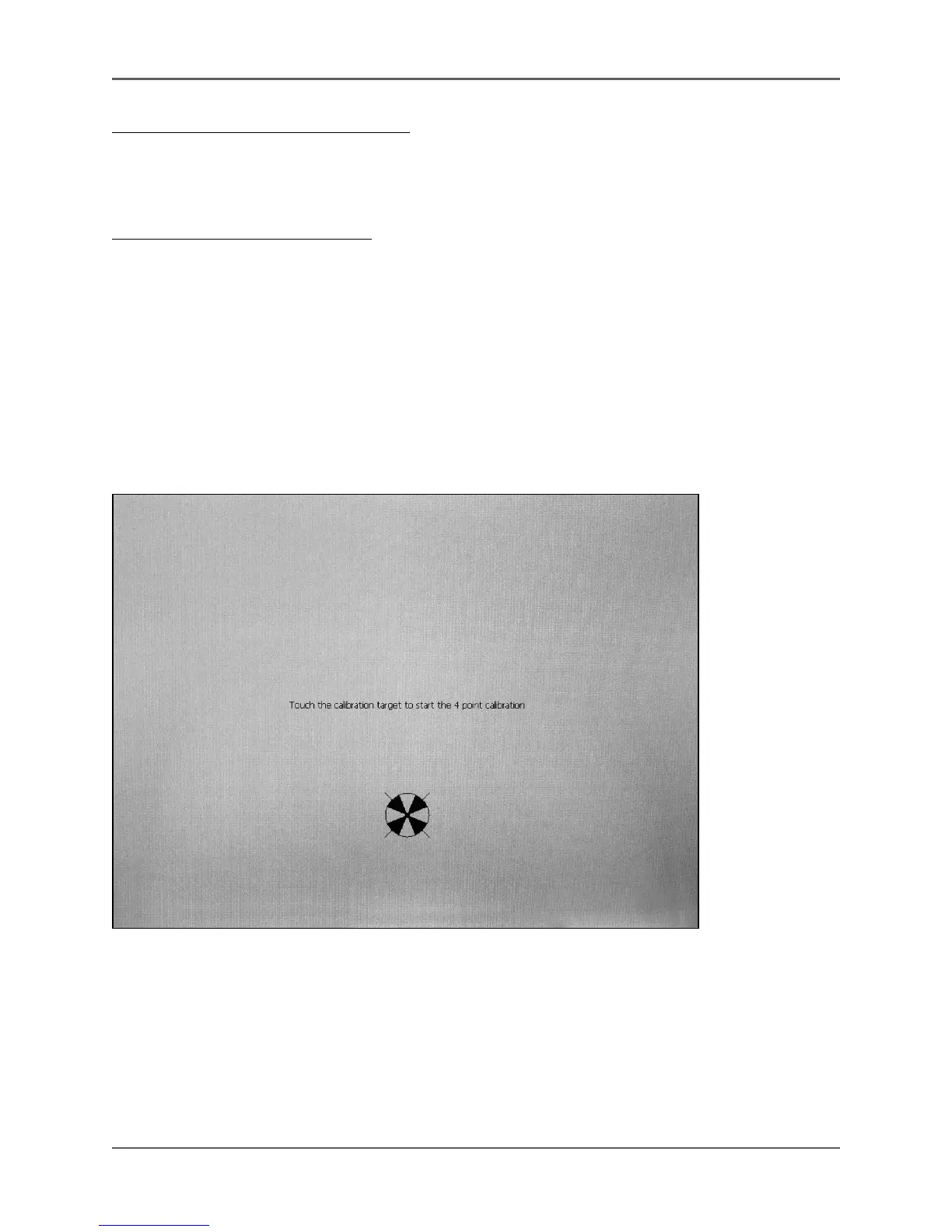
Touch Screen Calibration
(See Figure 4.41.)
Figure 4.41. The Touch Screen Calibration screen.
Touch Screen Calibration allows the user to calibrate the position of the screen on the display.
1. From the Utilities menu, touch <System Maintenance>. The System Maintenance screen is
displayed.
2. Touch <Touch Screen Calibration>. The <Enter Password> window is displayed. Enter your
password and touch <Enter>. The Calibrating Touch screen message is displayed.



 To Next Page