!
Biodex Medical Systems, Inc. © 2016 49
Dose Calibrator Configuration
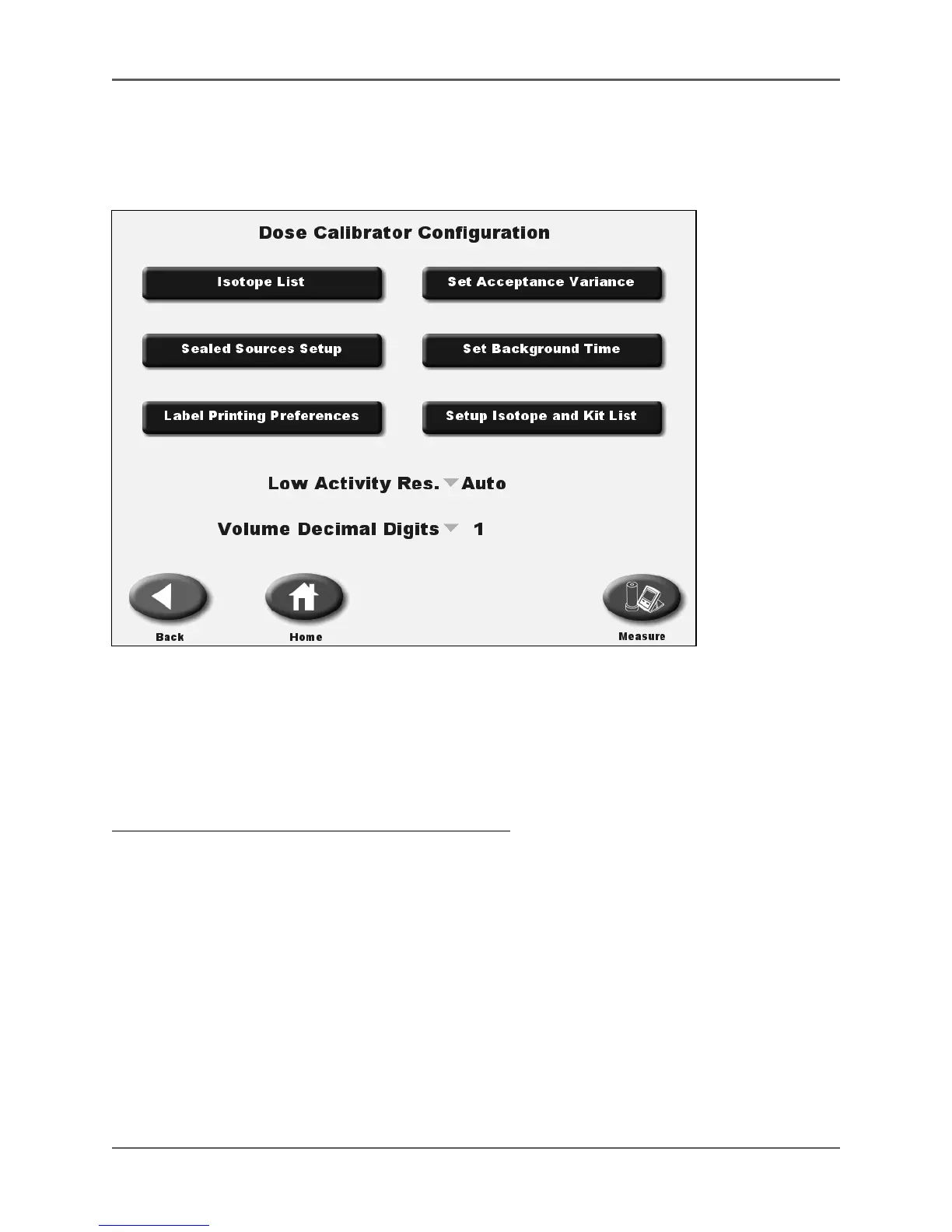
(See Figure 4.10.)
Figure 4.10.The Dose Calibrator Configuration screen.
The Dose Calibrator Configuration screen options allow the user to update isotope information,
set acceptance variances, access the Sealed Source List, set Label Printing Preferences, set-up
inventory isotopes and kits, set the low activity response, and select the Volume Decimal Digits.
Any changes made to the configuration settings are permanently saved when exiting the Dose
Calibrator Configuration screen.
To access the Dose Calibrator Configuration screen:
1. Select <Utilities> from the Home screen. The Utilities screen is now displayed.
2. Select <Dose Calibrator Configuration> from the Utilities menu. The Dose Calibrator
Configuration screen is now displayed.



 To Next Page