!
Biodex Medical Systems, Inc. © 2016 125
Volume Dose Calculations
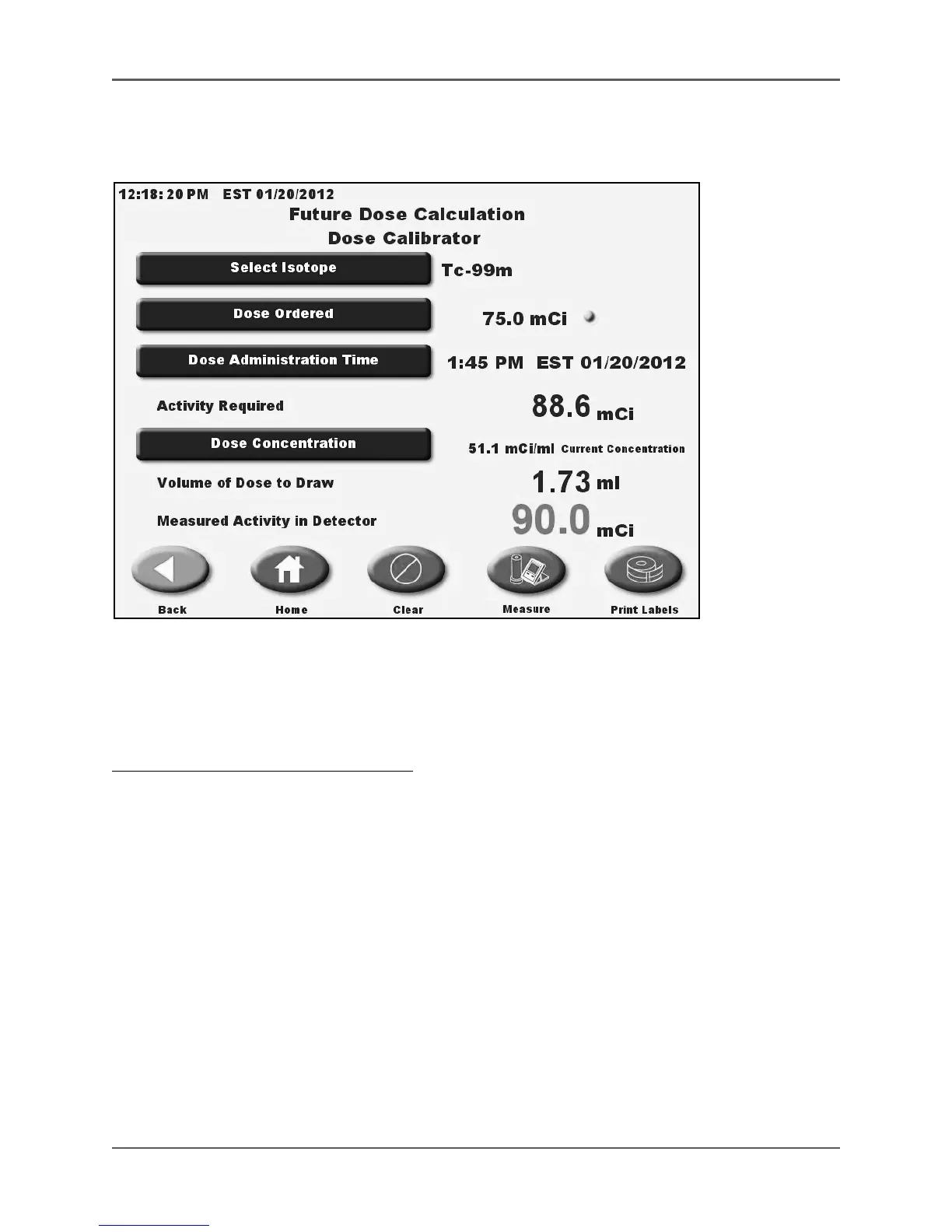
(See Figure 5.48 - 5.50.)
Figure 5.48. The Volume Dose Calculation screen.
Volume Dose Calculation is a form of Future Dose Calculation and functions in a similar fashion
except this option is used to calculate the volume of a current dose to draw for a future
administration time.
To Perform A Volume Dose Calculation:
1. At the Nuclear Pharmacy screen, touch <Future Dose Calculation>. The Future Dose
Calculation screen is displayed.
2. Touch <Dose Ordered> to display a keypad to enter the Dose Ordered activity screen.
3. Touch <Select Isotope> to access the select current isotope screen and select the desired
isotope if it is not already displayed. Touch <Enter> to return to the Volume Dose
Calculation screen.
4. Touch <Administered Dose Activity> to display the Administered Dose Activity screen. Enter
the desired activity of the dose at the time it is to be administered. Touch <Enter> to return
to the Volume Dose Calculation screen.
5. Touch <Dose Administration Time> to access the Dose Administration Time Enter screen.
Touch <Enter> on the keypad to record the changes. Touch to highlight any value and use
the <▲> or <▼> keys to scroll until the desired time/date are displayed. (If desired, time can
be entered using the touch pad numbers.) You must enter both hours and minutes. Touch
<OK> to return to the Volume Dose Calculation screen.
NOTE: The current dose “Activity Required” now to administer at a future time is displayed.



 To Next Page