!
126 ATOMLAB 500 DOSE CALIBRATOR
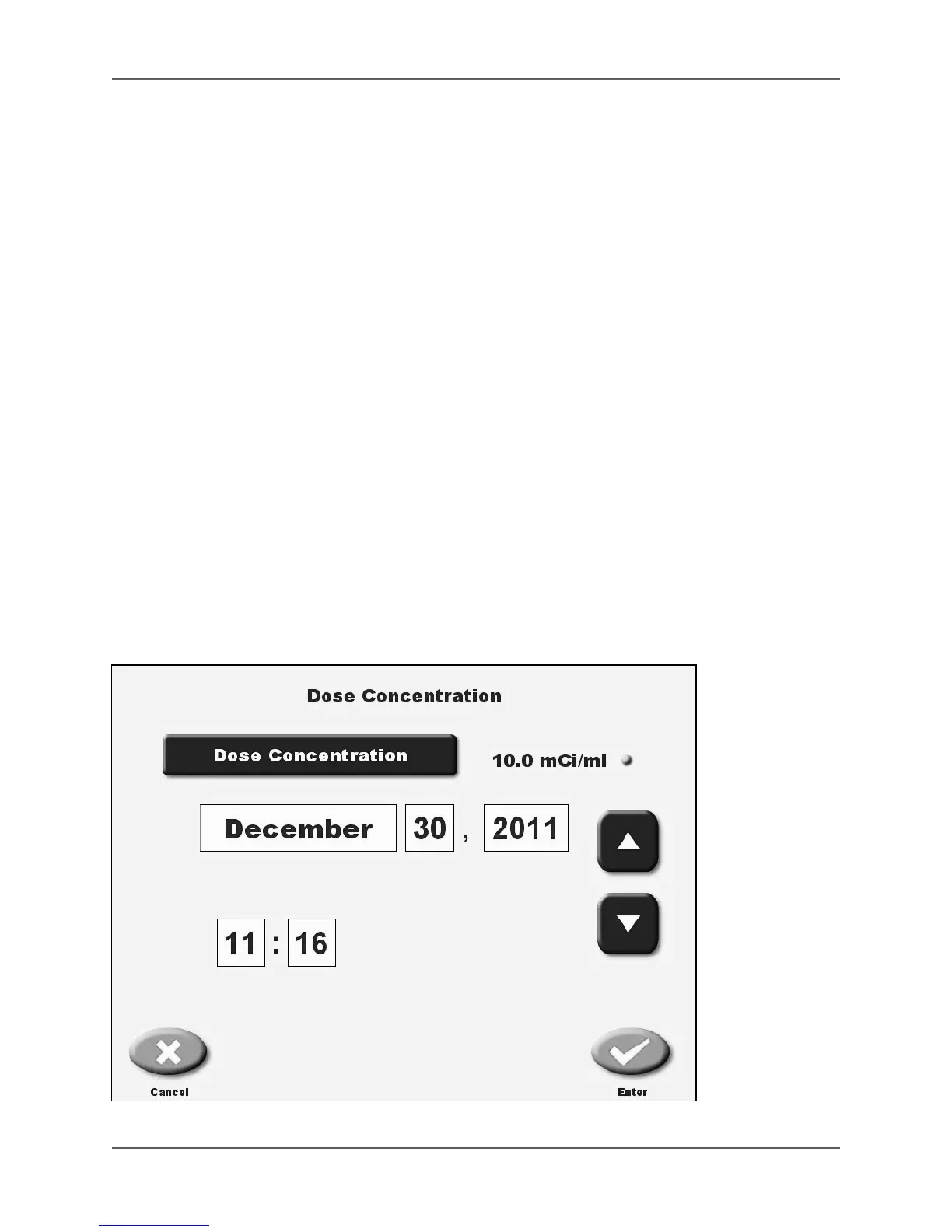
6. Touch <Dose Concentration> to access the dose concentration information screen.
7. Touch <Dose Concentration> and enter the activity/ml in the vial. Touch <Enter> to record
the value and return to the dose concentration screen. Ensure the units of measure are
correct for mCi/ml or µCi/ml, (MBq or GBq).
8. Touch to highlight any of the time/date values and use the <▲> or <▼> keys to scroll until
the desired time/date are displayed.
9. Touch <Enter> to record the information. The system returns to the Future Dose Calculation
screen.
10. At the dose calculation screen, touch <Dose Ordered> and use the numeric keypad to
enter the desired activity of the dose at the time it is to be administered.
11. Enter the dose administration time by touching to highlight any of the time/date values.
Use the <▲> or <▼> keys to scroll until the desired time/date are displayed. (If desired, time can
be entered using the touch pad numbers.) Touch <Enter> on the keypad to record the changes.
Both hours and minutes must be entered.
12. If necessary, touch the unit of measure to toggle between mCi and µCi measurement units.
13. Once both the time and Dose Ordered have been entered, the system calculates the activity
and volume required now for the Dose Ordered at the future dose administration time.
14. Place the drawn dose into the detector to confirm the activity drawn in the syringe.
15. Touch <Print Labels> to generate a label if a label printer is connected.
NOTE: If drawing additional doses, enter the administration time and dose ordered for
another dose and the system calculates the requirements for that dose.
Figure 5.49. The Dose Concentration Information screen.



 To Next Page