!
58 ATOMLAB 500 DOSE CALIBRATOR
10. Touch <Cancel> if you have changed a dial setting and do not want to save the change. The
system returns to the Change Dial Values screen.
11. If desired, touch <Restore Factory Dial Values> and then touch <Yes> to revert to the
factory defaults, or touch <No> to cancel restoring the factory defaults.
• Touch <Print> to print out the updated Routine Isotope List.
• Touch <Enter> to return to the Isotope List screen with the new entry selected.
• Touch <Cancel> to return to the Isotope List screen without making a new selection.
NOTE: After restoring factory dial values, scroll the Isotope List and verify that no new dial
values are listed.
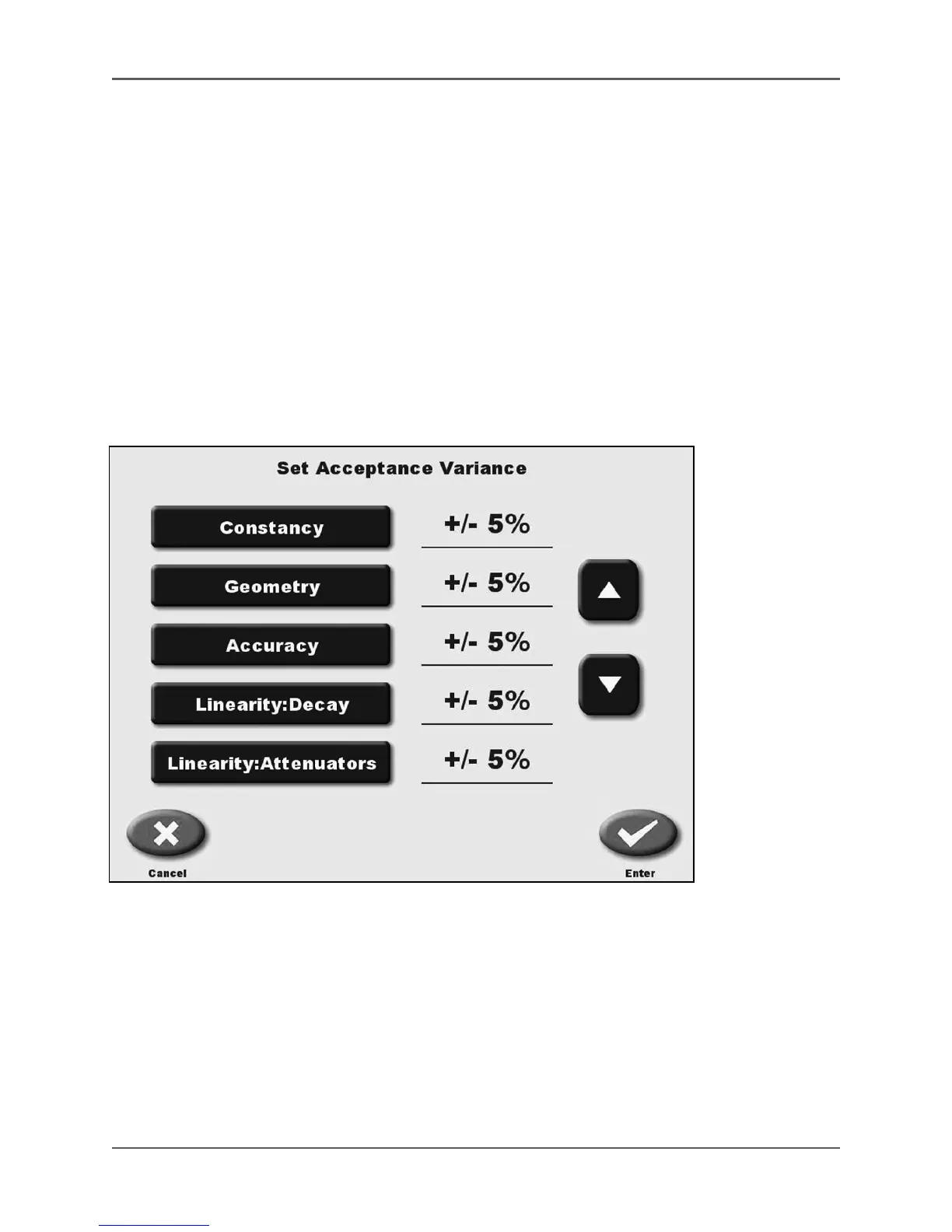
Set Acceptance Variance
(See Figure 4.18.)
Figure 4.18. The Set Acceptance Variance screen.
Set acceptance variance is used to program allowable variances for each of the Individual QA tests.



 To Next Page