!
40 ATOMLAB 500 DOSE CALIBRATOR
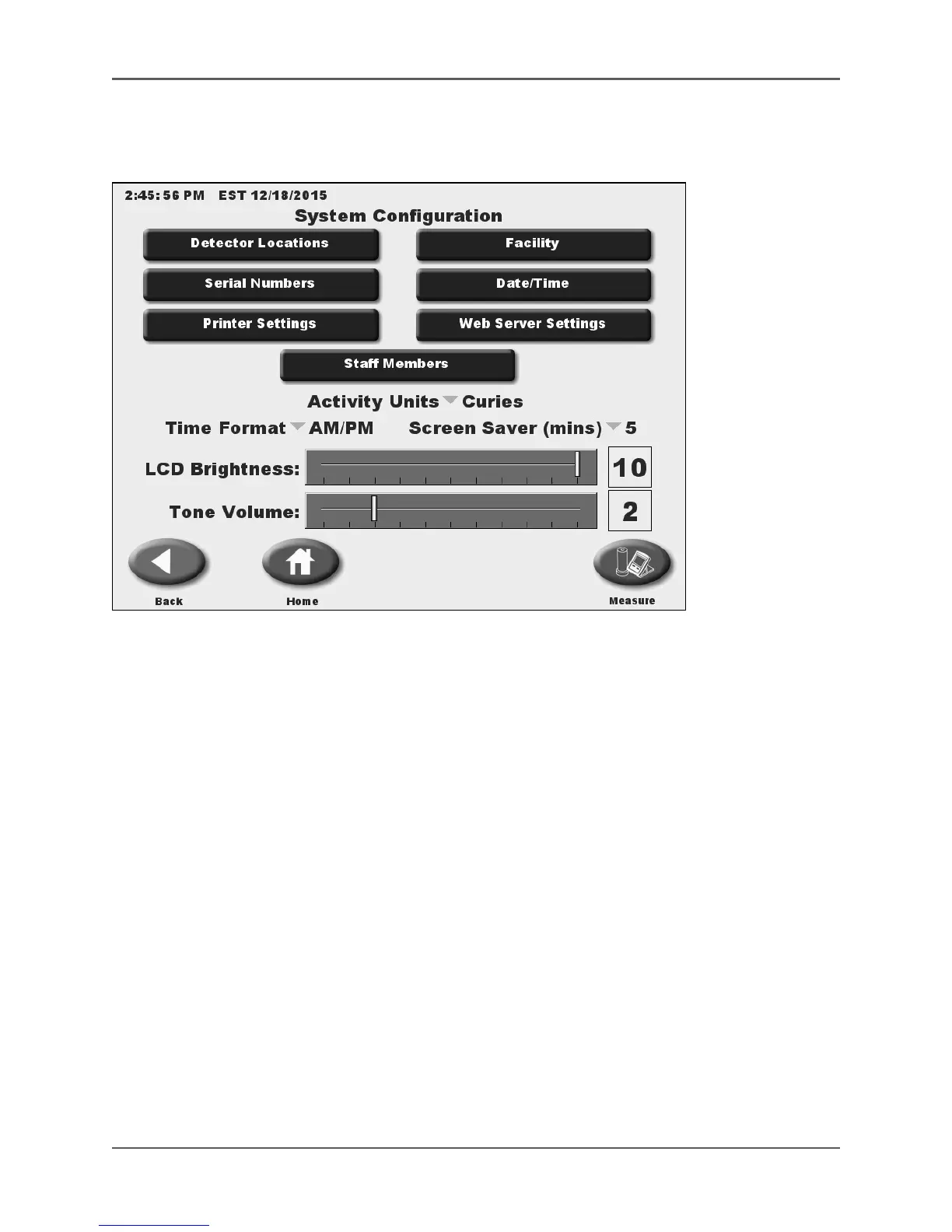
System Configuration
(See Figure 4.2.)
Figure 4.2. The System Configuration Menu.
The System Configuration options allow the user to enter or customize various system-wide
Parameters. Any changes made to the configuration settings are permanently saved when exiting
the Configuration screen.
Touch <System Configuration> on the Utilities menu to access the System Configuration screen.



 To Next Page