!
Biodex Medical Systems, Inc. © 2016 83
3. Touch and hold your finger on the calibration target to begin the four-part calibration
alignment. Then touch and hold your finger over the target as it moves to each corner of
the screen.
NOTE: If you do not touch the calibration target within 15 seconds, the Calibration screen
will time out and return to the System Maintenance screen.
4. Select <accept> to save the new calibration and return to the System Maintenance screen, or
touch <Cancel> to return to the System Maintenance screen without making changes.
NOTE: If you do not touch the calibration target within 15 seconds, or do not accept or cancel a
new calibration within 90 seconds, the Calibration screen will time out and return to the System
Maintenance screen.
Updating The System Firmware
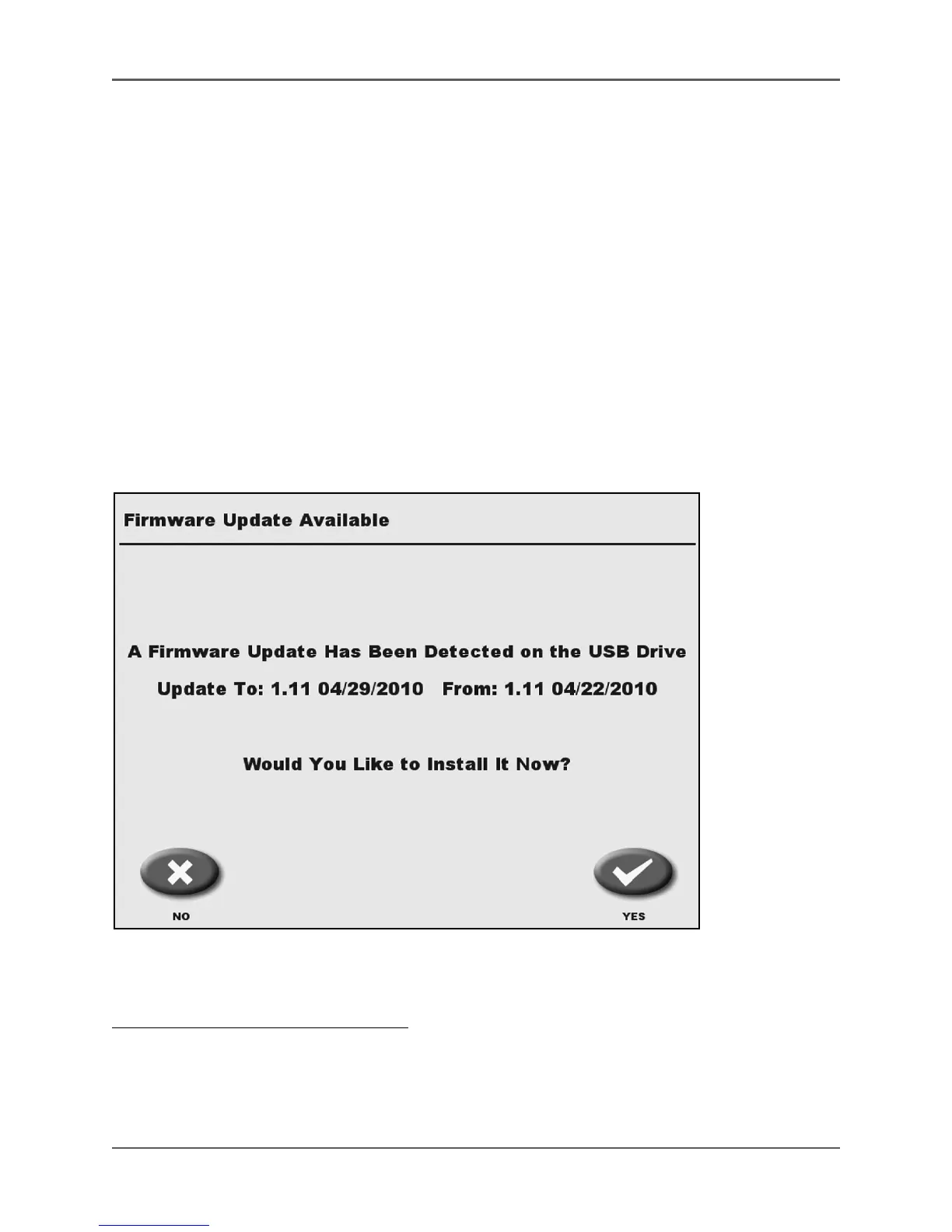
Figure 4.42. The Firmware Update Available screen.
The Atomlab 500 system is easy to update should new firmware be required.
To Update The Atomlab 500 Firmware:
1. At the Home screen or Measure screen, place the new firmware thumb drive into one of the
USB ports on the back of the display.
2. The system will automatically search the inserted thumb drive and then display both the new
and old firmware versions on the Firmware Update Available screen.



 To Next Page