!
80 ATOMLAB 500 DOSE CALIBRATOR
To view the Detector Status screen, from the System Maintenance screen touch <Detector Status>.
If a printed Detector Status report is required, touch <Print> to print the Detector Status screen.
Touch <Home> to return to the System Home page, or <Back> to return to the System Maintenance
screen.
NOTE: The gas pressure measurement is 150 kPa gauge. The system displays the kPa absolute
pressure which adds atmospheric pressure to the gauge pressure. The absolute kPa pressure is
approximately 250 kPa absolute at 20° C. This means the dose calibrator detector is exempt from
hazardous materials shipping requirements.
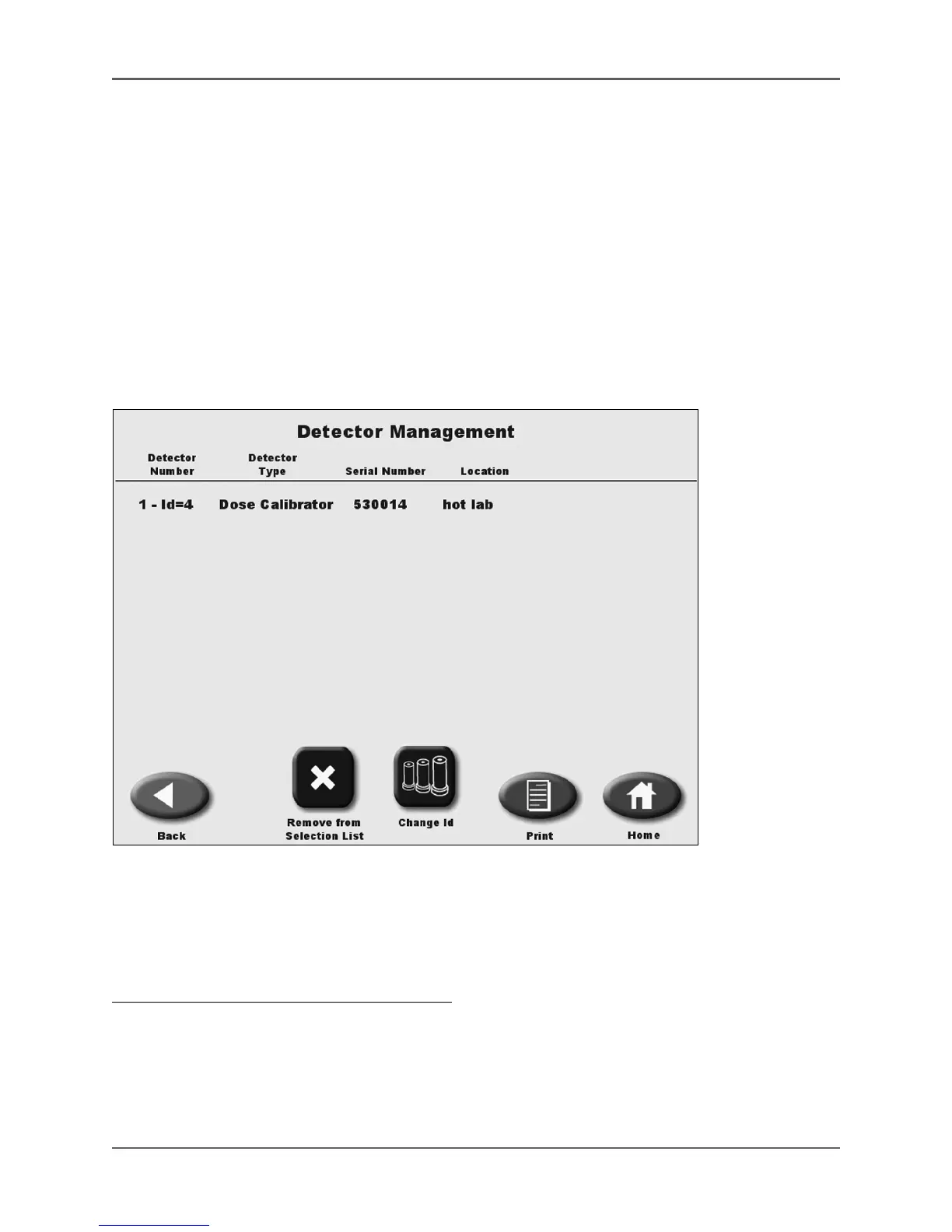
Detector Management
(See Figure 4.39.)
Figure 4.39. The Detector Management screen.
Detector Management allows the user to remove detectors from the selections list and change
detector ID numbers.
To Access The Detector Management screen:
1. On the System Maintenance screen, touch <Detector Management>.
2. Enter your password and touch <Enter>. The Detector Management screen is displayed with
detector I.D. numbers, detector types, serial numbers and detector locations. The <Remove
From Selection List> button toggles with an <Add to Selections List> button on the Detector
Management screen.



 To Next Page