!
64 ATOMLAB 500 DOSE CALIBRATOR
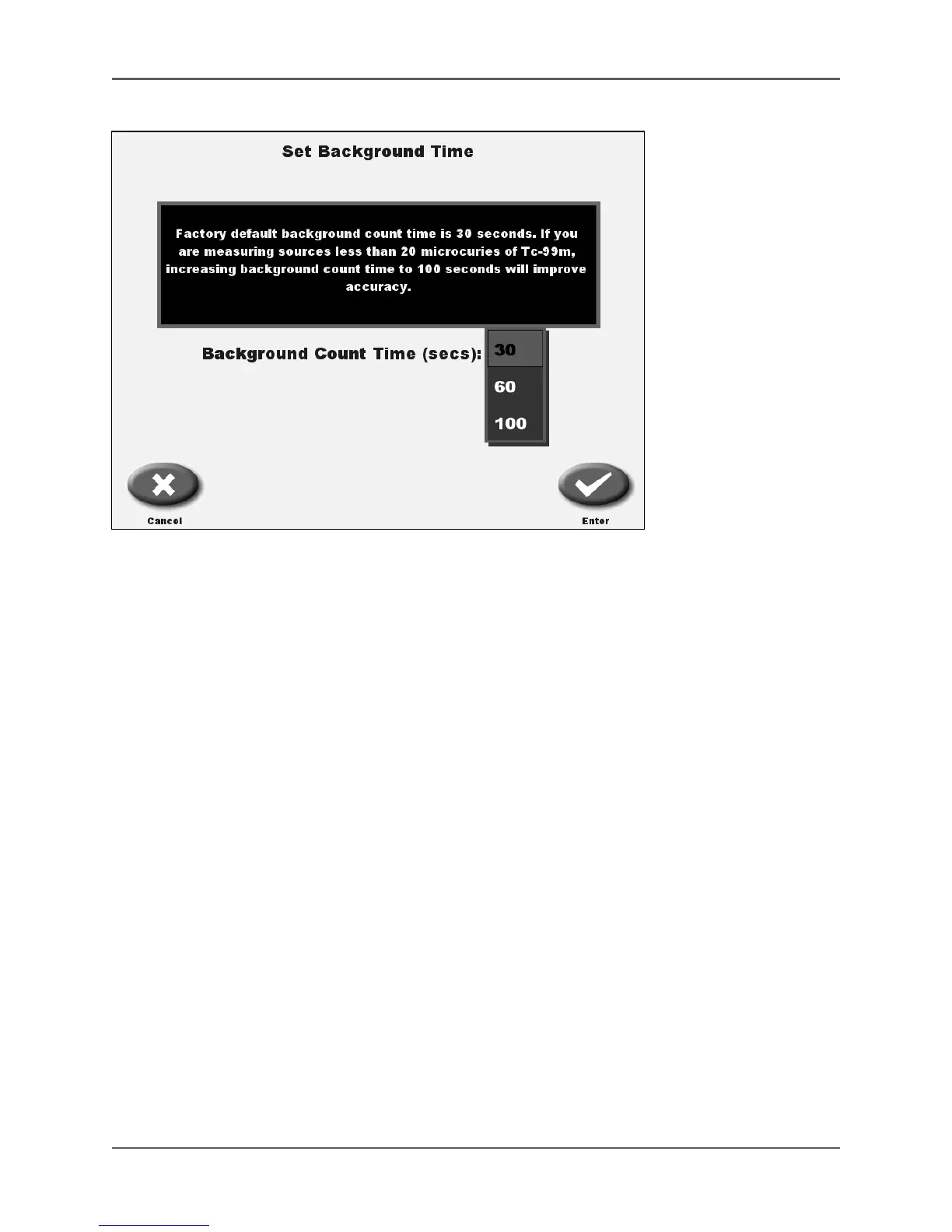
Figure 4.23. Set Background Time.
4. You will now have to enter the system’s password to proceed.
5. Set Background Time screen is now displayed. The center of the screen displays the
current Background Time in seconds (30, 60 or 100). By selecting the current setting a
pull down menu is displayed and you can choose a new background counting time. Then
select <Enter>.
NOTE: The factory default background count time is 30 seconds. If you are measuring
sources less than 20 µCi of Tc-99m, increasing background count time to 100 seconds
will improve accuracy.
6. Select <Enter> to return to the Dose Calibration Configuration screen. The background
counting time is now changed. Select <Home> to return to the Home screen.
!



 To Next Page