!
Biodex Medical Systems, Inc. © 2016 119
6. If you have deleted any samples from inventory and touch<Cancel> to exit the inventory Kit
list and return to the Nuclear Pharmacy screen, a confirmation prompt will be displayed
asking if you want to lose the changes made. Touch <Yes> to discard the changes, or <No>
to keep the changes and remove the items from inventory. The system now returns to the
Nuclear Pharmacy screen.
7. If you exit the inventory sample screen after deleting samples from inventory, the system
returns directly to the Nuclear Pharmacy screen with those samples deleted from inventory.
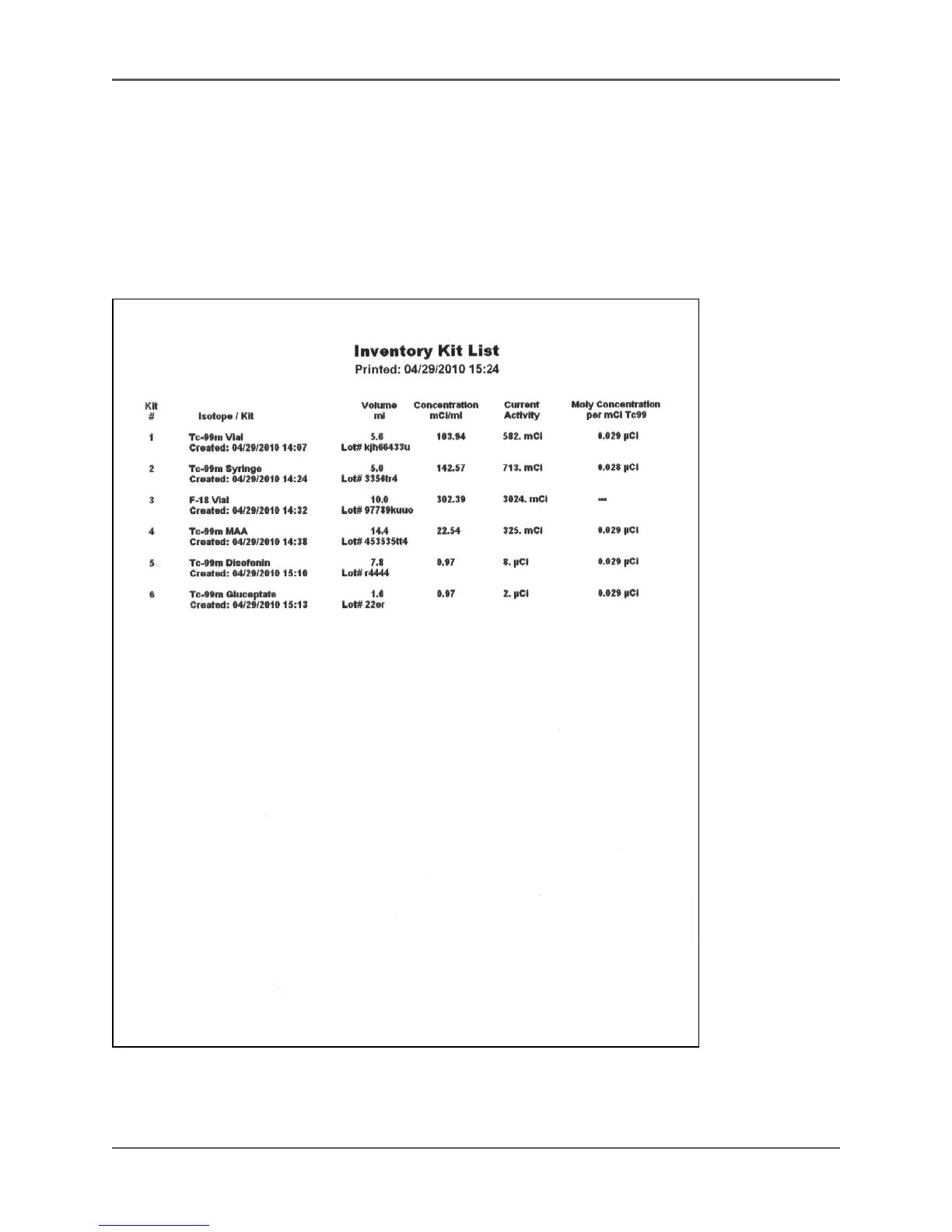
Figure 5.43. The Inventory Kit List printout.



 To Next Page