!
Biodex Medical Systems, Inc. © 2016 147
To Change Dates Viewed:
1. Use <Earlier Date> and <Later Date> to toggle between dates.
To Print The Expanded Constancy Data:
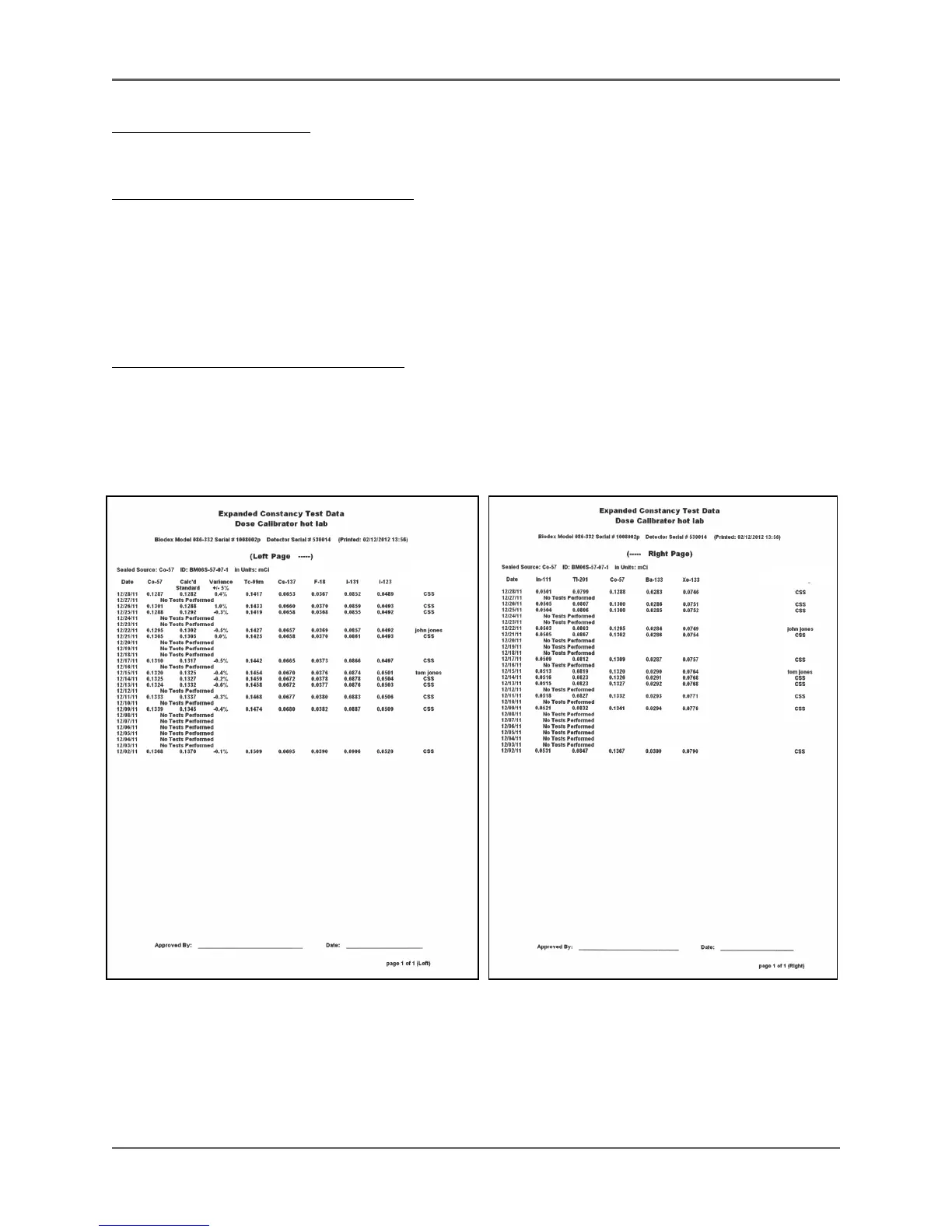
1. Touch <Print> and then enter or select the date range required. the report may be up to
three pages wide, depending on the number of isotopes listed for expanded constancy. The
pages are labeled “left” and “right” as necessary.
NOTE: The arrow at the right of the screen advances to page two or
page three data.
To Print The Expanded Constancy Plot:
1. Touch <Print> to print the expanded constancy plot displayed.
2. To view activity plots, touch <Activity Plots>. The Constancy Activity Plots screen, with the
sealed source activity, prints the activity plots for the time frame displayed. It only prints
the plot for the constancy source and the data for that source.!
Figures 6.17. The Expanded Constancy Test data printout.



 To Next Page