!
Biodex Medical Systems, Inc. © 2016 33
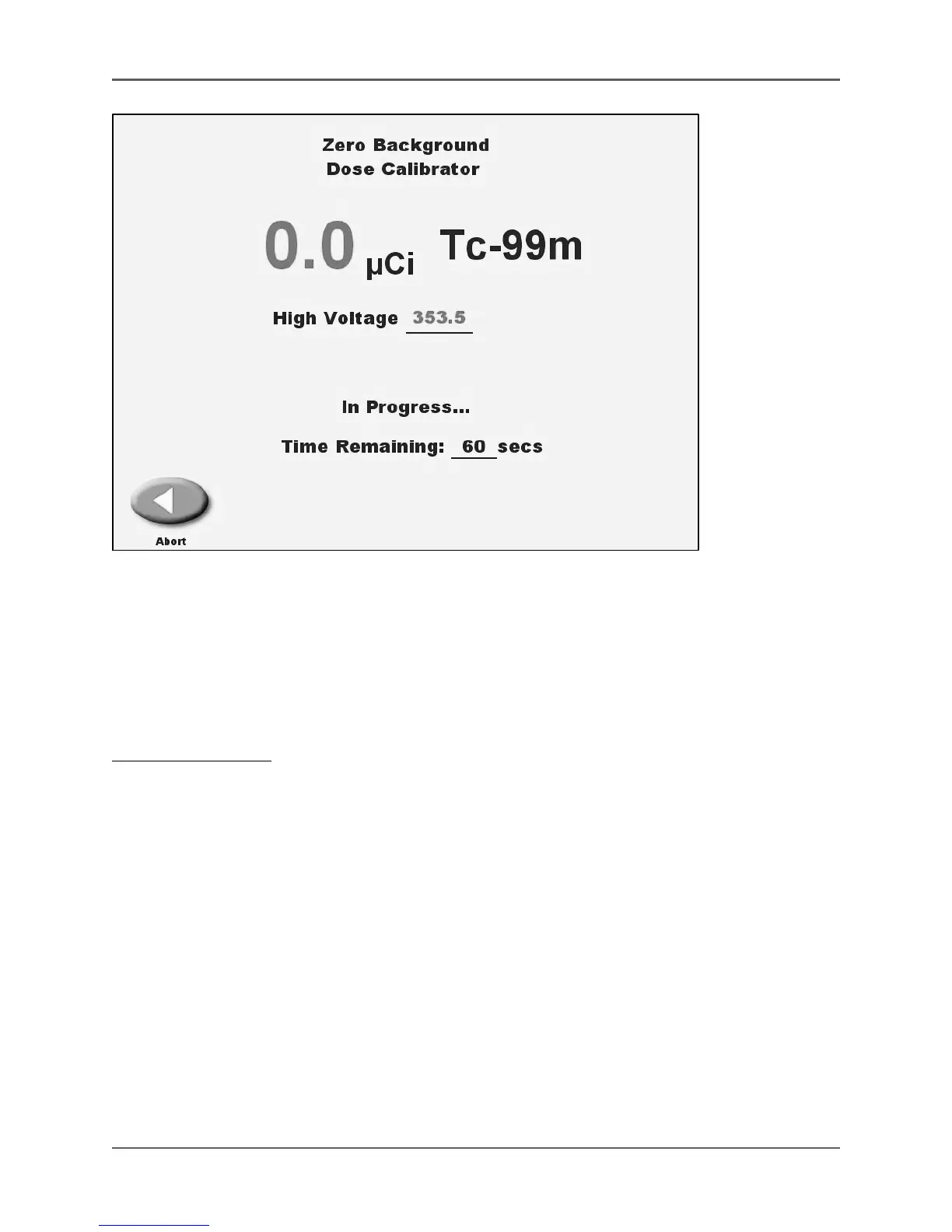
Figure 3.7. A Zero Background count in progress.
The Zero Background feature is used to zero the background reading before performing a
measurement. The Zero Background screen is accessed by simply pressing <Zero Background> on
the display. The isotope displayed is always the last one selected, or Tc-99m if no isotope has been
selected. Measurement units default to the last selected (curies or Becquerels,) or to curies if no
measurement units have been selected.
To Zero Background:
1. Ensure that no isotopes are in or near the detector.
2. Touch the <Zero Background> icon. The Zero Background screen is displayed showing the
current isotope activity.
3. Touch the <Zero Background> prompt. The message “in progress… time remaining XXX
seconds” is displayed with the time counting down to zero from the point the isotope was
actually removed.
4. When the countdown is completed, the system always returns to the screen from which <Zero
Background> was selected.
NOTE: If there has been no change in activity within the detector for more than 100 seconds,
the system will quickly zero the background when <Zero Background> is selected.



 To Next Page