!
Biodex Medical Systems, Inc. © 2016 99
7. Place the isotope in the detector and allow the reading to settle. Current Activity displayed
on the screen is a live reading. The current activity is displayed in red.
8. Touch <Record Reading> to enter the activity of the sample. The time and date are now
displayed to the right of the activity reading. From this point forward, the current sample
activity is based on half-life. The concentration displayed is based on the current sample
activity and the volume entered. Both the current sample activity and concentration are
continually updated for the sample based on the isotope’s half-life.
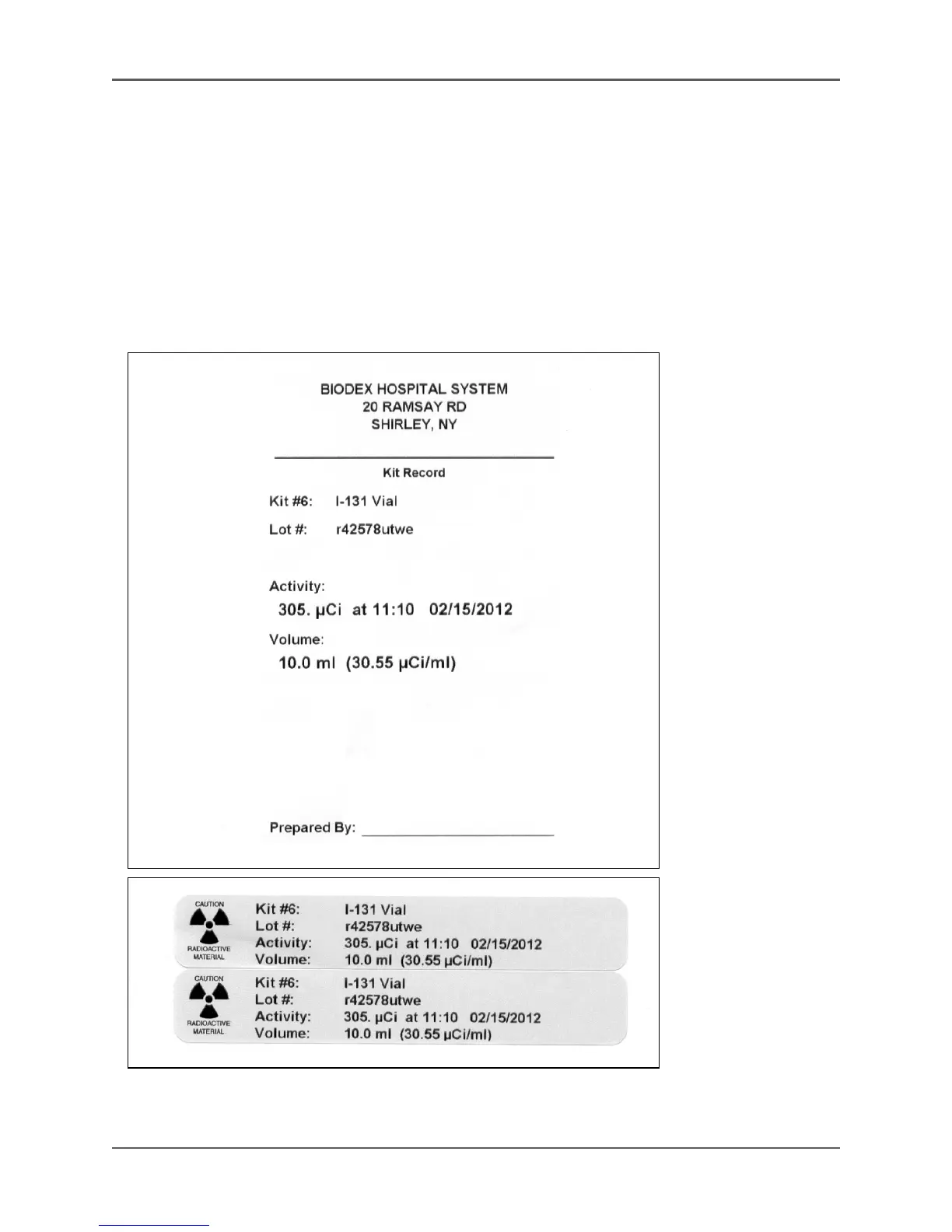
NOTE: Press <Print Label> if a label is desired. To save, touch <Save Data>. Press <OK> to
confirm and return to the Nuclear Pharmacy screen.
Figure 5.21. Kit labels without Moly.



 To Next Page