P1 Patient Monitor User’s Manual
1-11
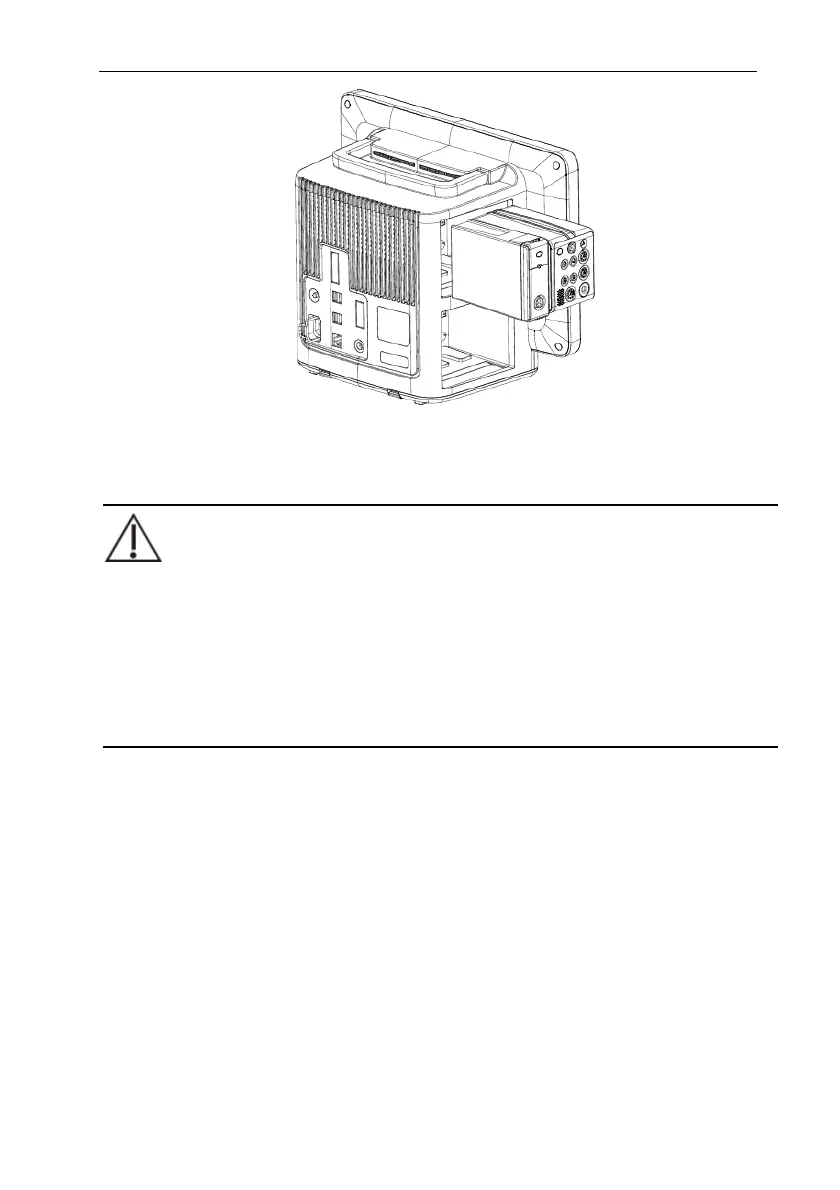
To remove the P1 from the External parameter module slots of the host monitor, lift
the latch (refer to 1.5.1.4 Bottom View) at the bottom of the P1 and pull the P1 out.
CAUTION:
To prevent the P1 from falling out, after inserting the P1 into the External
parameter module slots of host monitor, always check that the P1 properly
engaged the External parameter module slots.
To prevent the P1 from falling, catch it with another hand while pulling it out
from the External parameter module slots.
1.8.2. Connecting the P1 to the Host Monitor through the Auxiliary module
slots
To connect the P1 to the host monitor through auxiliary module slots, follow these
steps:
1. Connect the auxiliary module slots to the host monitor.
2. Insert the P1 to the auxiliary module slots. A click is heard when the P1 is
pushed into place.
3. To ensure that P1 is properly connected, try to pull P1 outward. The P1 has
properly engaged the auxiliary module slots if it cannot be pulled out.



 To Next Page