P1 Patient Monitor User’s Manual
1-12
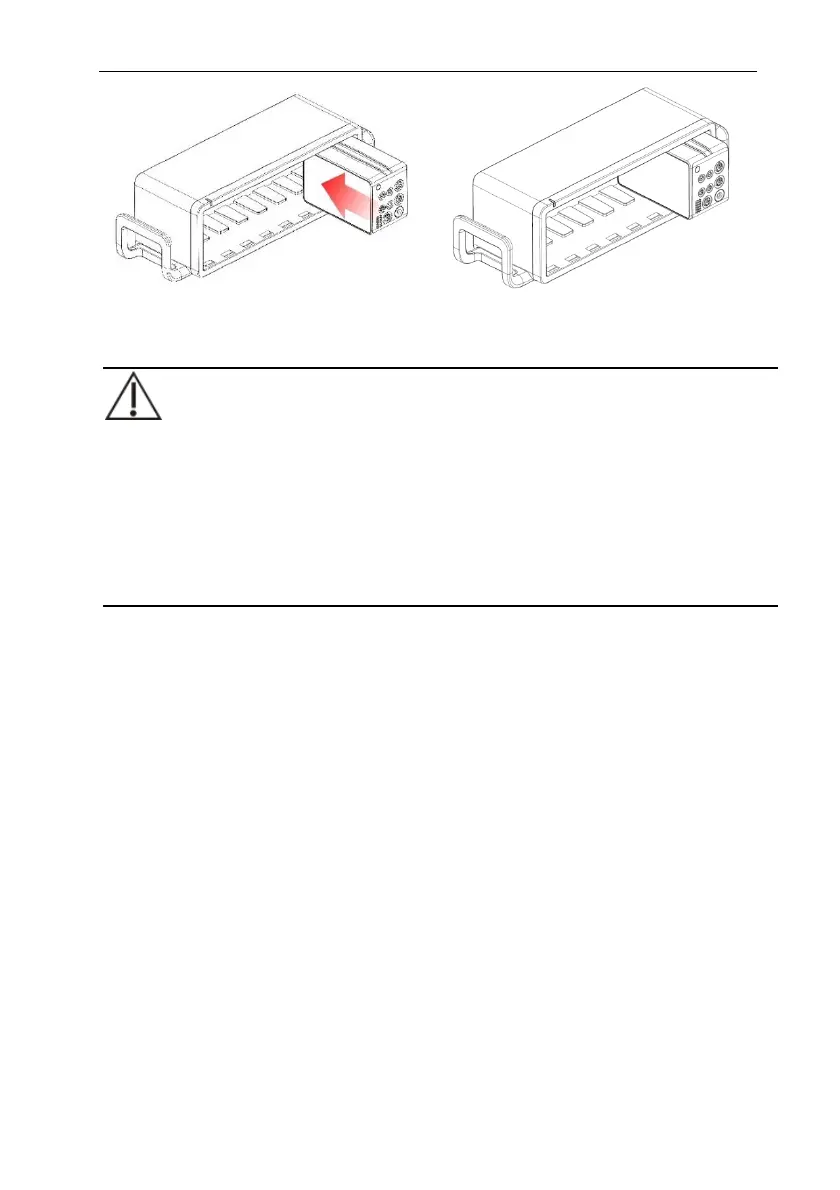
To remove the P1 from the auxiliary module slots, lift the latch (refer to 1.5.1.4
Bottom View) at the bottom of the P1 and pull the P1 out.
CAUTION:
To prevent the P1 from falling out, after inserting the P1 into the auxiliary
module slots, always check that the P1 properly engaged the auxiliary module
slots.
To prevent the P1 from falling, catch it with another hand while pulling it out
from the auxiliary module slots.
1.9. Input Device
The monitor allows data entry through touch screen, keyboard, mouse and barcode
reader.
1.10. Printing Device
You can output patient information and data use only network printer.
1.11. Screen Display
The monitor adopts a display screen of high-resolution TFT LCD. Measurement
parameters, waveforms, patient information, alarm area and menu can be displayed on the
screen. Standard screen is shown as follows:



 To Next Page