P1 Patient Monitor User’s Manual
3-6
3.3.2. Using the Mouse
The monitor supports the mouse with USB connector, the mouse can be plugged and
unplugged.You can use the mouse to select a screen element by moving the cursor on the
element and then click on it.
3.3.3. Using the Barcode scanner
The monitor supports the barcode scanner to input patient’s medical record number
or registration number, and connects to the monitor through USB interface
3.3.4. Using the On-Screen Keyboard
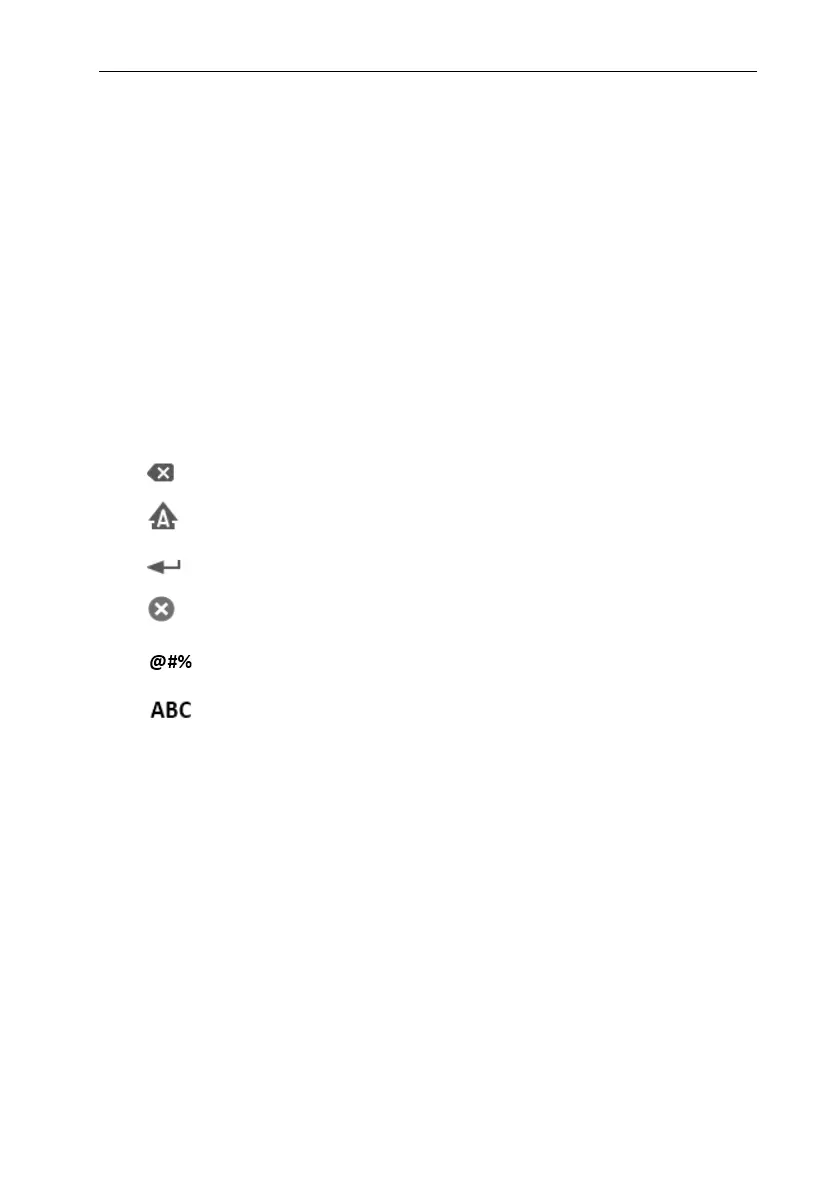
The on-screen keyboard enables you to enter information:
Use the key to delete the previous character.
Use the key to toggle between uppercase and lowercase letters.
Use the key to confirm what you have entered and close the onscreen keyboard.
Use the key to clear the entered character
Use the key to access the symbol keyboard.
Use the key to return to alphabetic keyboard.
3.4. General Settings
This chapter only introduces the general settings. For the setting of parameters and
other functions, please refer to the corresponding chapter.
3.4.1. Language Settings
1. Select【Main Menu】from【System】column to select【Maintenance】
enter the maintenance password.
2.
Select
【
Other
】
submenu.
3. Select【Language】and then select the desired language.
4. Restart the patient monitor.



 To Next Page