info@biopac.com
support@biopac.com
www.biopac.com
BIOPAC Hardware | STIMULATORS MP3X | Page 4 - 9 Updated: 2.27.2013
Calibration
The “Reference Output” signal from the BSLSTM must be calibrated to ensure accurate
results.
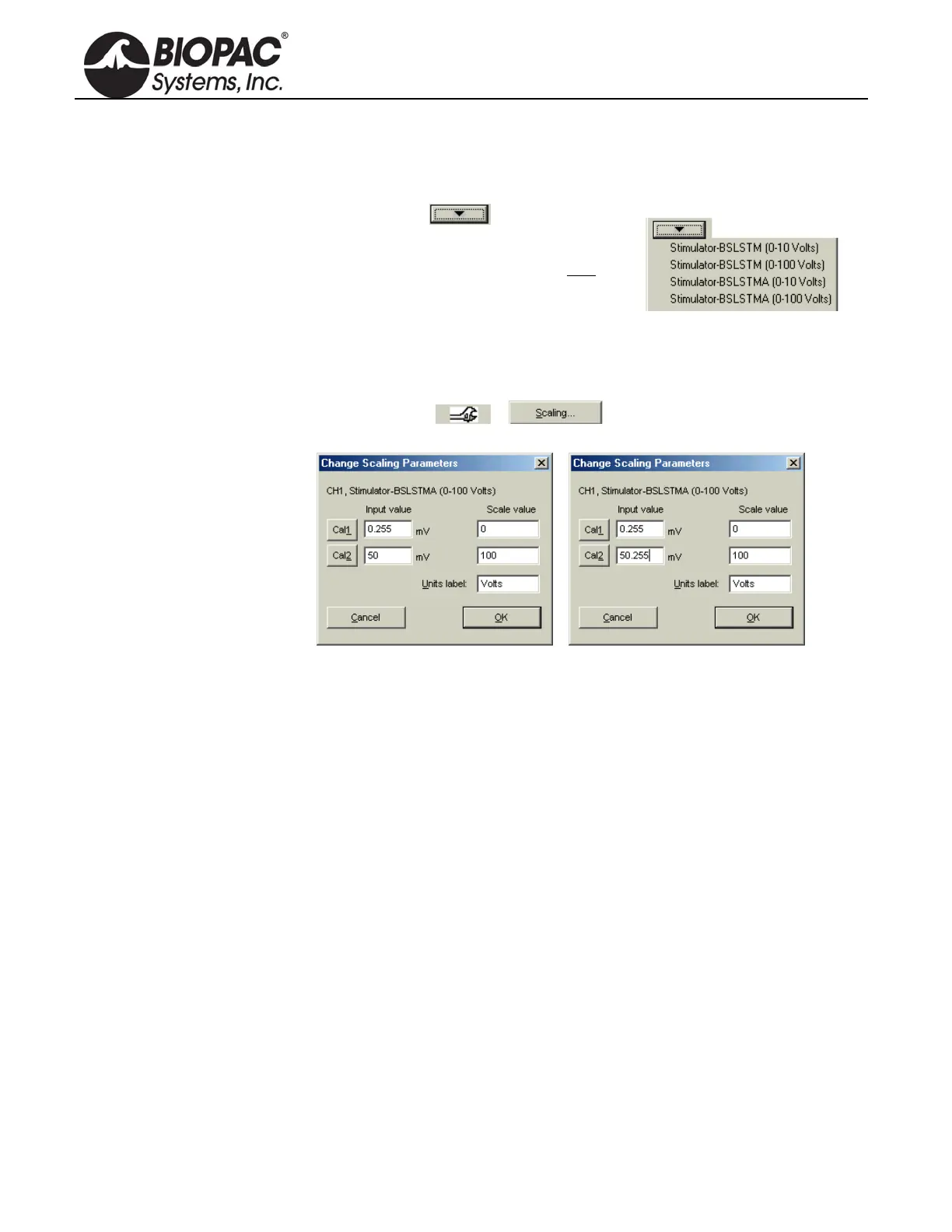
1. Choose the correct
Preset (via MP3X
menu > Setup Channels).
For example, if using the BSLSTMA/B,
don’t choose a “BSLSTM...” Preset. Also,
make sure the Preset matches the Voltage
Range that will be used (0-10V, or 0-100V).
2. With stimulator connected and ON, turn the Level control counter-clockwise
until the display reads 0 (or as close to 0 as possible).
3. Get into the Scaling window for the Reference Output channel (via MP3X menu
> Setup Channels >
> ).
4. Press the Cal1 button to get the signal representing 0V out of the stimulator.
5. Add the Input value found with Cal1 to the Input Value displayed for Cal2.
For example, if “Cal1” is pressed and provides an Input Value of .255 mV,
add the number .255 mV to the existing 50 mV and manually enter the total
value of 50.255 mV for Cal2 Input Value.
Note: Even if the Cal1 Input Value is negative, it must still be “added” to the
number for Cal2 (which essentially subtracts it) to arrive at the proper value.
6. Click OK to close out of the Scaling window and then close out of the Setup
Channel window. The system is now ready to record.
7. Optional: Save the setup as a Graph Template to save these new scale settings.
As long as neither the MP3X nor stimulator changes, the calibration should not
need to be repeated.


 To Next Page