info@biopac.com
support@biopac.com
www.biopac.com
BIOPAC Hardware | MP36/35/45 | Page 4 - 11 Updated: 12.23.2013
To sync several MP systems together, so that one external trigger can start all the MP systems
simultaneously:
1. Connect all the MP systems grounds together.
2. Connect all the MP systems external trigger inputs together.
3. Place a switch between any MP system external trigger input and ground.
When the switch is pressed, all the MP systems that are connected together will be triggered
simultaneously.
DC Input (MP36/35 only)
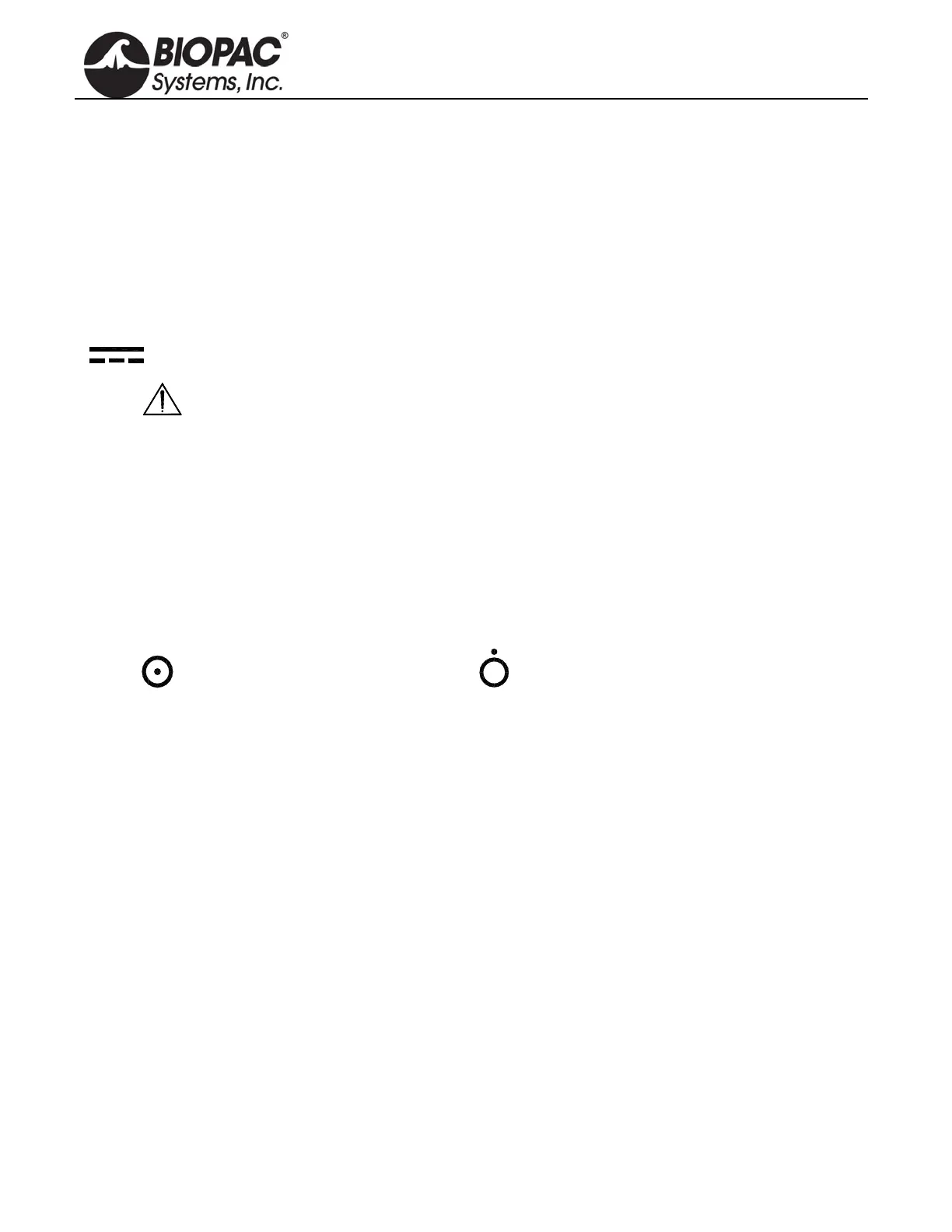
Use the DC Input to connect a battery, AC/DC converter or other power supply to the MP36/35.
The power supply requirements for the MP36/35 are 12 VDC @ 1 Amp. Only use the AC300A
power adapter with the MP36/35. The AC300A is a 12 VDC @ 1.25 Amp power supply adapter that can
connect to any mains rated as 100-250 VAC @ 50/60Hz, 40VA.
The receptacle is configured to accept a “+” (positive) input in the center of the connector and a “-”
(negative) input on the connector housing.
Fuse Holder (MP36/35 only)
The fuse holder contains a fast-blow fuse that helps protect the MP36/35
from shorts on its po
wer, analog, and
digital I/O lines. The MP36/35 uses a 1.0 amp fast-blow fuse.
To remove the fuse, use a screwdriver to remove the fuse cover located below the word Fuse.
Power Switch (MP36/35 only)
ON position — powers up the MP Unit OFF position — cuts the flow of power
Cleaning Procedures
Before cleaning, be sure to unplug the po
wer supply from the MP36/35 or unplug the MP45 USB cable from the
computer. To clean the MP36/35, use a damp, soft cloth. Abrasive cleaners are not recommended as they might
damage the housing. Do not immerse the MP36/35 or any of its components in water (or any other fluid) or
expose to extreme temperatures as this can damage the unit.


 To Next Page