Trigger 53
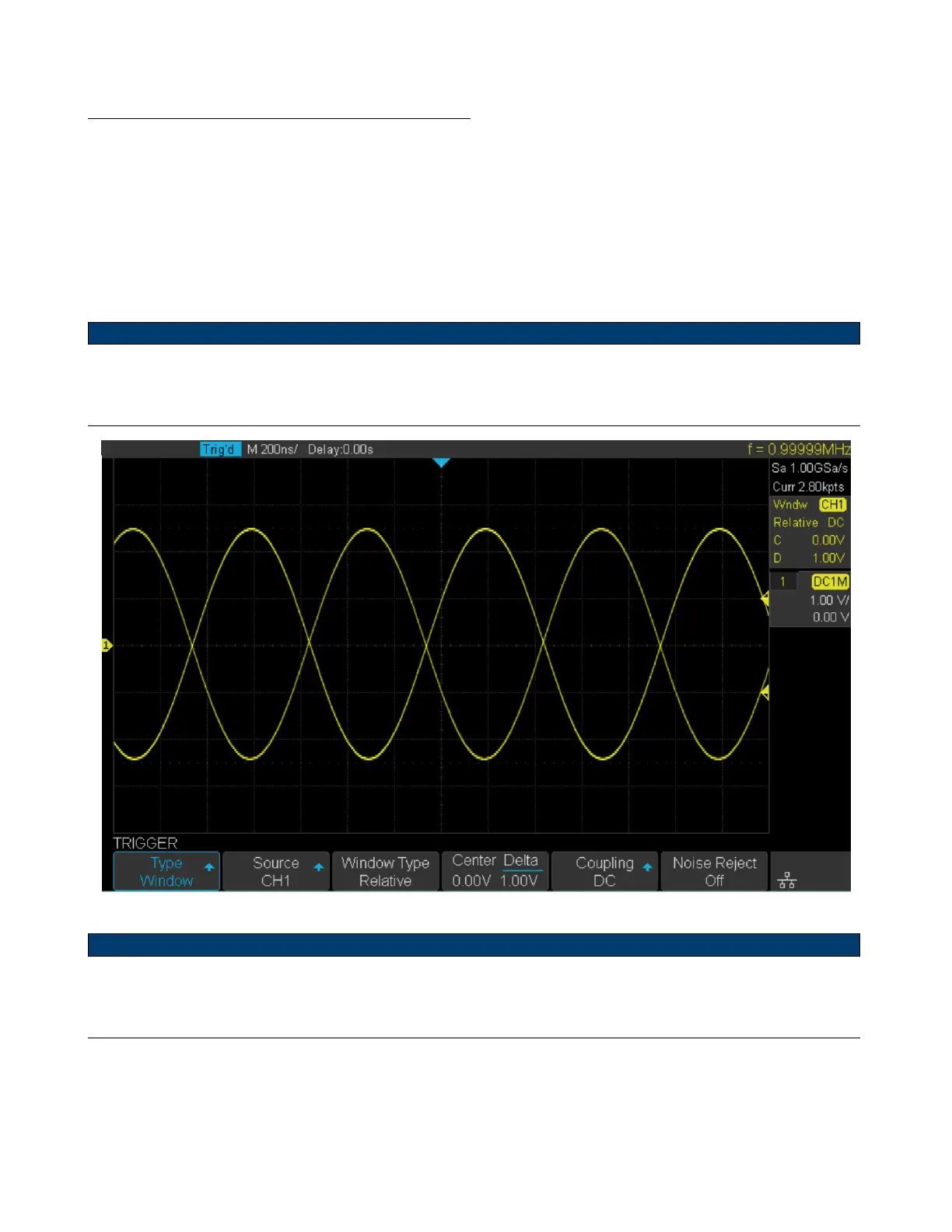
Set Window Trigger Via Relative Window Type
1. Press the Setup key to enter the Trigger menu.
2. Press the Type softkey, then use the Universal Knob to select Window.
3. Press the Source softkey, then use the Universal Knob to select CH1 or CH2 as the trigger source.
4. Press the Window Type softkey to select Relative.
5. Press the Center Delta softkey to select Center or Delta trigger level mode, then use the Universal Knob to adjust
the position.
Note:
In the trigger state message box, C means Center, the center value of the lower and upper trigger levels; D means
Delta, the dierence between the lower (or upper) trigger level and the trigger level center.
Figure 6.18 Relative Window Trigger
Note:
Coupling and noise reject can be set in Window trigger, see the sections Trigger Coupling and Noise Rejection for
details.













 To Next Page