Keying using ATEM Switchers
DVE parameters
Size X Adjusts the horizontal size of the DVE.
Size Y Adjusts the vertical size of the DVE.
Reset DVE Resets the DVE to screen. Useful if you lose track of the DVE during
adjustment.
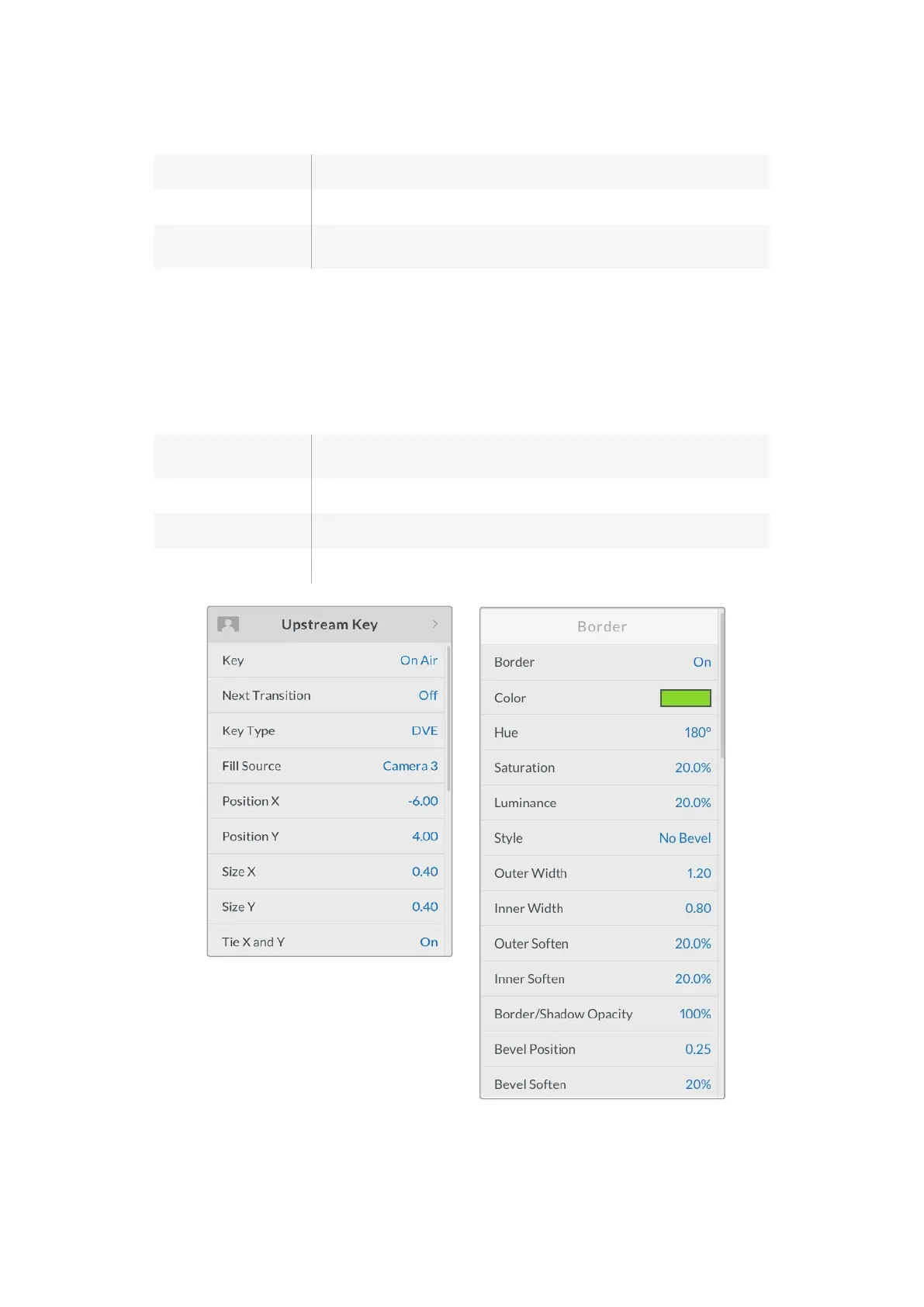
Adding DVE Borders
DVE border styles
The 3D borders used in the upstream keyer has four different style settings. The style settings
adjust the overall look of the border.
No Bevel No bevel - 2D border where the border width, softness and color adjustments
are applicable.
Bevel In Out Bevel in out - 3D border
Bevel In Bevel in - 3D border
Bevel Out Bevel out - 3D border
DVE Key Settings
141










 To Next Page