Using the ATEM Television Studio HD Front Panel
To go back to the master audio level:
1 Press the set button on the right side of the control panel and it will go back to master.
After a few moments, the front panel will automatically switch itself back to master too.
2 Now adjusting the knob will be adjusting the master audio output and the LCD has
master displayed.
Fading the Downstream Key 1
You can trigger the downstream key 1 from the front panel by using the DSK 1 MIX button.
This can be useful when you have a logo or bug and you want to bring it on and off again
regularly. For example you could have a “live” logo that you want to fade on from time to time.
You can set up the logo in the downstream key 1 and then use the DSK 1 MIX button to bring it
on and off air. The duration of the transition when pressing the button will be set in the
downstream key LCD menu, or on a control panel.
You feed a keyer with an input or a media player and this can also be set up in the LCD menus
or on one of the control panels. If your switcher is new, then you can use the software control
panel to load the media pool with some graphic or logos so you have sources to use.
Press the DSK 1 MIX button to fade the downstream key 1 on and off air
Fade to Black
When you start or finish a program, you want to be able to fade to black without worrying about
leaving a logo on the screen by accident. Your ATEM switcher has a lot of powerful features and
lots of layers that you can enable for transitions. What this means is you could have a complex
setup on the switcher with many layers but you really just want a single button to start your
program. This is what the FTB or fade to black button does.
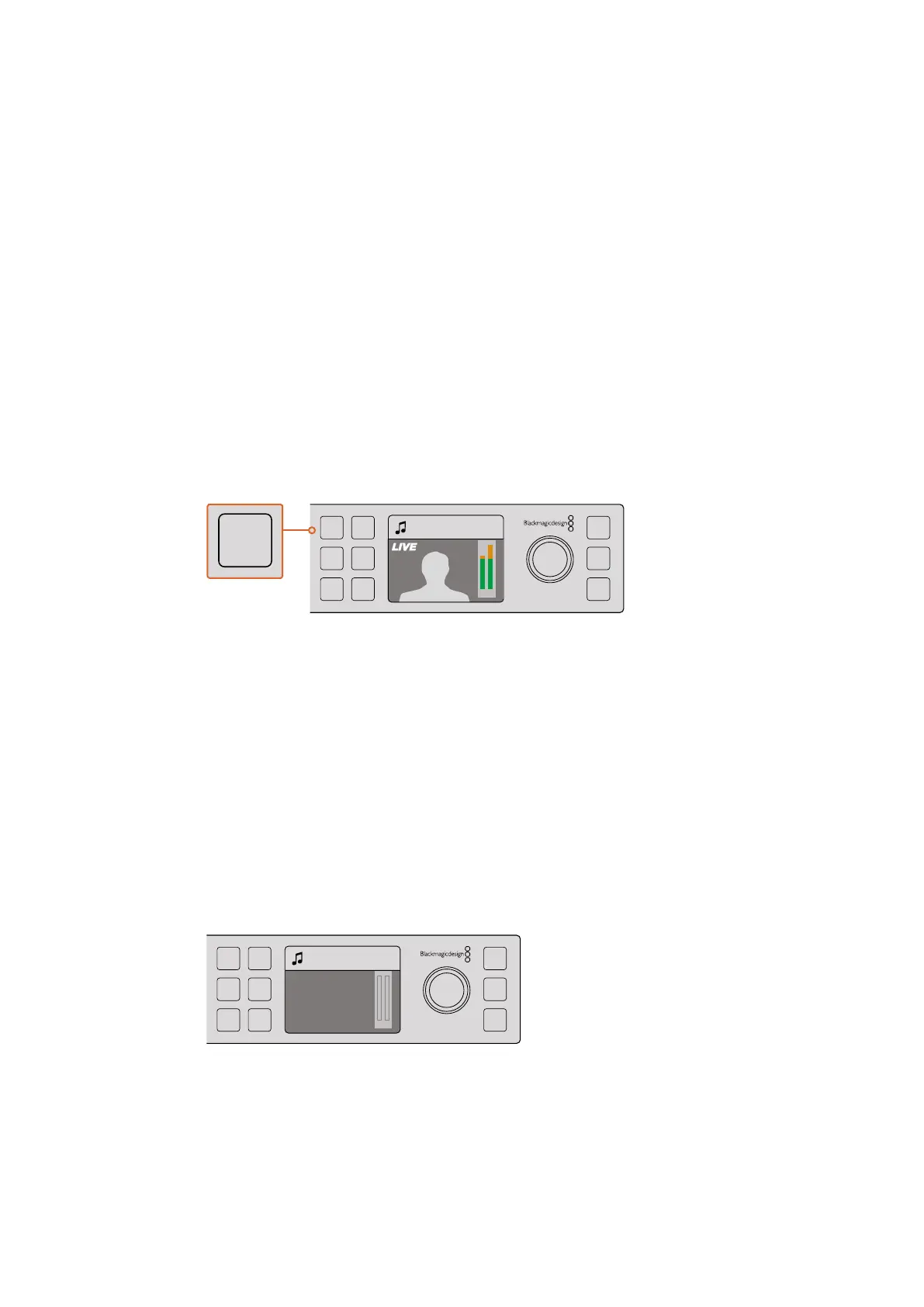
If you press the FTB button, the whole program output of the switcher will fade to black.
Thebutton will flash to indicate to you that it’s active. You can set the duration for the fade
to black transition in the LCD menu or on a software or hardware control panel.
Press the fade to black or FTB button to perform a fade to black on the
whole program output, including any graphics or keyers that may be in use
Camera 4
+2.3dB
AUX
MENU
SET
FTB
MP 2
AUTO
DSK 1
MIX
MP 1
CUT
ON ON ON ON ON ON ON ON
AFV AFV AFV AFV AFV AFV AFV AFV
1 2 876543
Camera 4
+2.3dB
AUX
MENU
SET
FTB
MP 2
AUTO
DSK 1
MIX
MP 1
CUT
ON ON ON ON ON ON ON ON
AFV AFV AFV AFV AFV AFV AFV AFV
1 2 876543
Master
+2.3dB
AUX
MENU
SET
FTB
MP 2
AUTO
DSK 1
MIX
MP 1
CUT
ON ON ON ON ON ON ON ON
AFV AFV AFV AFV AFV AFV AFV AFV
1 2 876543
90










 To Next Page