1 689 989 212 2014-10-31| Robert Bosch GmbH
Preparation for testing | 1 687 010 496 | 19 en
5. Testing
5.1 Switching on the EPS
Warning - danger of injury due to escaping
test oil or flying parts!
If the hydraulic connections for the test
equipment and common rail pump are set
up incorrectly, test oil can escape at high
pressure or components of the test equip-
ment can burst when the test is started. This
can cause injury or material damage.
¶ Before switching on, check that all hoses
on the test equipment and the common
rail pump are properly connected.
¶ Do not open the splash guard until the
EPS drive motor has stopped.
¶ Replace any leaky or faulty hose lines.
1. On the EPS 815, close the shut-off valve (fig. 3 item
8) of the test oil return.
i Required only on test setup without automatic pres-
sure control.
2. Switch on the EPS at the main switch.
3. Select and start the EPS 945 - PE/VE/CR software
(fig. 6) for the CB18test.
The software performs an initialization and the
status displays light up green.
4. Switch on the converter / test oil pump, the lubricat-
ing-oil supply unit, and the test oil heater at the EPS
control unit.
5. Set the inlet pressure to 0.1 bar – 0.2 bar.
6. Switch on controller release for the drive motor at
the EPS control unit.
" The EPS and CRS 845H test set are ready for the
pump test.
Fig. 6: Software EPS 945 - PE/VE/CR
4.3 Electrically connecting the CB 28
Fig. 5: Electrical connection
1 ZME
¶ Connect ZME connecting line 1684462511 or
1684463706 of the EPS using adapter cable
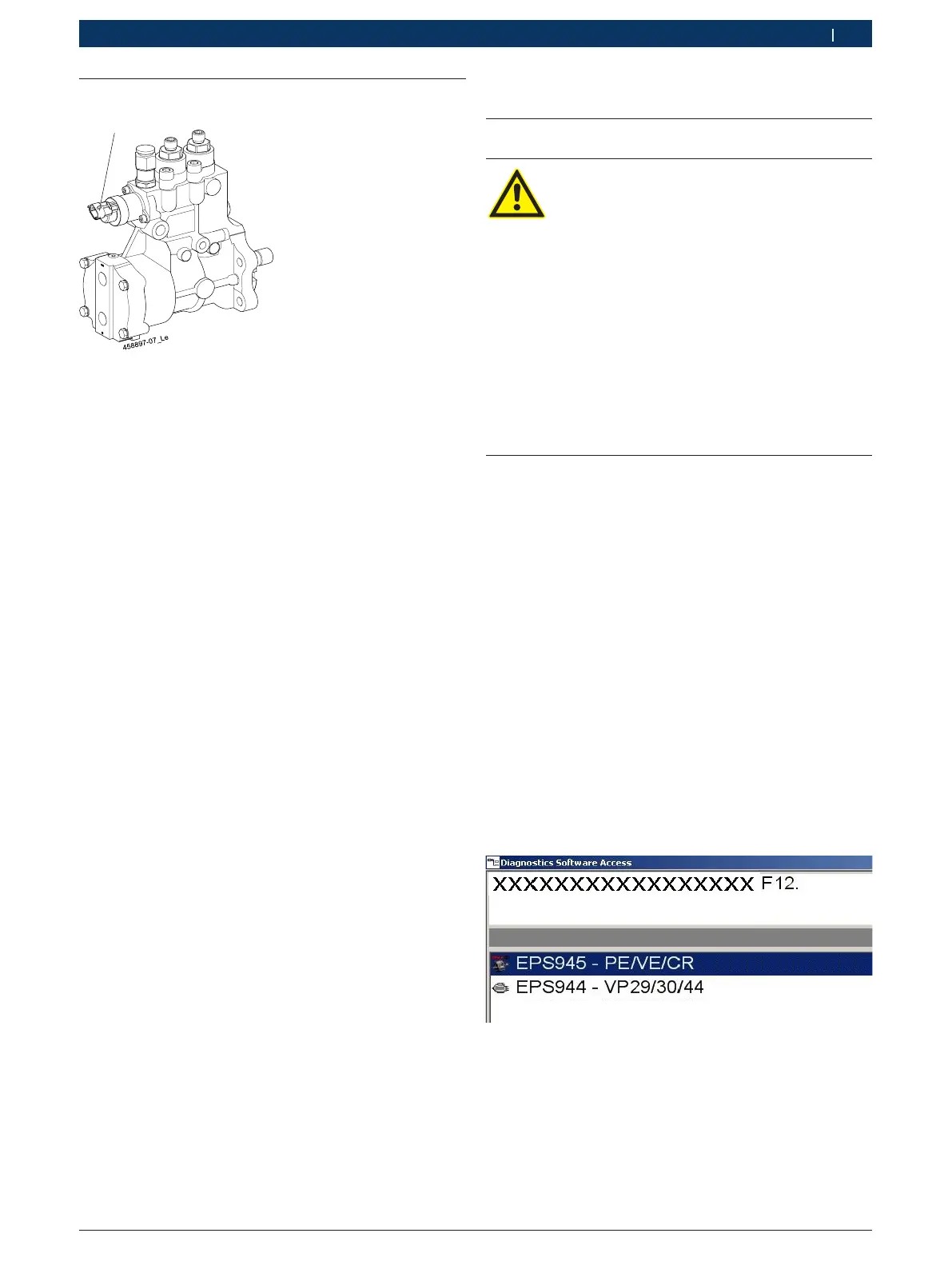
1684460255 to the ZME (fig.5, item1) of the
CB28.



 To Next Page
 Loading...