Oiling System
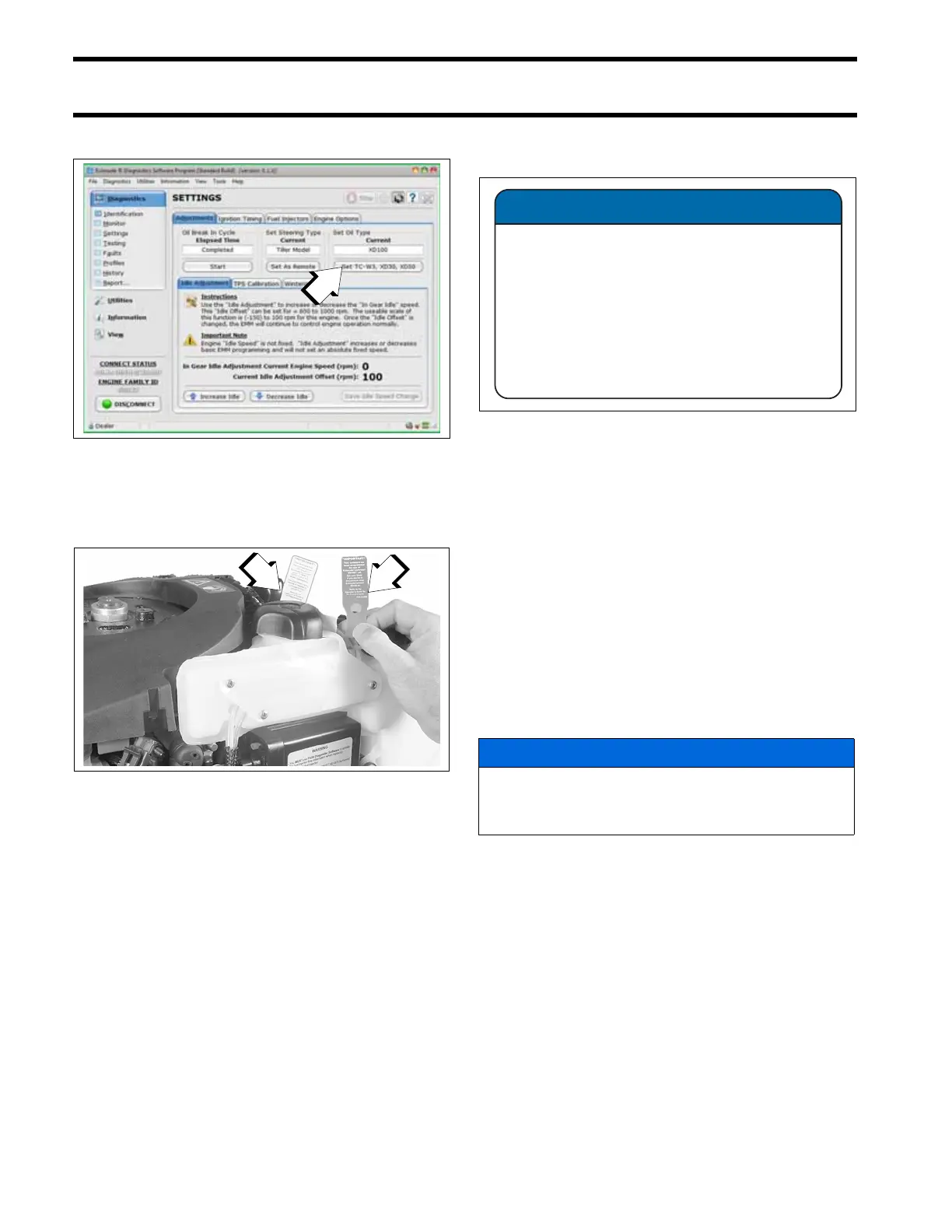
Oil Control Settings
170
• Moderate applications
Powerhead oil programming labels are provided
to identify EMM oil programming. Install the cor-
rect label to alert user to specific oil requirements.
An XD100 Outboard Oil Decal, P/N 352369, is
available to label boats equipped with outboards
that have been programmed for the reduced oil
injection ratio.
Install decals in a highly visible location, such as
one of the following:
• Dashboard/deck of boat, next to key switch
• Deck of boat, next to the remote oil fill
• Deck of boat, next to oil tank assembly
• Oil tank cover
• Cover of oil tank compartment
• Attach to oil tank or oil fill cap.
IMPORTANT: Make sure the engine label and
boat decals match EMM programming.
Break-In Oiling
IMPORTANT: DO NOT add oil in the fuel tank on
Evinrude E-TEC models.
The EMM automatically supplies extra oil to the
engine as follows:
• 40 – 90 HP: First two hours above 2000 RPM
Follow these steps for outboard set-up:
• Use Evinrude Diagnostics software to make
sure the break-in program has been started on
a new outboard.
1. Oil control setting
008580
1. Evinrude/Johnson XD30 outboard lubricant (TC-W3)
YELLOW label
2. Evinrude/Johnson XD100 outboard lubricant (Premium)
BLUE label (Installed)
002507
XD100 Outboard Oil Decal
355627
NOTICE
The operator must monitor the oil tank level
to confirm oil consumption. This may require
several hours of operation above idle.
355627
NOTICE
This outboard has been programmed for
the use of Evinrude
®
/Johnson
®
XD100™
outboard oil ONLY.
Failure to use Evinrude
®
/Johnson
®
XD100™ outboard oil may harm engine
performance and shorten engine life.







 To Next Page